BUG? ES6 import from "Unexpected token import"

Hi,
I'm just learning JavaScript on CodeCademy and I'm confused. Why working only Case 3? This is not ES6. What I make wrong?
fruits.js
const Fruits = {
    fruit: 'apple'
};

//export default Fruits;
//export {Fruits};
module.exports = Fruits;
coctail.js
//import Fruits from './fruits';
//import {Fruits} from './fruits';
const Fruits = require('./fruits');

function cocktail() {
    console.log('Mix banana ' + Fruits.fruit);
}

console.log(Fruits);
console.log(Fruits.fruit);
cocktail();
Case 1

Case 2

Case 3

Version of PHPStorm
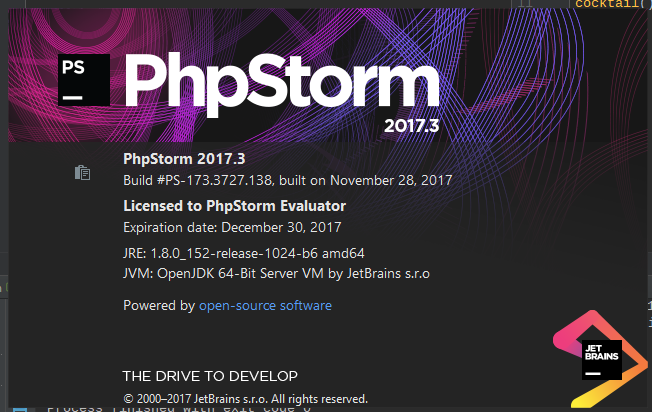
Regards,
Krzysztof Zygmunt
请先登录再写评论。
'import' keyword is a part of ES6 modules syntax. Node.js doesn't provide native support for ES6 modules (basic support is actually available since Node 8.5, but it's a bit limited: ES6 modules should be declared in files .mjs, no CommonJS syntax can be used to export/import, etc. - see https://nodejs.org/api/esm.html#esm_enabling, http://2ality.com/2017/09/native-esm-node.html).
So, you have to compile your code with Babel first. You can run the compiler in command line, or make transpiling a part of your build process (using Gulp, Grunt, WebPack, etc.). Or, you can transpile your code on-the-fly by passing
-r babel-registerto Node.js. Of course, you would still need to have all required modules installed and Babel configured accordinglyAnd, to make things clear: the issue has absolutely nothing to do with PHPStorm, so the information about IDE version being used is irrelevant
More information regarding a possible solution here: https://github.com/stefanwalther/es6-debug-webstorm