Maven not present under Build Tools,Open project from Existing resources

Hi,
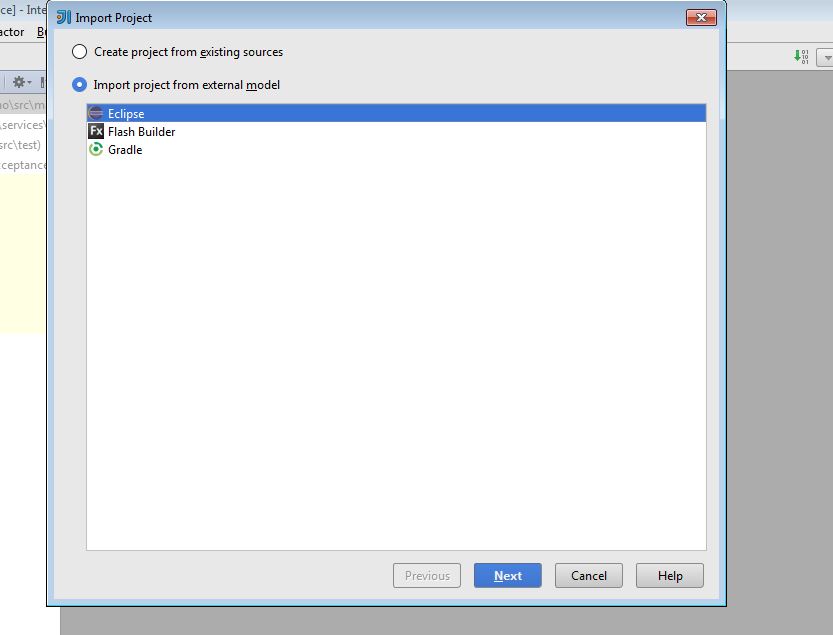
I need to import Maven project and run 'mvn clean install'.Under Settings > Build,Execution,Deployment > Build Tools I do not see Maven installed by default also under New > Project from existing sources.I tried opening pom.xml to import it as Maven but was not able to.Also Under the Plugins I searched for Maven but did not find one.Can anyone please help.
Intellij version:14.1.3.I upgraded top 14.1.5 but issue remains the same.
Thanks,
Sakshi
请先登录再写评论。
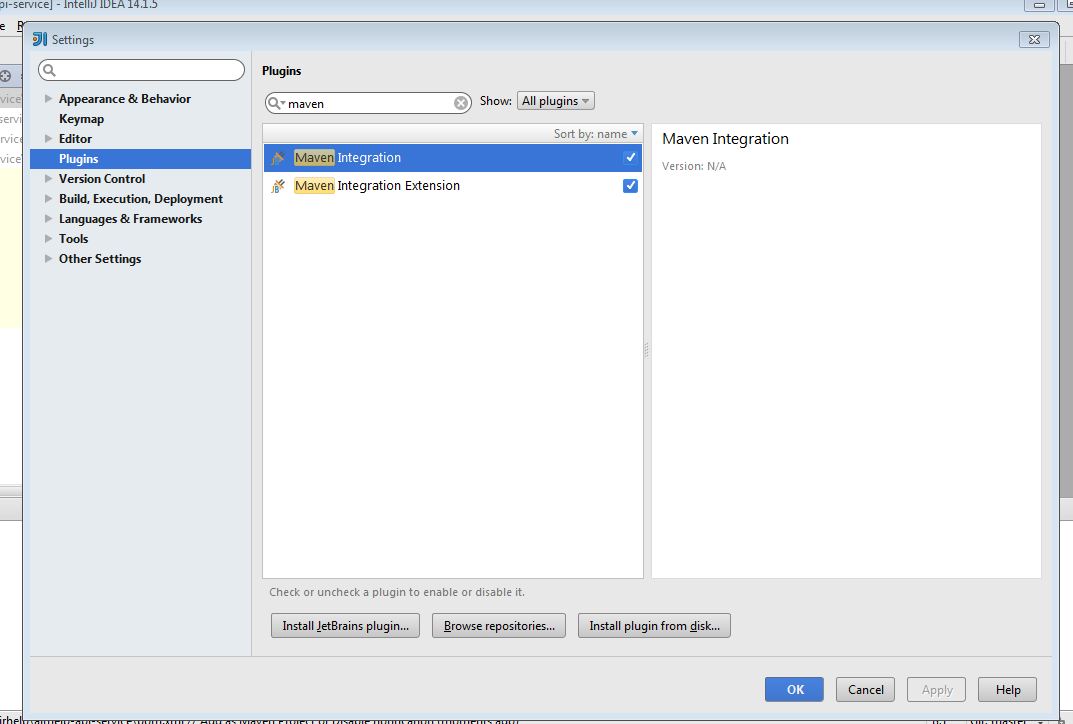
Double check Maven plug-in is enabled: http://www.jetbrains.com/idea/webhelp/enabling-and-disabling-plugins.html .
I checked the Plugins. There are two empty plugins showing and both are checked.
Attach idea.log (https://intellij-support.jetbrains.com/entries/23352446).
Attached is the log file.

Issue got resolved using https://plugins.jetbrains.com/plugin/7179?pr=idea plugin.
Earlier I was not able to find this plugin.
Thank you so much for your help.Now I see maven
Attachment(s):
idea.log.zip
I'm using IntelliJ IDEA 2018.3.4, encountered the similar issue: can't Maven entry in "Create New Project". And after installed this plugin, Maven Helper, resolved.
Thanks.