Why are system classes not excluded from debugging?

I have excluded system and some library classes from Debugging in Android Studio: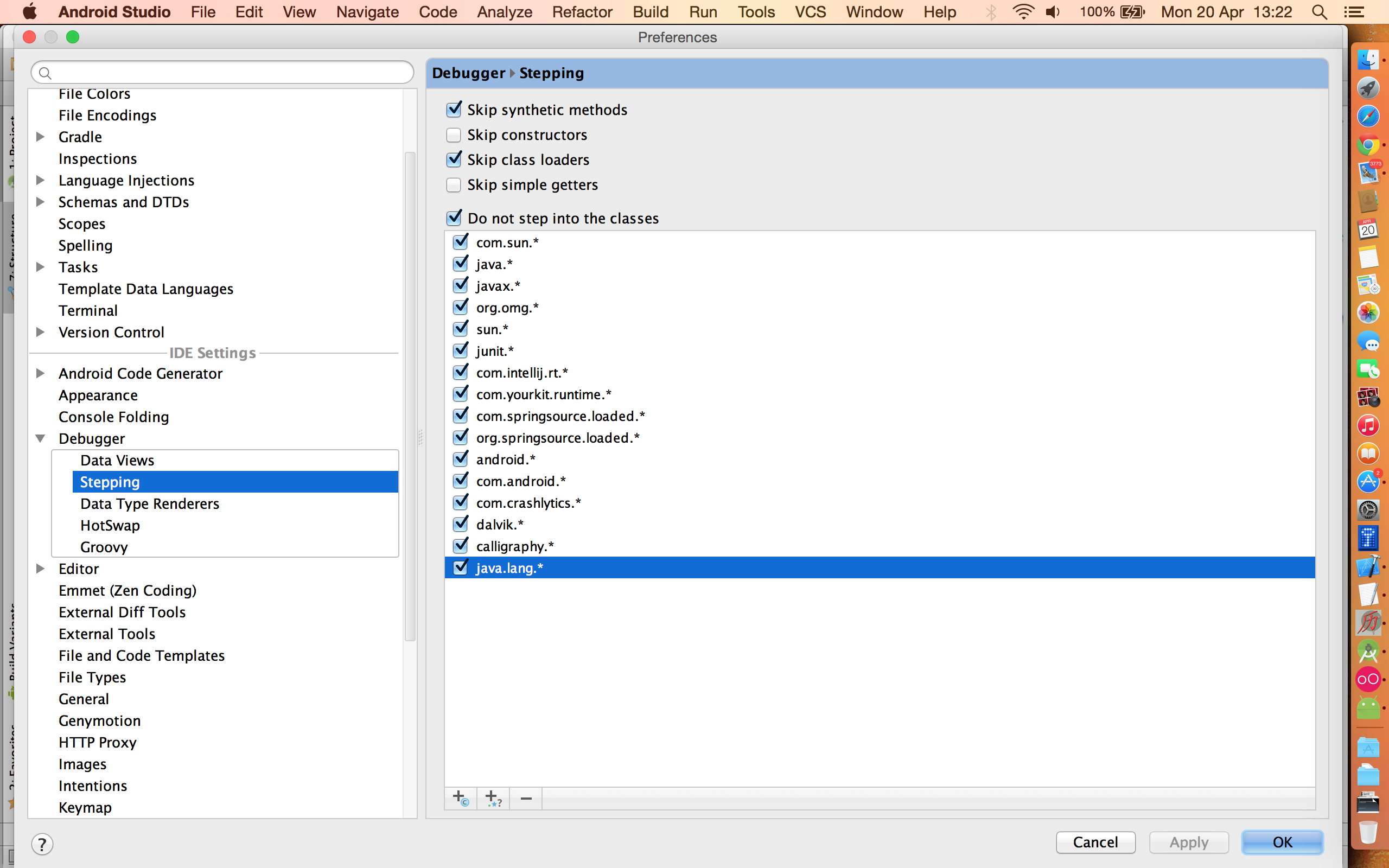
However, the debugger still steps into these classes. What I am missing here?
请先登录再写评论。
How exactly do you perform stepping?
Either by ´Debug app` or by attaching to a running device. In both cases, the debugger steps through the system classes. I am new to debugging, maybe I am missing something here?
Do you use Step Over or Step Into?
I use 'Step Over'.
The filters in the screenshot affect "Step Into" action. The use case is to skip parts of the stack corresponding to in-library calls and stop in the code that is written by you (but when you are stepping into, with F7).
No. I understand what you are saying, however, with `Step into`, the classes are not excluded, too. When I start debugging, the first classes will be system classes, not my classes. and then, I will have to go through them all, which is a major annoyance. The thing is, that sometime ago, it worked correctly. But out of a sudden in find myself going through the excluded classes. I even de-installed and re-install the Android Studio IDE, but to no avail.:(