IntelliJ GUI displaying foreign characters after fresh install

I was on version 13.0.2 then decided to update to 13.1.3. After uninstalling the older version through the 13.1.3 installer, the display settings have been corrupted upon launching.
Here's a screenshot: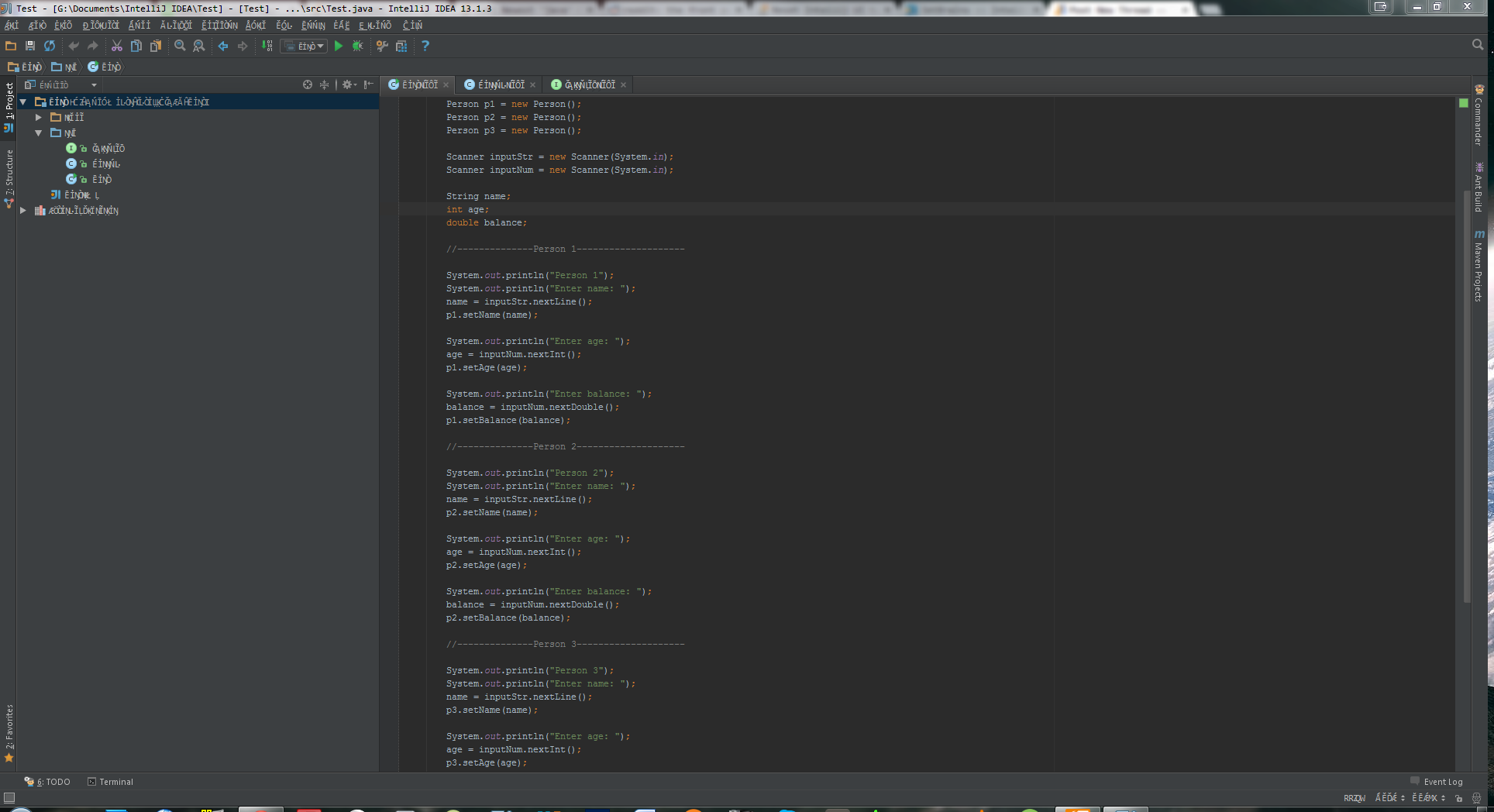
请先登录再写评论。
Hello.
What are the values of Settngs / Appearance / Override default fonts, and what are font name and size there?
Regards,
Alexander.
I was able to fix it by overridng the font to Tahoma.