Where to change color - Debugger variables, click to see the full value

Hi there
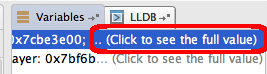
In the debugger 'Variables' section, where it says 'click to see the full value' (attached screen).
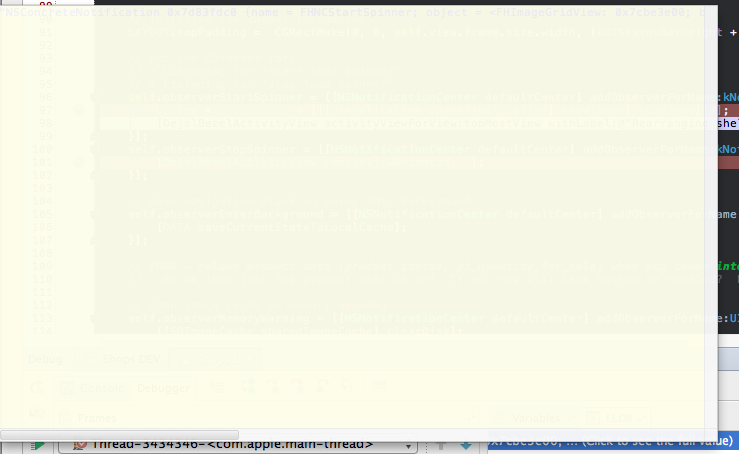
My editor seem to have purple font on yellow background (attached screen). Where do I go to change the color of both the font and the background?
thanks
Johnathan
Attachment(s):
Screen Shot 2014-11-20 at 3.34.36 pm.png
Screen Shot 2014-11-20 at 3.34.48 pm.png
请先登录再写评论。
Hi, Johnathan!
Have you tried changing debugger appearance by going to Preferences -> IDE Settings -> Editor -> Colors & Fonts -> Debugger ?