CTRL Click in webapp JS not working

All,
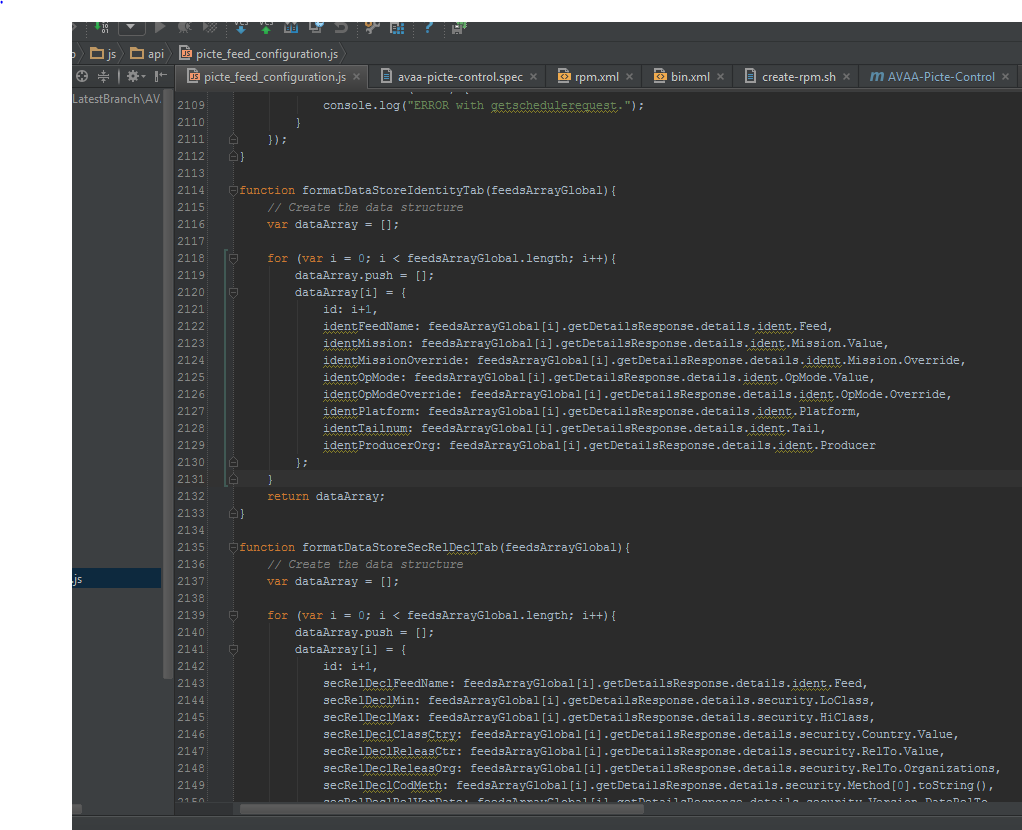
I can't ctrl click method/variables in my JS files for a webapp project. My co-worker and I upgraded to intellj 14 and we both check out the same project from SVN. The co-worker gets highlighting and is able to control click. I do the same thing and none of the JS is highlighted correctly and I can't ctrl-click. Any thoughts/pointers are much appreciated.
sg
Attachment(s):
Capture.PNG
请先登录再写评论。
Make sure Power Save mode is not enabled in the File menu.
Please try File | Invalidate Caches | Invalidate and Restart.
Check idea.log for errors: https://intellij-support.jetbrains.com/entries/23352446 .
This worked by installing the JavaScript support plugin. Somehow during the upgrade process, even though I told to import previous setting, it didn't get installed.
JavaScript plug-in is already bundled (installed) and enabled by default.
It could be disabled manually in the first run wizard or later in Settings | Plugins.
Or it was disabled in older version and you've imported its settings on the first start.