Can't disable inspection, not found in search

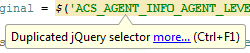
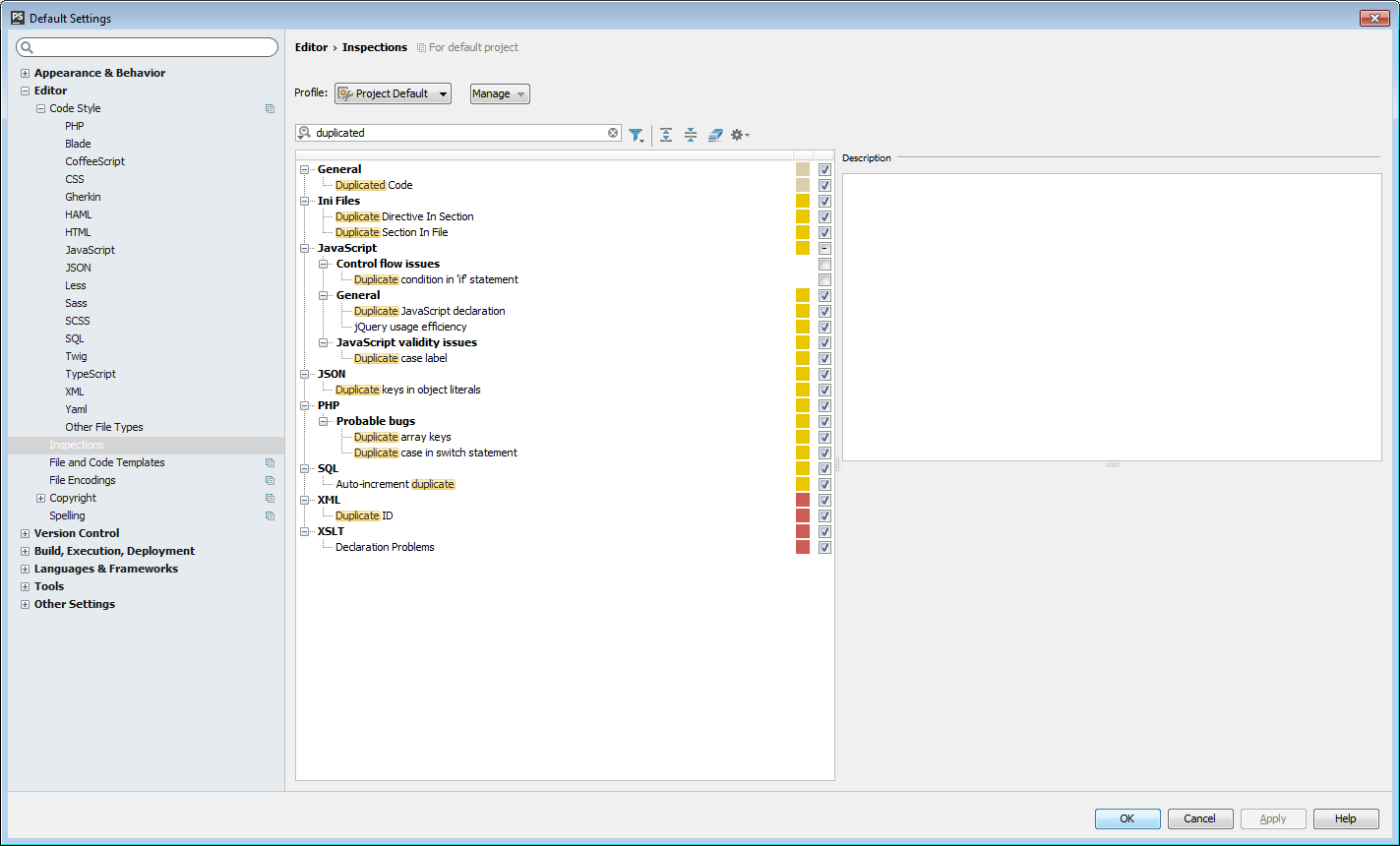
I'm getting Duplicate jQuery selector hovering over everything, but it's not coming up in a Default Settings search in Inspections for Javascript.
Someone told me to use Ctrl+Q to bring up the selector itself, but that's already assigned to something else and I'm not sure what I'm supposed to assign it to.
请先登录再写评论。
Inspection name is: "jQuery usage efficiency"
Why is the name different? Most inspections are findable from the message. Does JetBrains realize this is a problem?
Most efficient way to address the problem is to submit it at http://youtrack.jetbrains.com/issues/WI#newissue=yes