Remove extra column from 'Commander' tab

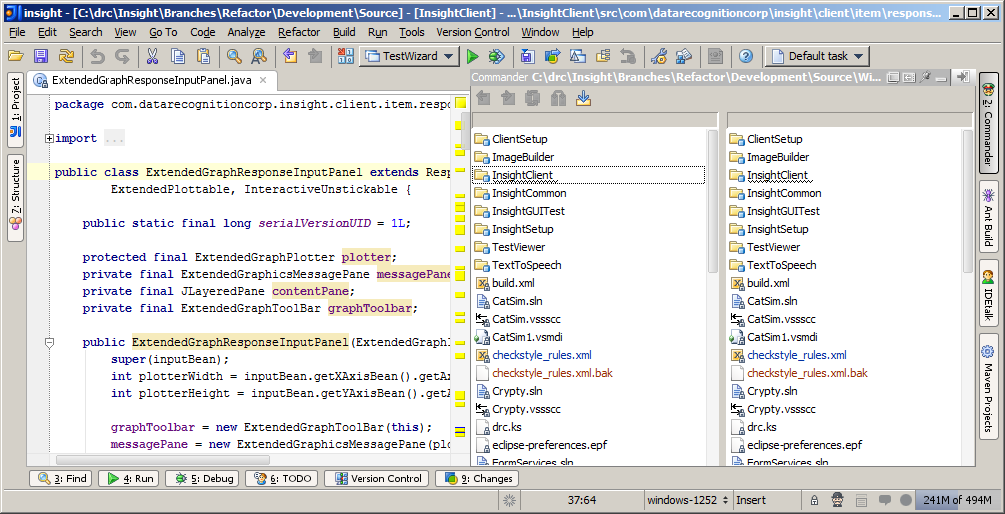
An errant click/drag bestowed my 'Commander' tab with a second column. Without nuking all of my other customizations, how do I get back to the default layout? Is there any good reason to support multiple columns in the first place?
Attachment(s):
2cols.png
请先登录再写评论。
Hello Hollis,
Pardon? The Commander toolwindow is always displayed as two columns. The
whole point of its existence is to easily perform operations which have a
source and a destination in different places (such as moving or copying clases
between packages)/
--
Dmitry Jemerov
Development Lead
JetBrains, Inc.
http://www.jetbrains.com/
"Develop with Pleasure!"