Mac Snow Leopard & IntelliJ IDEA - changing default application for .ipr files. Seems to be broken. Any ideas (pardon the pun)?

I've currently got three versions of IntelliJ on my Mac
I am having a hard time changing the default.
If i do a Get Info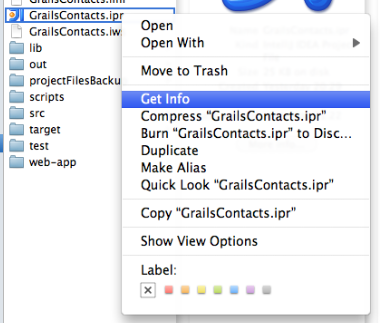
I can change an individual file to open with version 9
But if I do a Change All from here, suddenly it reverts back to 8.1.4!
I Googled on this and some people threw out a red-herring of changing the padlock at the bottom prior to doing the change all, but it had no effect.
From Googling I also know you are supposed to be able to achieve this by another means. But this failed for me too.
i.e.
followed by
But when I look at another .ipr file in another folder, it still opens with 8.1.4 and the Open With dialog still has 8.1.4 as the default!
Any ideas?
请先登录再写评论。