File encoding locked

Hello,
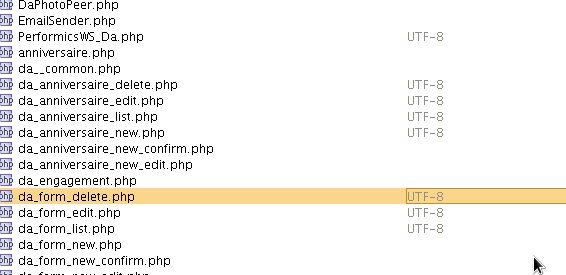
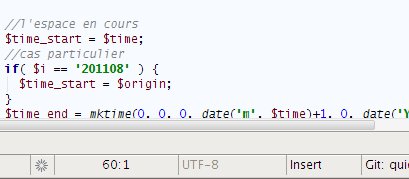
I would like to switch the encoding of my file from UTF-8 auto-detected to ISO-8859-15.
But the switch button is locked.
When I go to the file > settings > encoding window, the encoding of my file is also locked.
How can switch the encoding of my file ?
I would like my project open all files with ISO-8859-15 instead of UTF-8, but while I switch the encoding properties of my project using the file > settings > encoding window, it doesn't works.
Thank you
Attachment(s):
sample2.jpg
sample1.jpg
请先登录再写评论。
Hi Pierre,
1) File | Settings | File Encodings. Uncheck Autodetect UTF-encoded files
2) Restart PhpStorm (possibly closing and opening the same project without restarting may do the same -- have not tested).
This should help (worked for me).
Hello Andriy,
The complete restart works fine ! (not close/open project)
thank you very much !