Issues while debug a Wordpress project in Windows 10 using phpStorm 2016.1.2

So here is the deal, sometimes this works perfectly sometimes it doesn't and it's killing my mind since I don't know what to do in order to fix this. This is how my environment is setup: phpStorm is installed on Windows (IP Address: 192.168.3.1), PHP, code, xdebug is installed on a Virtual Machine (IP Address: 192.168.3.120) running CentOS 6.8. What's wrong in my setup?
Below is some images related to my configuration in phpStorm:
Debug configuration:

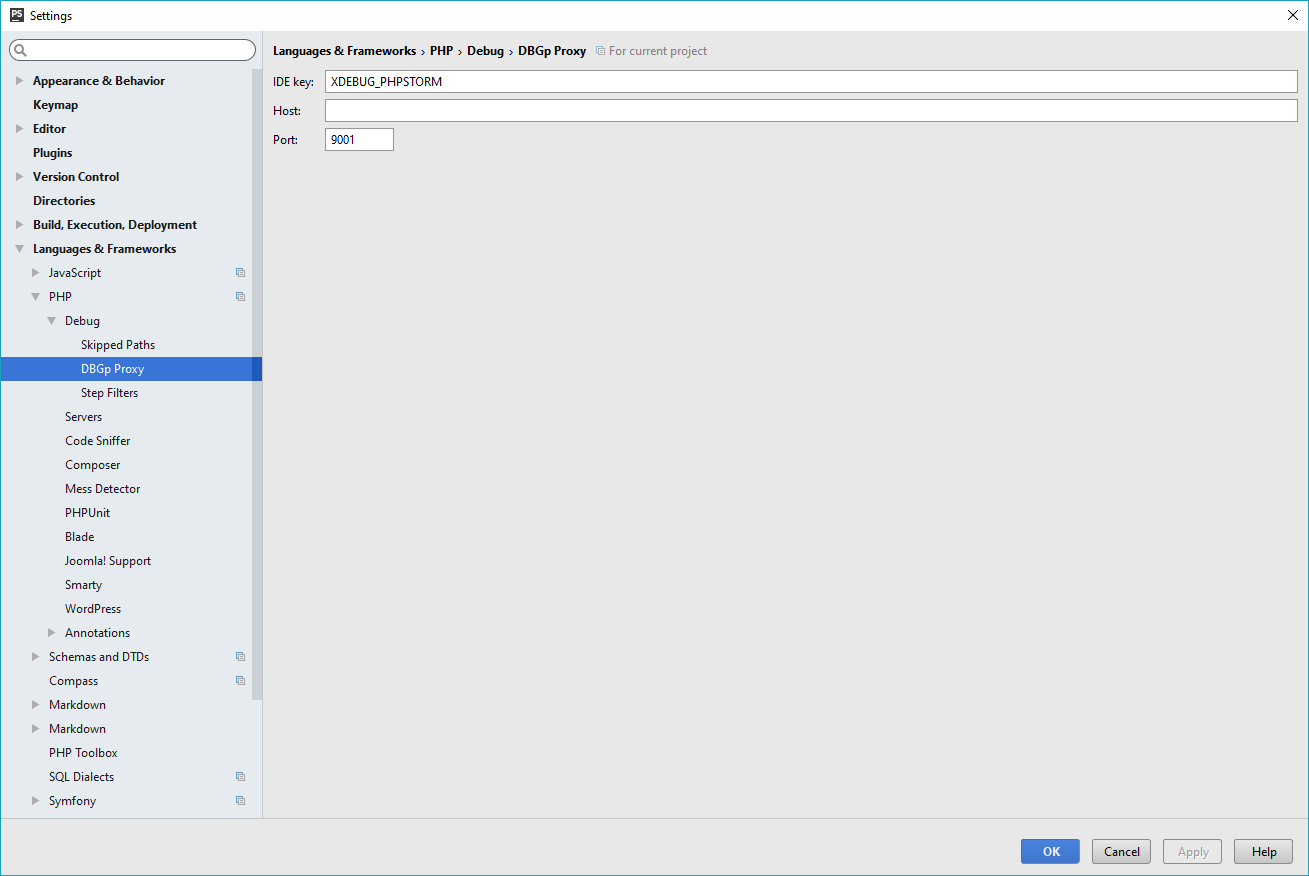
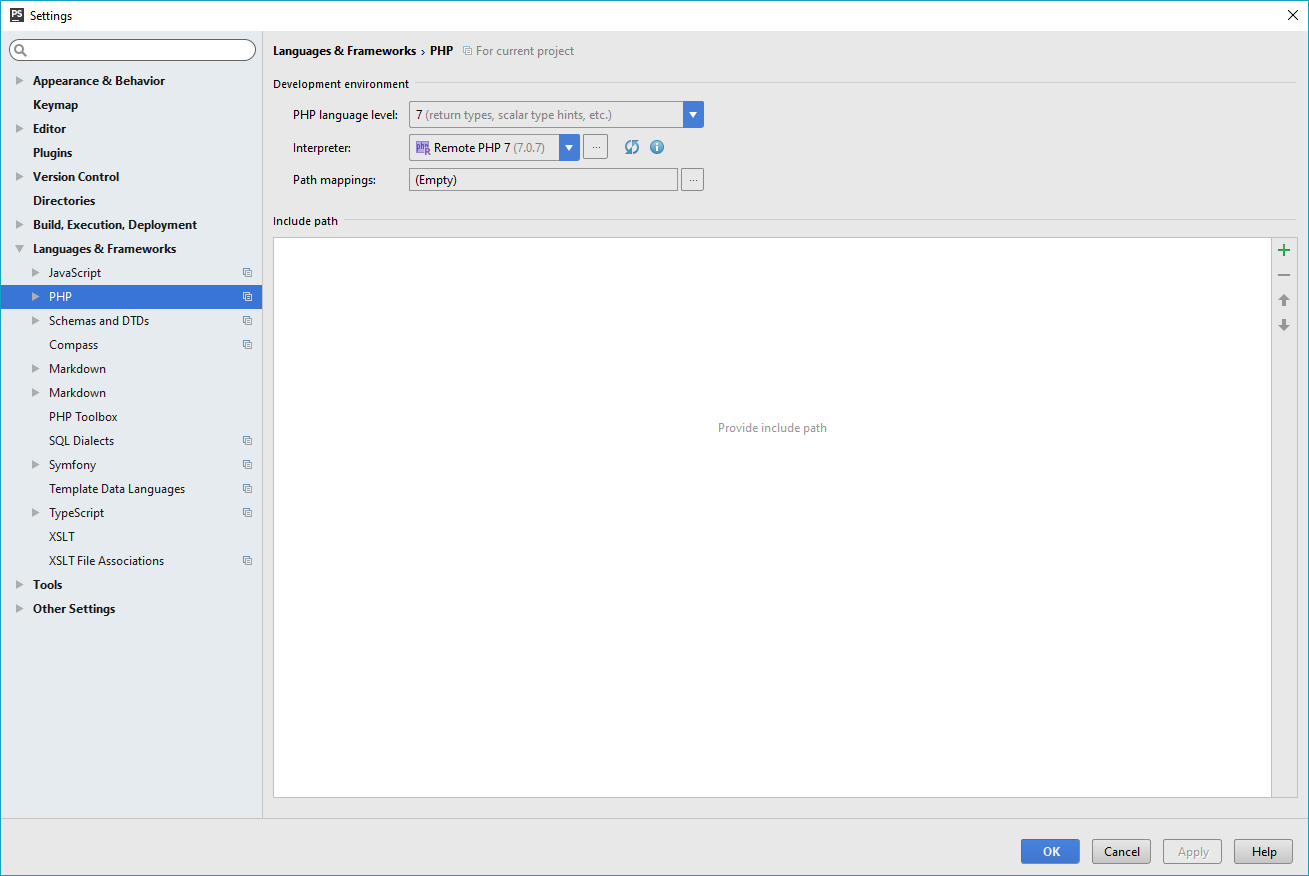
Nothing weird at all
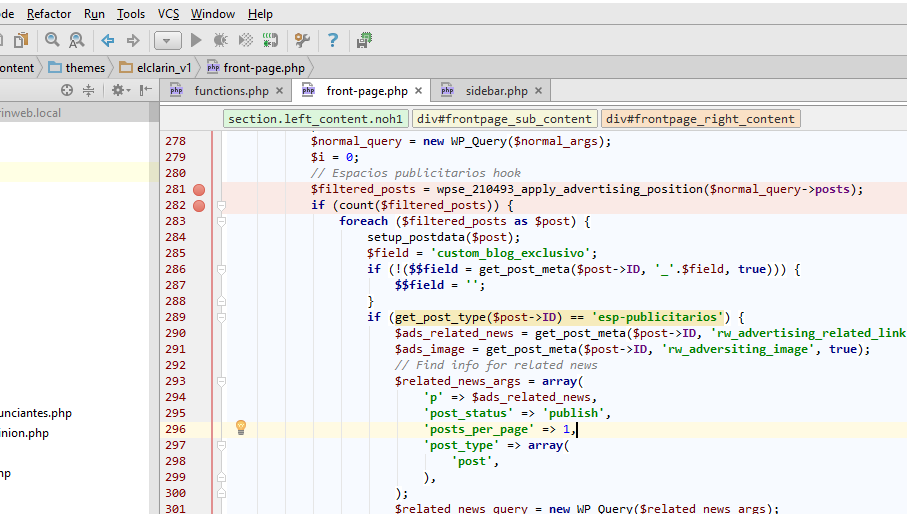
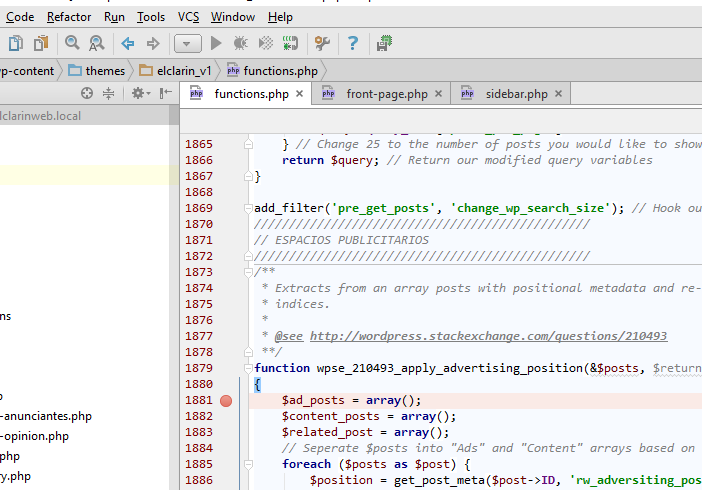
The images above shown phpStorm listening for incoming debug connections.
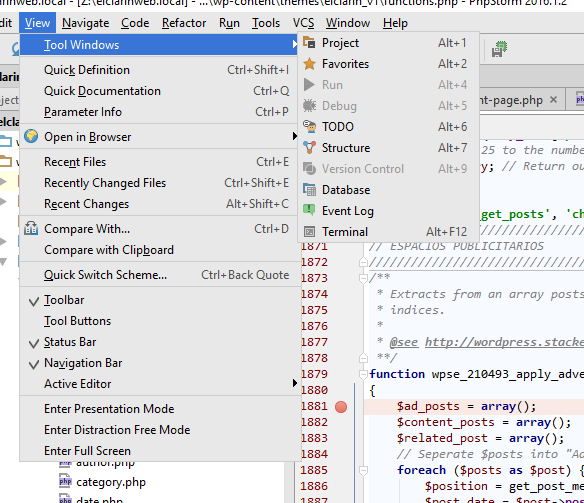
The image above shown how I can't enable the Debug window and I don't know why.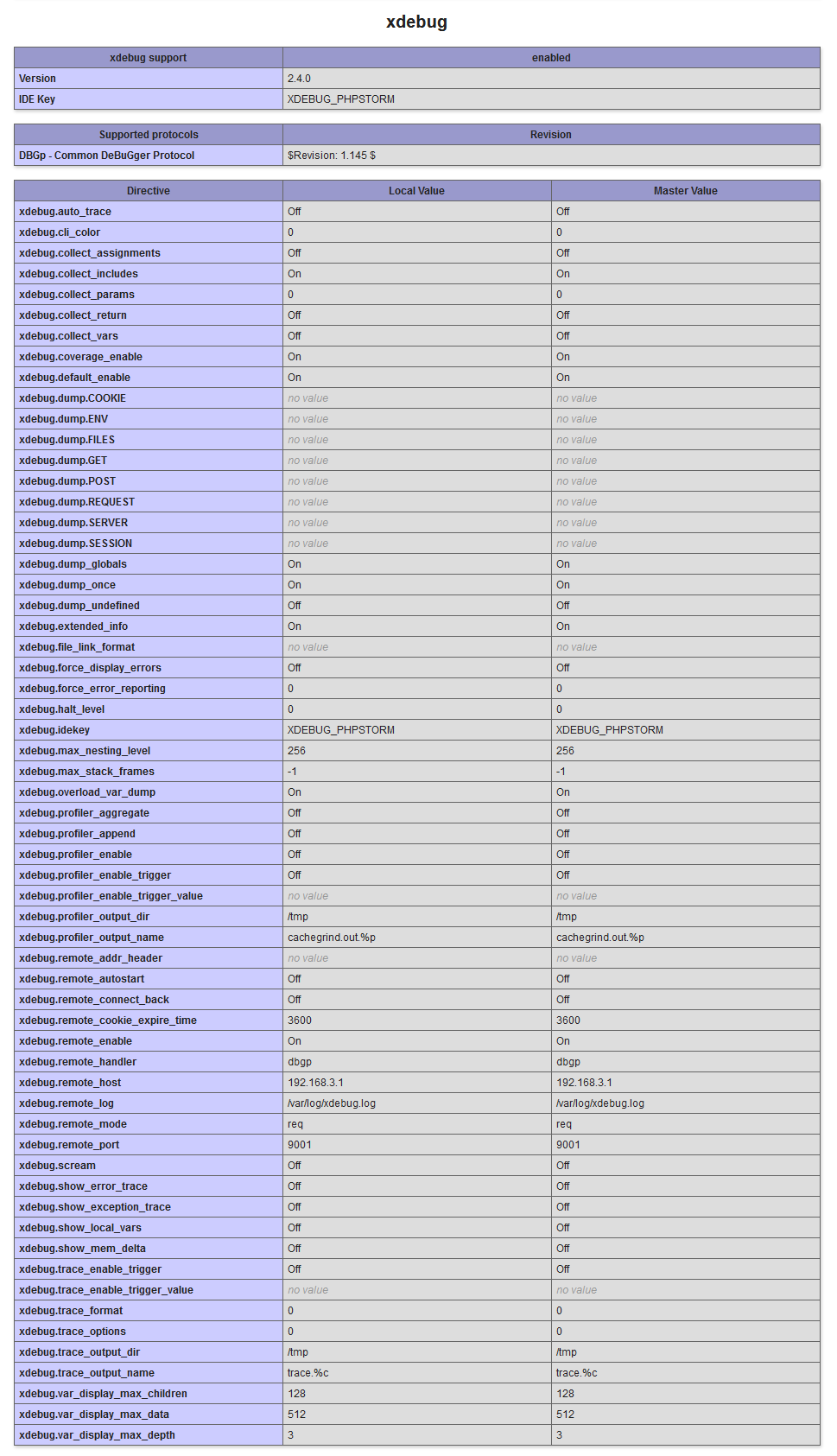
The image above shown xdebug enable on my PHP configuration and it's values.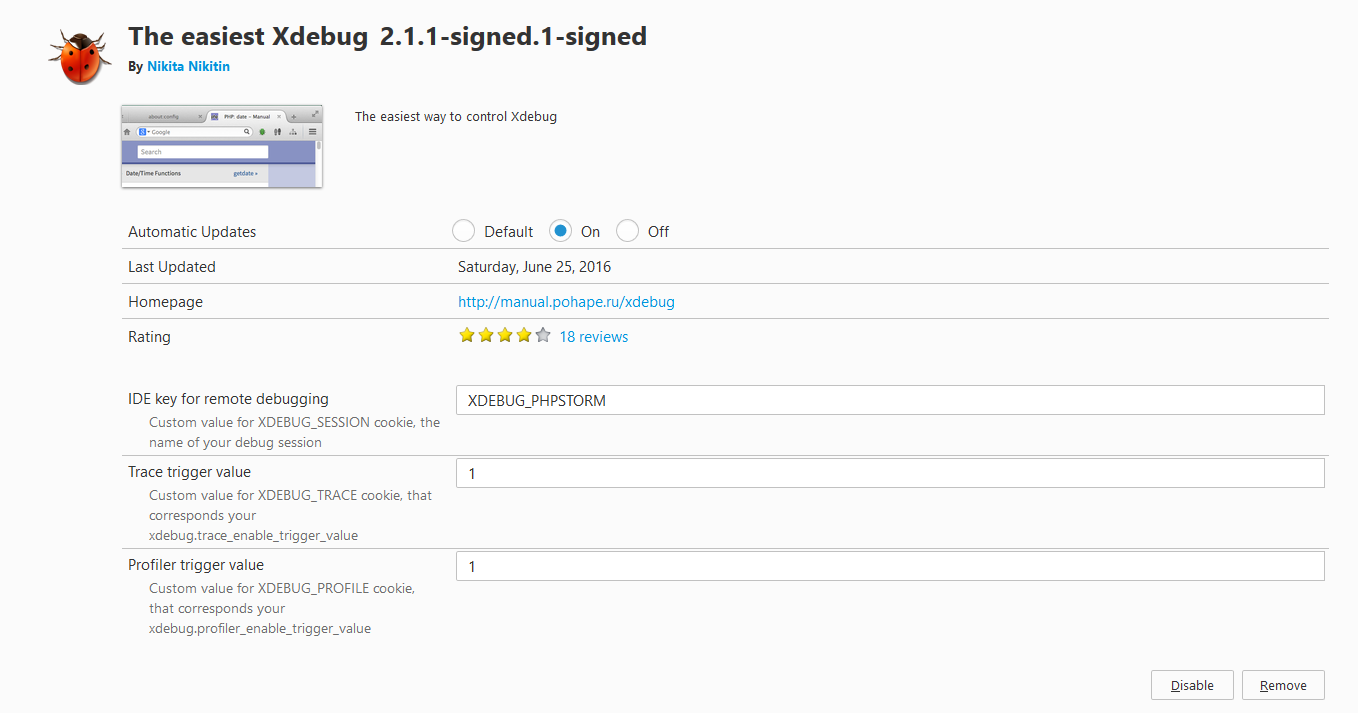
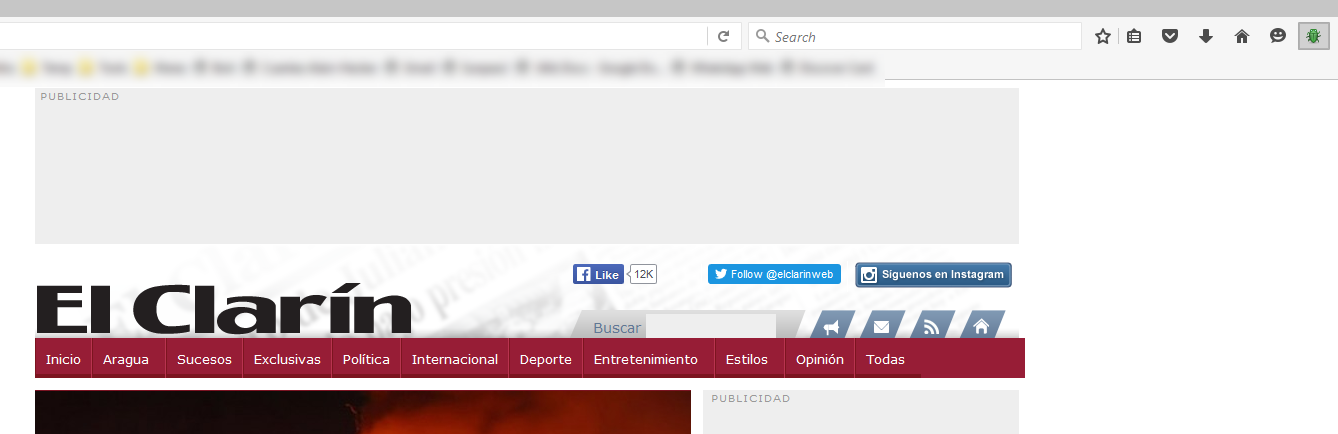
This ones shown the xdebug extension enabled under Firefox but same behavior happen with Chrome as well.
请先登录再写评论。
Hello,
You need a Debug configuration for this.
Did you try to right click the file and select "Debug" or use the browser bookmarklets as per https://confluence.jetbrains.com/display/PhpStorm/Zero-configuration+Web+Application+Debugging+with+Xdebug+and+PhpStorm?