How to configure Android SDK in Intellij Ultimate
已回答

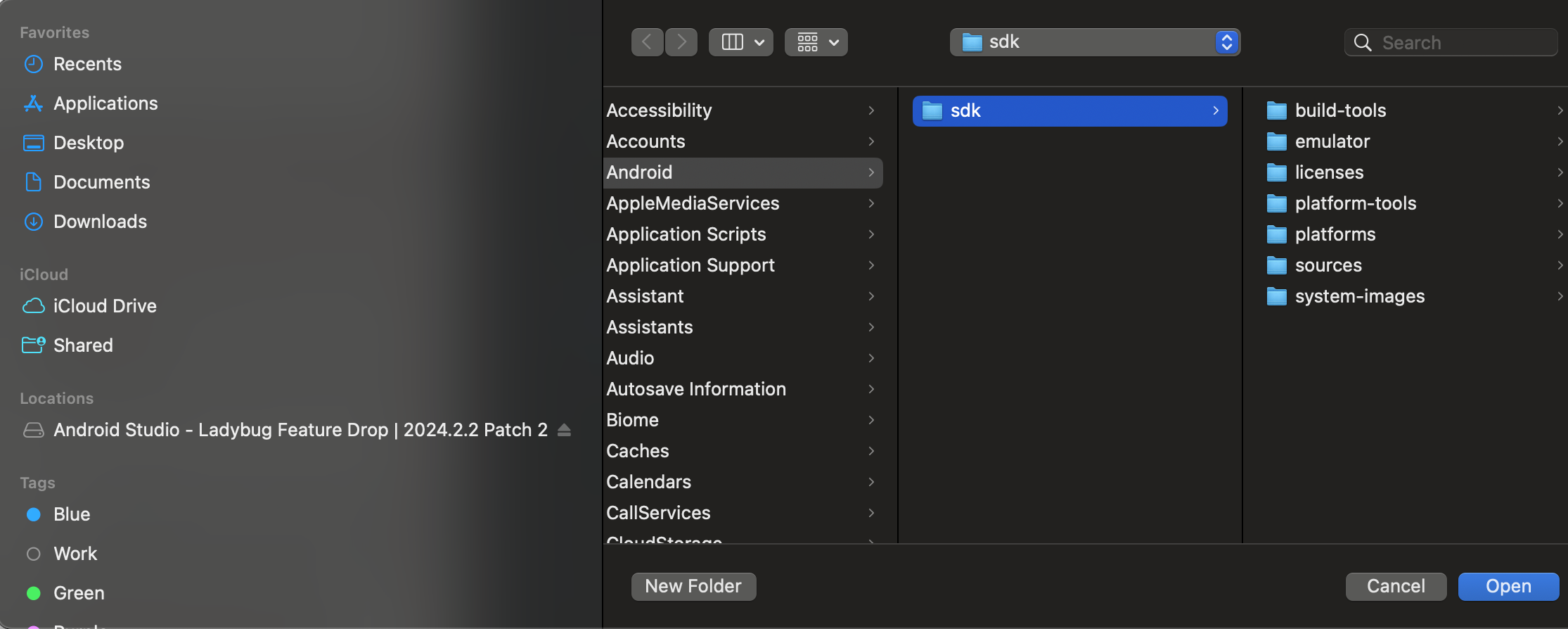
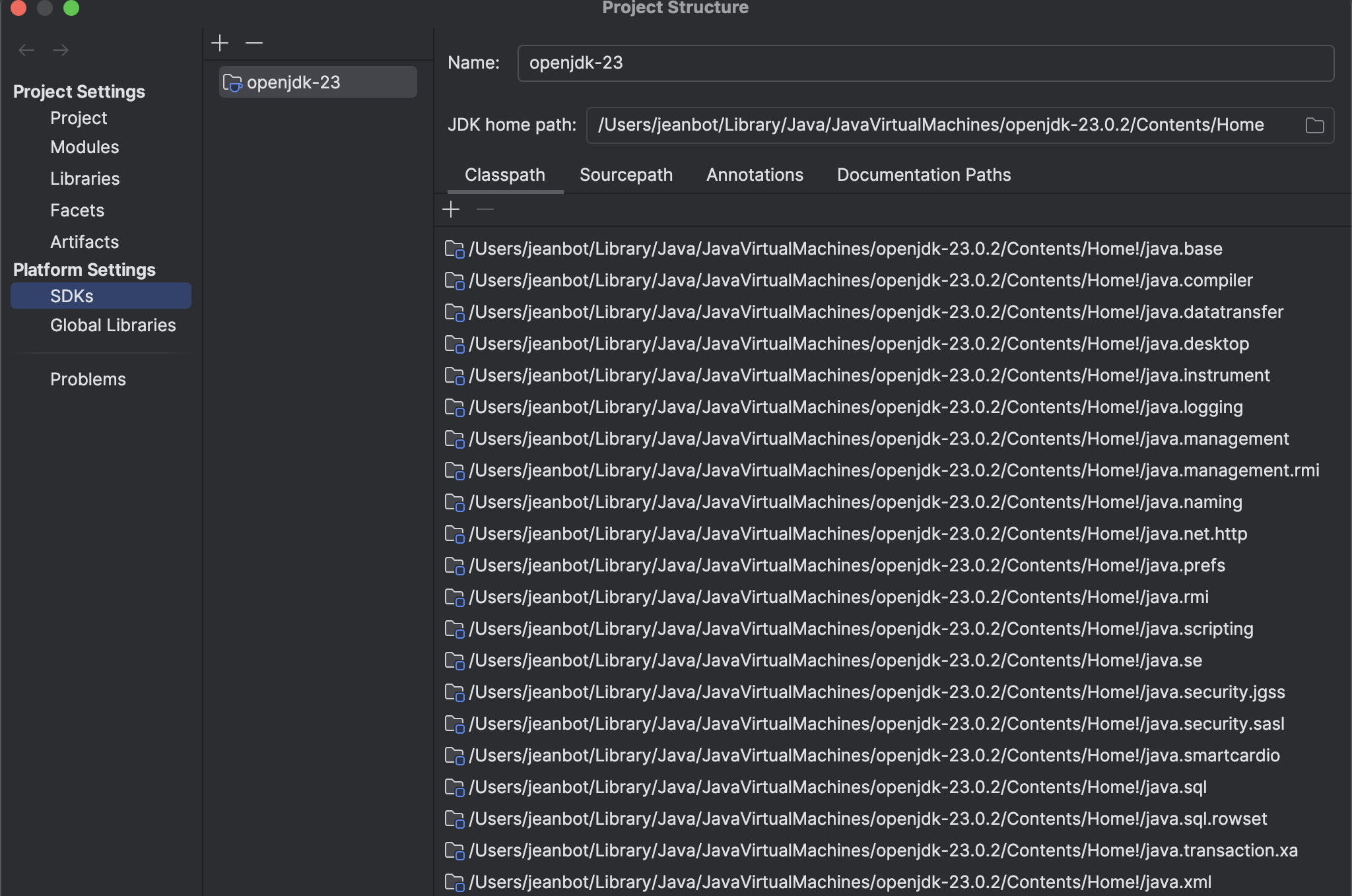
I am trying to configure my multiplatform Kotlin project so I can build and run locally on an Android emulator. I have Android studio installed and the Android SDK install via Android studio. When I navigate in Intellij Ultimate to File → Project Structure I can see we have a JDK installed and available. But when I try to add Android SDK from disk from the location Android Studio installed it in, Intellij Ultimate allows me to select this directory, but it is never added. What am I doing wrong? I also have the Android plugin installed.
请先登录再写评论。
Additionally, when I try the "Download Android SDK" option, it does not give me an option to download and Android SDK but instead shows the dialog to download another JDK
Since the Android plugin was developed by the Google team, and in the Android Studio SDK is configured differently, the setup process in IntelliJ IDEA can be not so intuitive
Instead of installing Android SDK via Project Structure try selecting it under `Settings/Preferences | Languages & Frameworks | Android SDK Updater | Android SDK Location`
then check if it appears under Project Structure | SDKs
---
We have the issue in our tracker to remove “Download Android SDK” https://youtrack.jetbrains.com/issue/IDEA-332362
Appears to be a known bug https://youtrack.jetbrains.com/issue/IDEA-344460
Great thanks!