project hierarchy not always highlighting files with errors

I use IntelliJ to primarily develop Minecraft mods. So, i was updating my mod using gradle from 1.20.4 to 1.21.3 and of course, I will get lots of errors, usually in IDEs like Eclipse, it will highlight all files with errors, which will make it easy to debug and fix without having to run the application and get introduced to possible new errors. However,for some odd reason it is acting very inconsistent. It's a bit hard to explain so I'll share some screenshots.
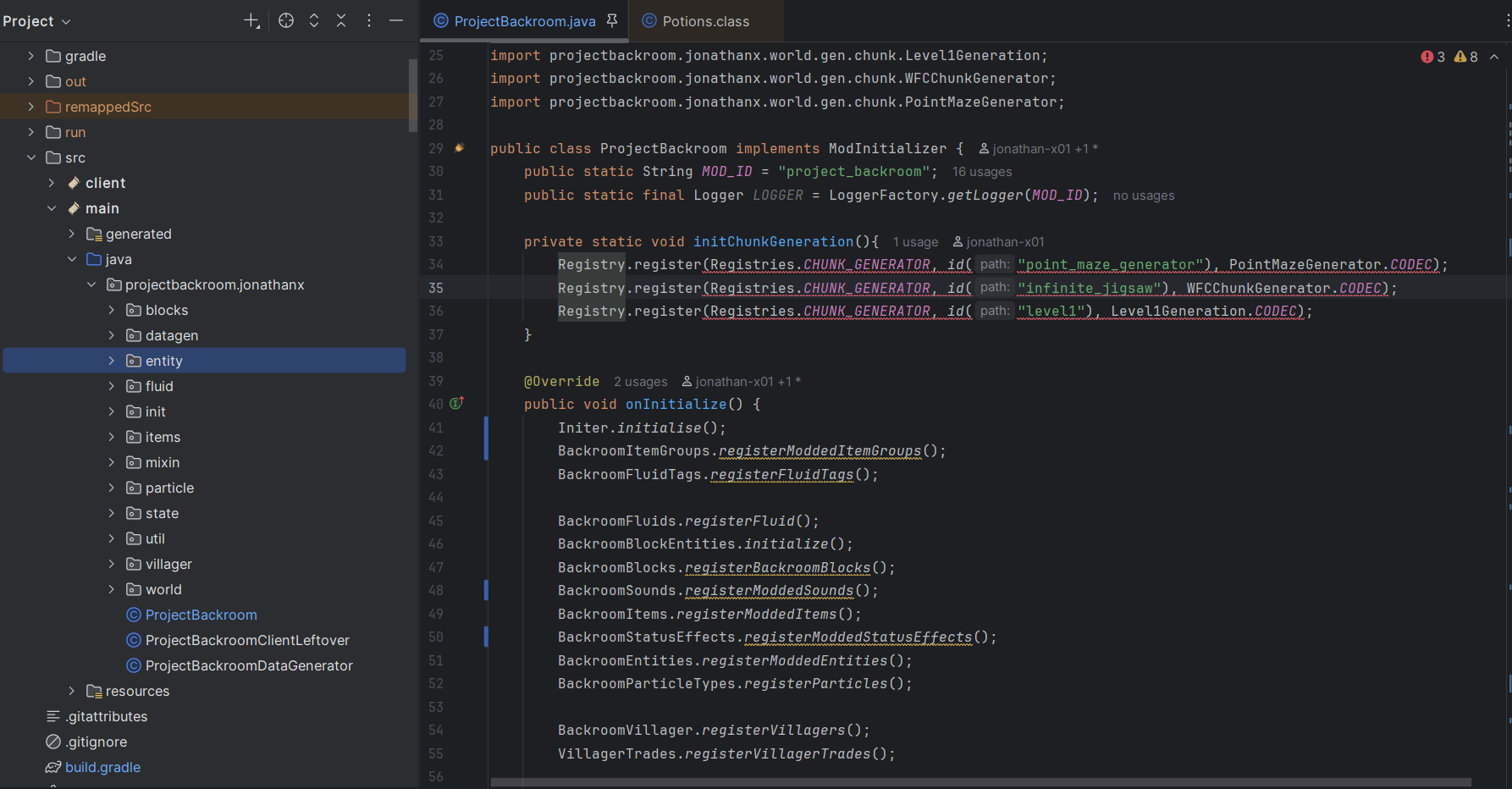
As you can see, there are errors in the editor view, but it's not highlighted in the project view.
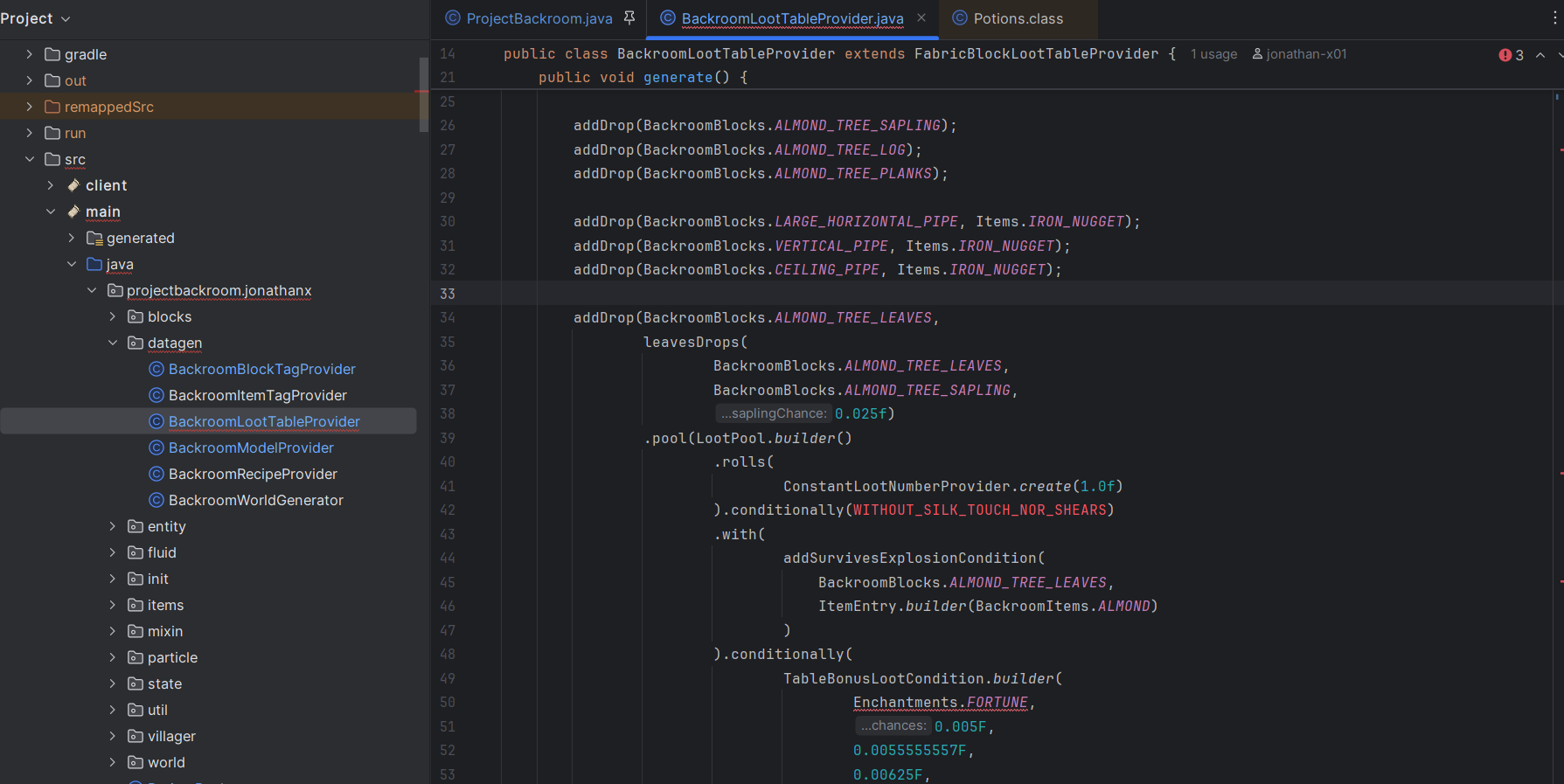
Then, I had to try to find a file with errors but as you can see, it highlights the file in the project viewer.
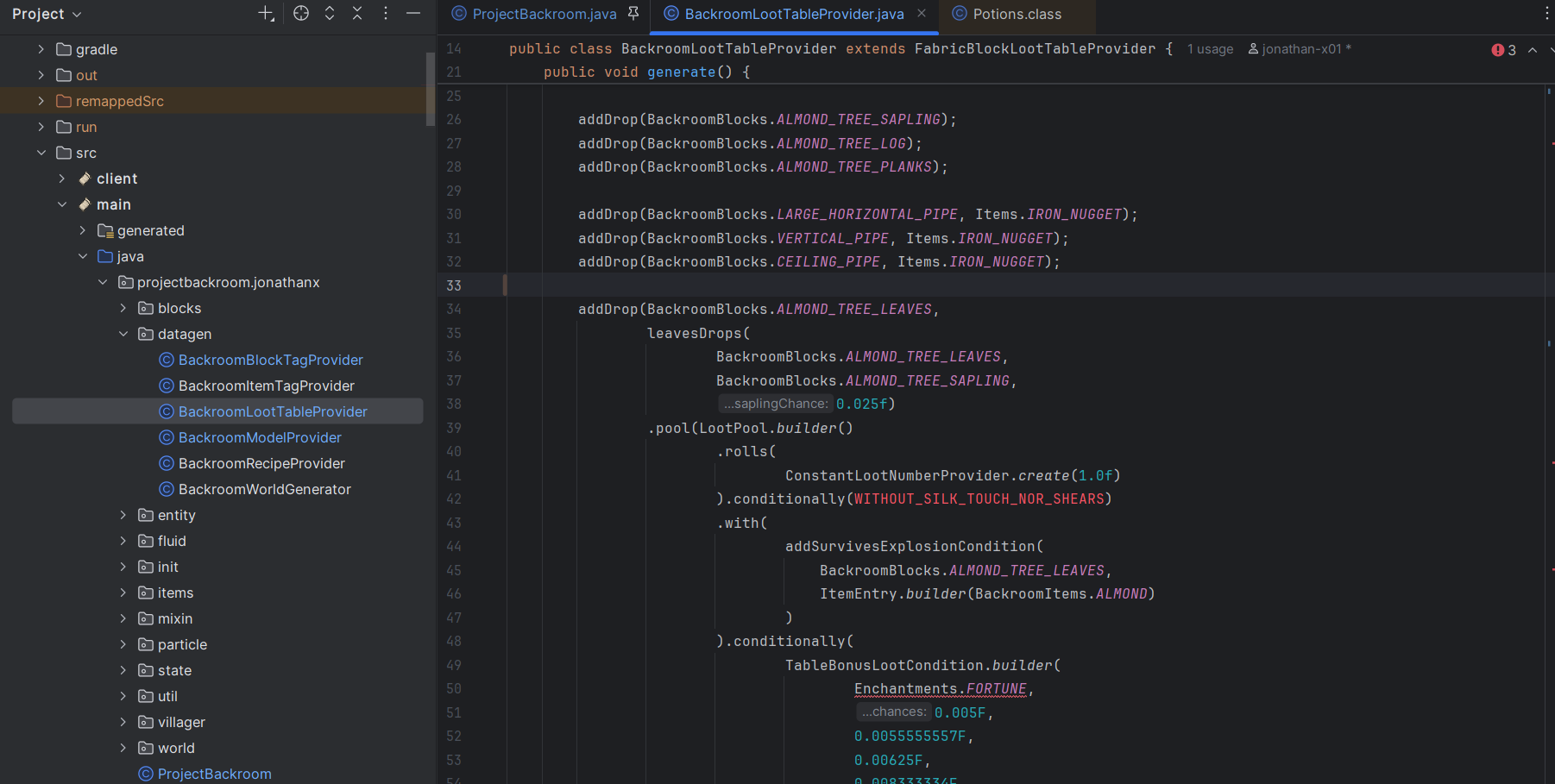
Now, after I press the spacebar, the red underline dissappear on the file.
This was a problem with IntelliJ 2023 and 2025 and I really need that feature working so I can efficiently.
I did try build it to list all the errors, but that doesn't help me as it is not organized where I can work as efficiently as possible.
So, I am really hoping someone is able to help with this issue, if not, I'll probably just use Eclipse since Eclipse never caused such problems.
请先登录再写评论。
Hi Jonathan,
I don't seem to be having this problem in my projects. Do you have it other projects too? Even brand new ones?
It could be caused by stale index or third-party plugins interfering with normal indexing processes.
See if it helps to:
I have did Invalidate Caches a lot so it hasn't worked. I just tried to Disable all downloaded plugins. I created a fresh new project to experiment and the problem persists, so yes it does happen on brand new ones--this is with all installed plugins disabled. Furthermore, I am collaborating with someone on a Minecraft mod project and he said he has been having issues as well.
This problem is starting to be a nuisance as when collaborating with a error, I pushed and merged something to the git that failed it's build as there was an error I was not aware of because of this bug. I do need this fixed ASAP.
Thanks for the information.
Other things you can try:
.ideafolder and any.imlfiles from its rootIf none of that helps, please submit a new ticket to YouTrack and provide the following for analysis:
Logs can be attached to the ticket or uploaded securely to our server (make sure to share the ID of the upload so that we can find it).