Snowflake - Key-Pair Authentication - Missing password

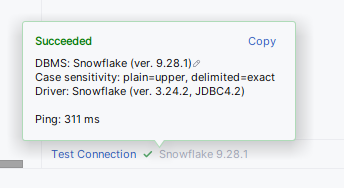
I can successfully connect to Snowflake using the key-pair authentication:
But almost every time when I use “Set Empty” for Password field and click apply, then I still get:
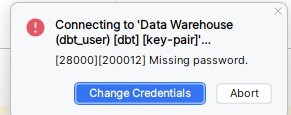
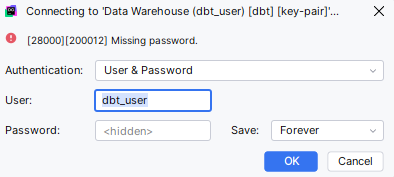
If I “set empty” in that window, nothing works. I managed to somehow bypass it once but the problem persists every time.
请先登录再写评论。
Hi David,
The Snowflake key pair setup doesn't work out of the box and requires some additional configuration in the data source settings:
https://youtrack.jetbrains.com/issue/DBE-9112/Add-ability-to-connect-to-a-Snowflake-account-using-a-key-pair#focus=Comments-27-11579483.0-0
Now, when you have "Set Empty" set in the password, you shouldn't have the dimmed <hidden> string shown in the field.
In the confirmation prompt, though, it'll still be showing as <hidden>, but that's expected after applying that change. I couldn't reproduce this issue. If you can upload the idea log onto our FTP https://uploads.jetbrains.com/, we can have a look at your issue and see if there's anything wrong. Please don't forget to copy your upload id and provide it in your reply when replying to this thread