Caret row highlight colour in Terminal (Reworked 2025)
已回答

I would like to change the caret row highlight colour in Terminal (Reworked 2025). I use a dark colour scheme for the terminal and a light colour scheme for everything else:
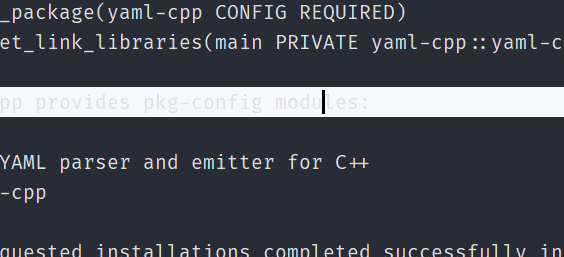
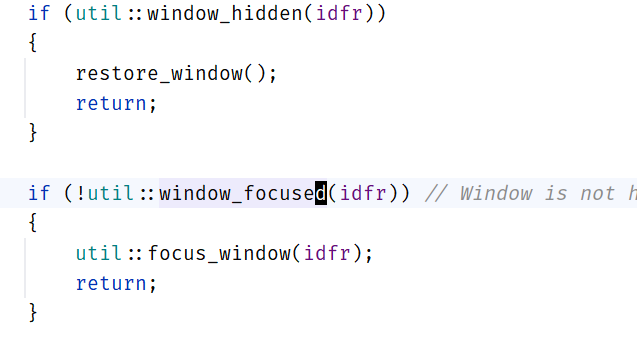
I can change the colour of the caret row and the cursor for the editor under “Color Scheme” in settings, but can't find the equivalent settings for the terminal. I have tried the settings under “Color Scheme > Console Colors”, they don't seem to have any effect on the terminal caret row colour.
Is it possible to change the caret row colour for the terminal?
请先登录再写评论。
Hi Arindam,
There is no such setting out of the box I'm afraid.
I submitted a new feature request to have it added. You are welcome to vote for https://youtrack.jetbrains.com/issue/IJPL-221026
Thanks!
Thanks for creating the issue.
Hi Arindam - please see the new comment in IJPL-221026 asking for technical details.