How to disable the Database tool window from automatically popping up after Debug starts?
已回答

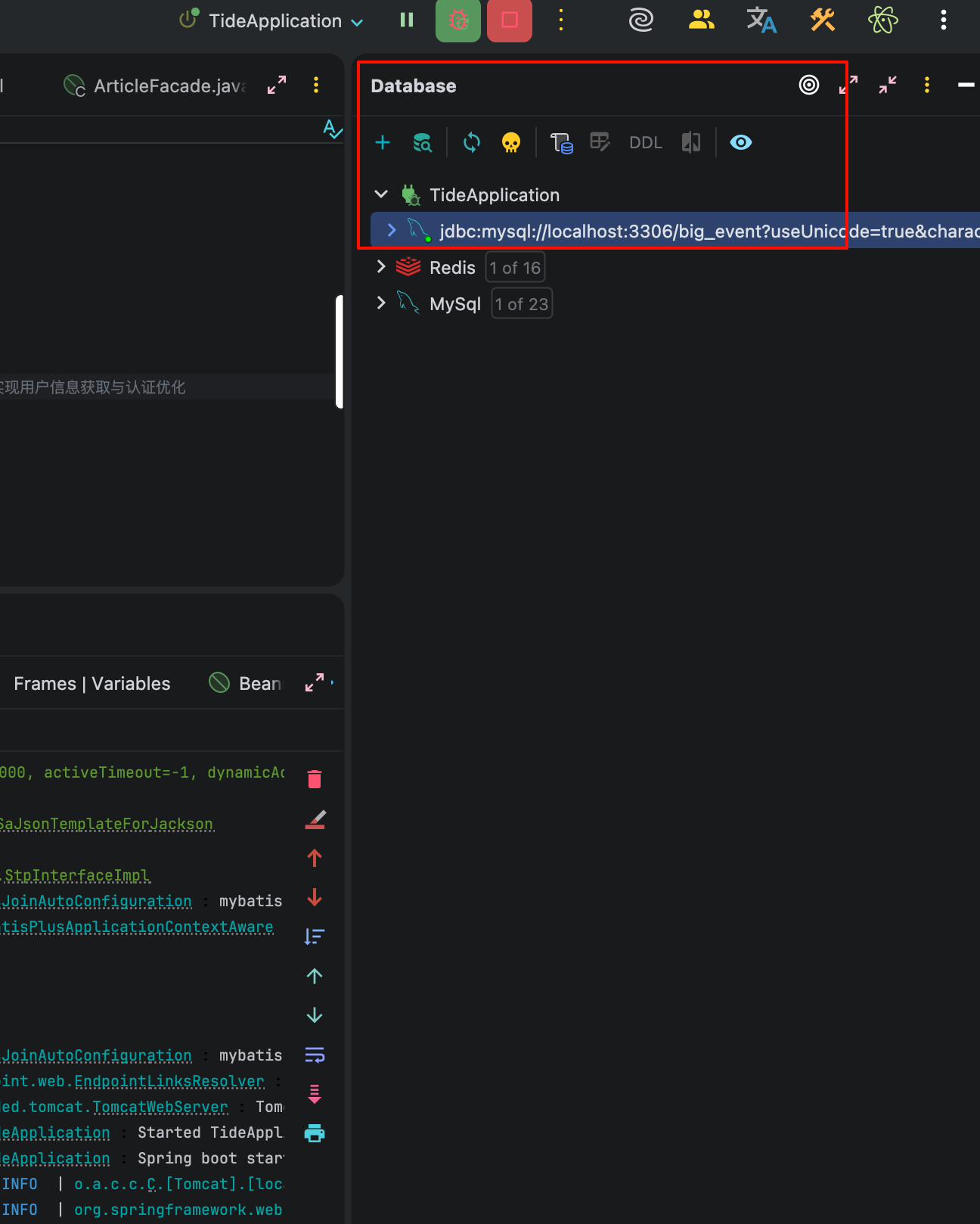
Hi, every time I start my application in Debug mode, the Database tool window automatically pops up/opens once the startup is complete. This happens every single time and is quite distracting.
Is there a setting to disable this automatic behavior? I want the Database window to stay closed unless I open it manually. Thanks!
Environment: IntelliJ IDEA [2025.3.1]
请先登录再写评论。
I have the same question. Please answer.
Hi all, thanks for your question!
This behavior is fixed as a part of the IDEA-383337 issue, and the fix will be included in the next release.
You are welcome to subscribe to this issue.
Thank you for understanding!