[Showcase] Running WebStorm/PyCharm natively on Android? My experience on Honor MagicPad 4 (Debian inside!)

Hi everyone,
I wanted to share my experience with the new Honor MagicPad 4 running MagicOS 10.
As a developer, I’ve been following the discussions on YouTrack regarding a native Android version of JetBrains IDEs for years. I know it’s a top-voted request (with over 1,200 votes!) to finally be able to code seriously on a tablet.
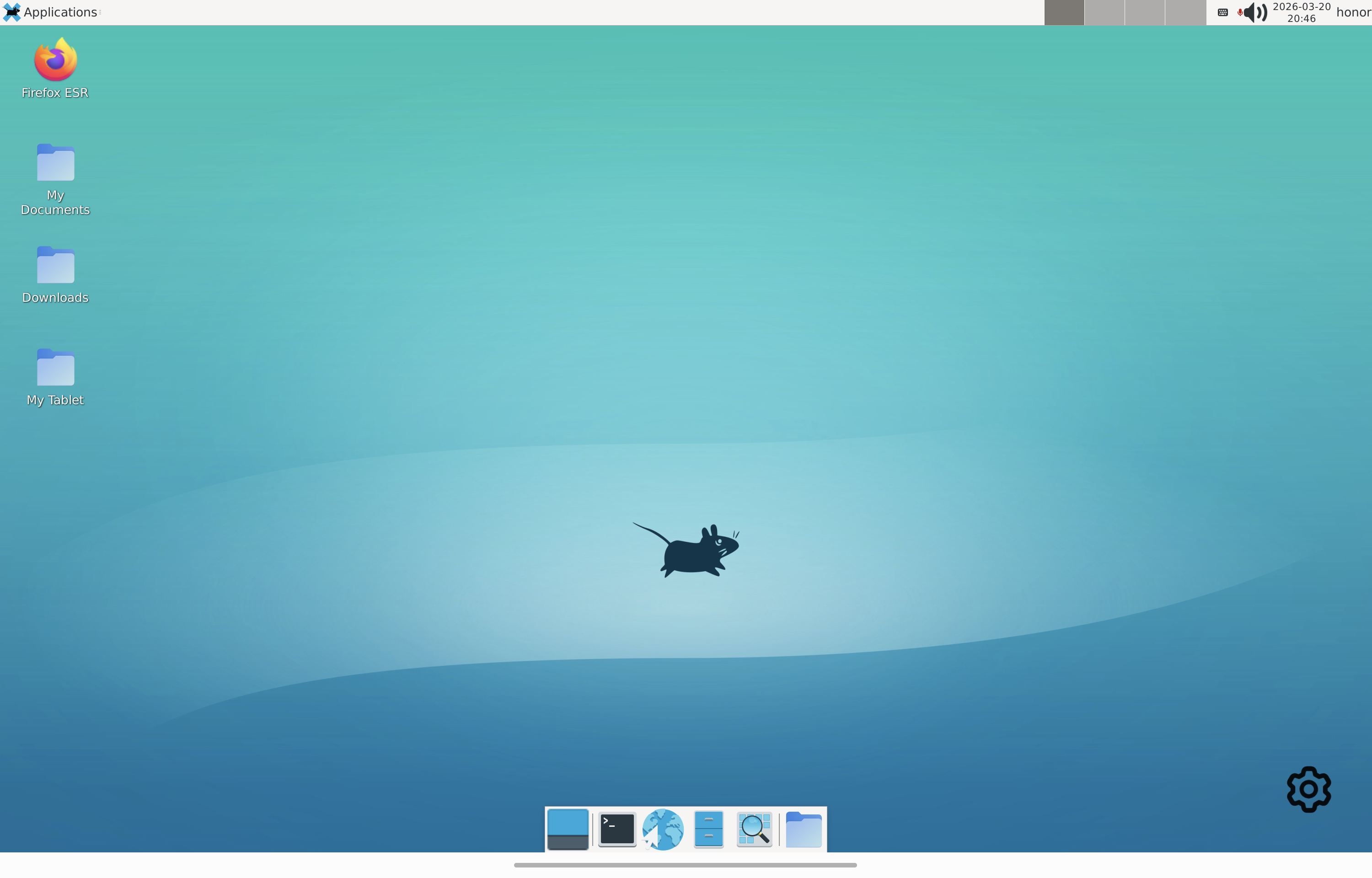
Honor has integrated a feature called Linux Lab. No complex GitHub scripts or root access needed. With a single toggle, it deploys a full, native Debian environment with an Xfce desktop in seconds.
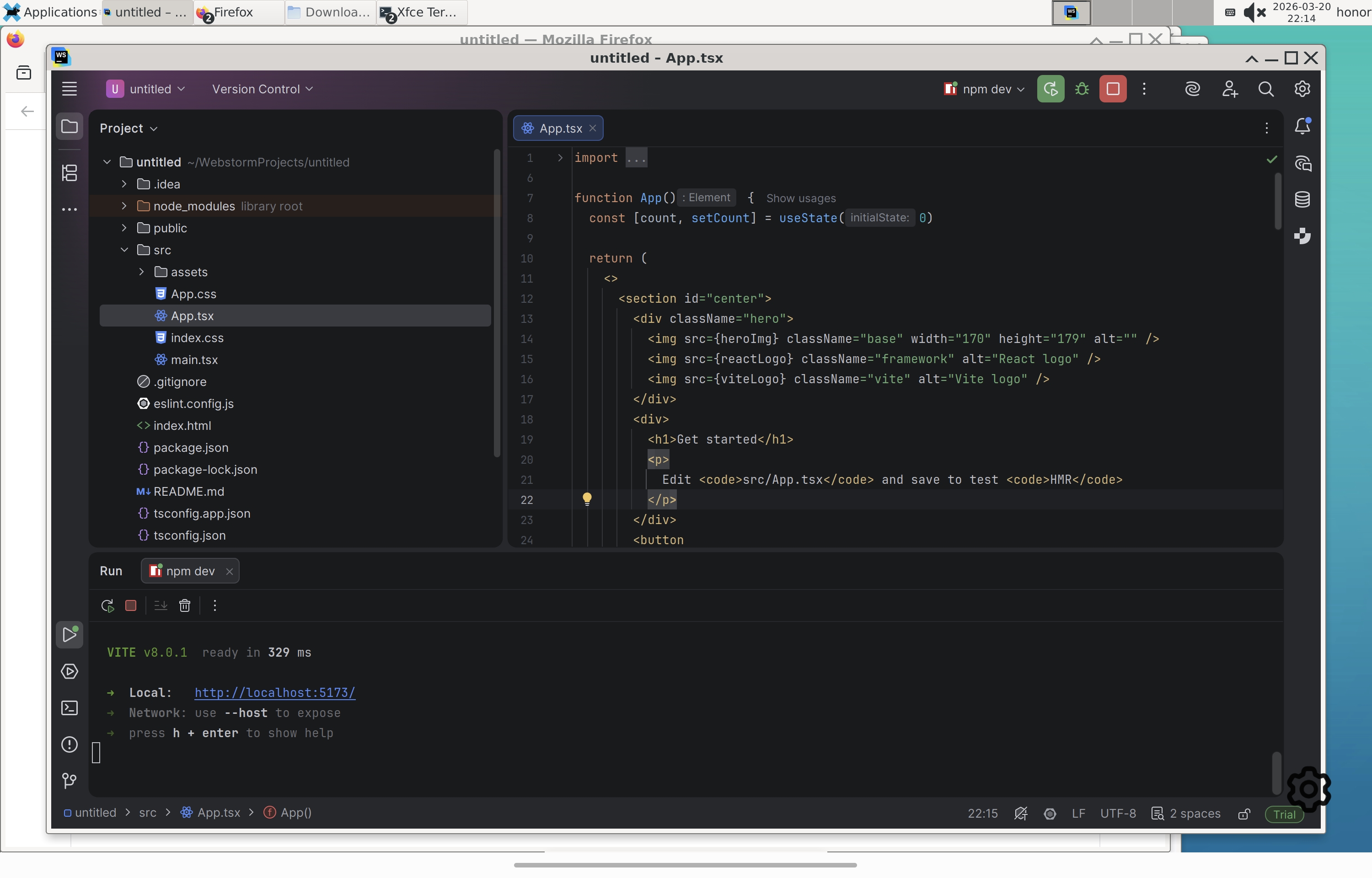
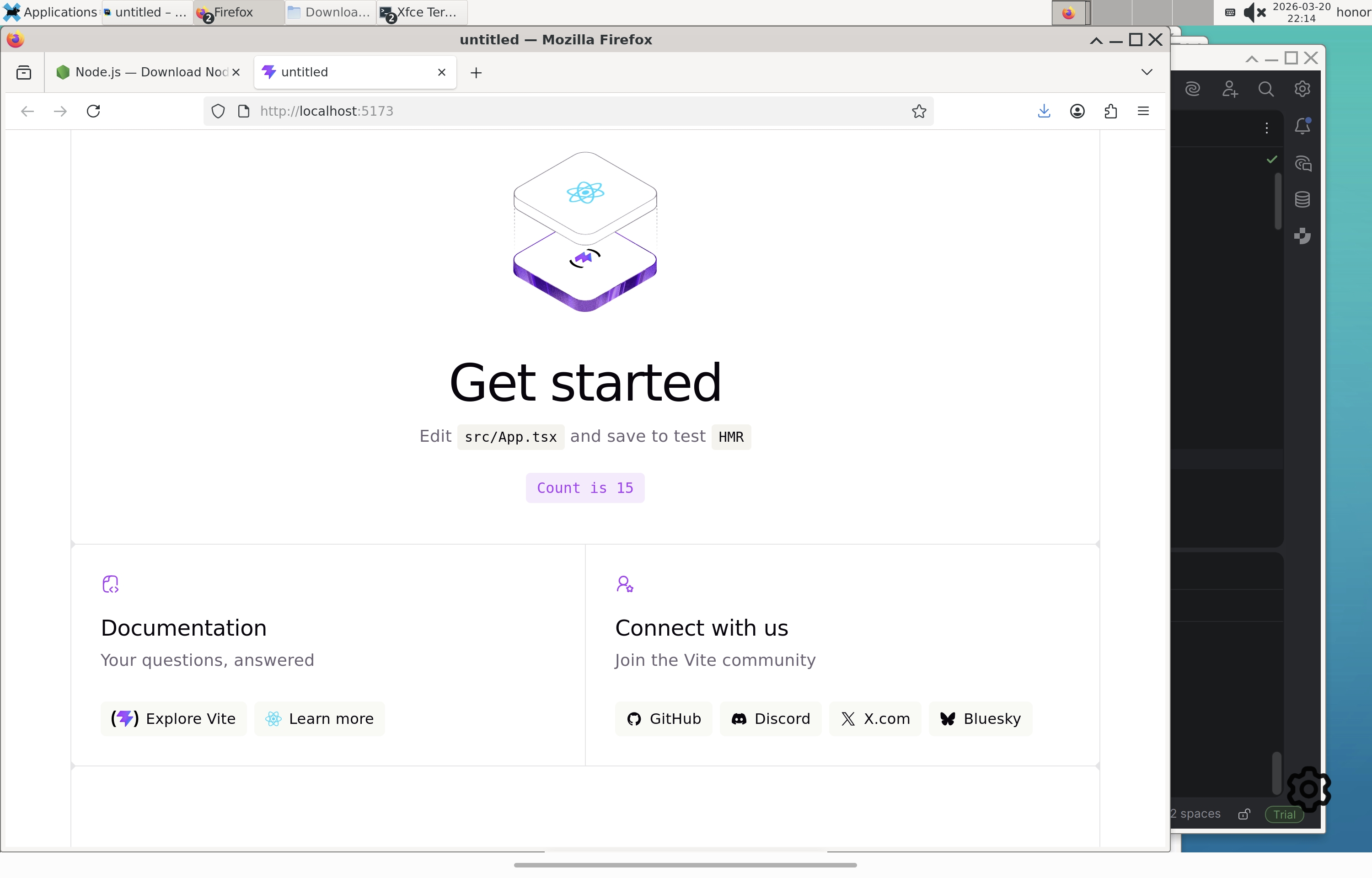
The result is incredible: I am currently running WebStorm and PyCharm natively on my tablet. Since it's Debian, it's stable, fast, and handles professional projects without the latency of a VM or RDP.
A few technical tips from my experience:
Since it's a tablet-specific environment, I found two important workarounds for a smooth experience:
* The 'Focus' Bug: If you use the stylus to click inside the terminal, the physical keyboard might stop responding. The fix is to simply tap the screen with your finger instead of the stylus to restore the keyboard focus immediately.
* Terminal Navigation: If the arrow keys don't work for your command history in the terminal, use the shortcuts Ctrl + P (Previous) and Ctrl + N (Next).
It’s amazing to see that while many are still waiting and voting for a mobile port, we can already turn our tablets into real workstations thanks to this native Debian integration.
Check out these screenshots—it’s pure joy to see JetBrains IDEs running natively on this hardware!
#JetBrains #WebStorm #PyCharm #Android #Linux #Xfce #Honor #MagicPad4 #MagicOS10 #DevLife #Debian
il
请先登录再写评论。