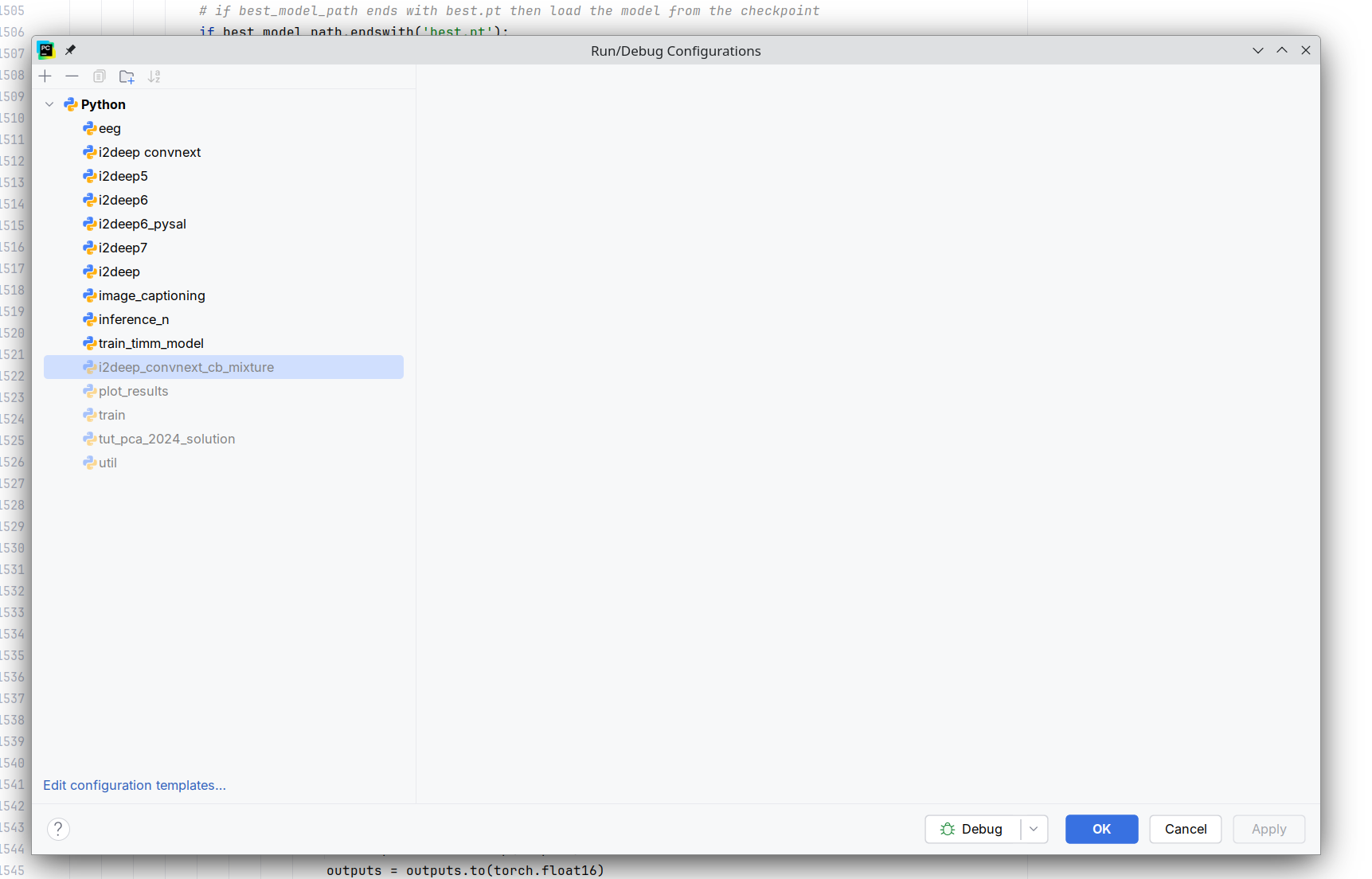
Run/Debug configuration window is empty

After upgrading to PyCharm 2026.1 Build #PY-261.22158.340, my run/debug configuration window is empty. The configurations are still available in workspace.xml. This happened on two different Linux machines now.
请先登录再写评论。
Hi, Gadzicki ,
According to the issue description, it looks like the issue is caused by PY-88807. It is about remote Python SDKs created in the 2024.x versions are invalid in the 2026.1 version. The fix will be included in the next update. In the meantime, you can apply this workaround:
<config dir>/options/jdk_table.xml(config directory) in a text editor.sftp://ordocker://paths).After that, the Run/Debug Configurations editor should work normally. You will need to re-create the remote interpreters if you still need them.
Please follow PY-88807 for updates. To receive notifications, click the star icon on that page.
If this is not the case, please create YouTrack ticket and attach a log archive, which can be found under Help | Collect Logs and Diagnostic Data.
Thanks, seems to work now.