How to disable / hodden blue circle with plus inside - Intellij Idea
已回答

Hi folks,
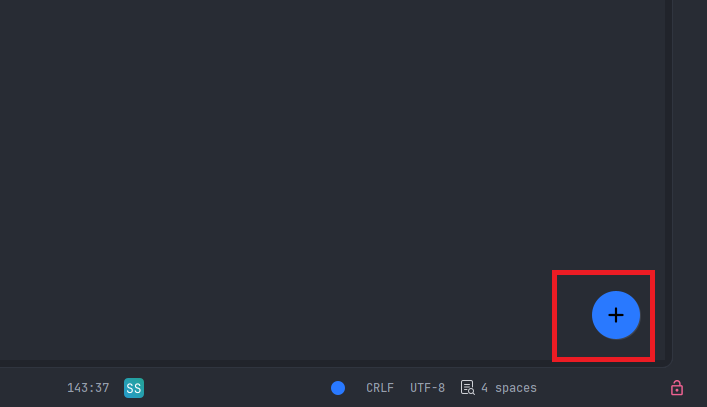
I want to disable blue circle from screen shot. Where is option to do this?
请先登录再写评论。
Hello Kamil G.
That blue
+button is the Material Theme UI plugin’s Floating Action Button (FAB). To disable it (without removing the theme):Ctrl+Alt+S).If you don’t use Material Theme at all, you can also go to Settings | Plugins, find Material Theme UI, and disable the plugin entirely.
Monica thanks for helping :)