Can't start new project
已回答

When i try create new java project without templates i can't create class Main.
I got error:
Unable to parse template "Class"
Error message: Cannot create class-file
How it looks:
When i try create new java project using checkbox "Create project from template"
File Main.java if created, but empty, and not writable.
Also i see hint "Decompiled .class file"
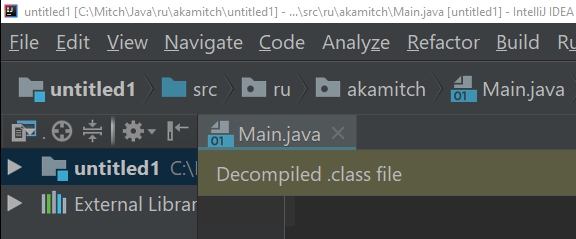
When i try edit:
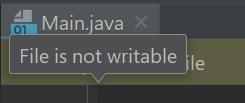
I use windows10, installed IDEA around one week ago, updated today.
Newer used it before.
What i'm doing wrong?
请先登录再写评论。
Try to delete config directory to start with the default settings (https://intellij-support.jetbrains.com/hc/articles/206544519). It looks like file types are configured incorrectly and the default templates are corrupted.
Great, problem solved!
Thanks Serge! This solved my issue one of my co-workers has this issue with Rider as well so we'll test out this solution for that too.