Try deleting/disabling all these libraries, and exclude the bower_components folder from indexing using Mark directory as | Excluded in folder right-click menu - does it help?
It's not exactly what I'm expecting, because the "node_modules" folders may appear in different locations in my project, and I can't "block" all these locations by adding them (their parent folders) into "Excluded" list.
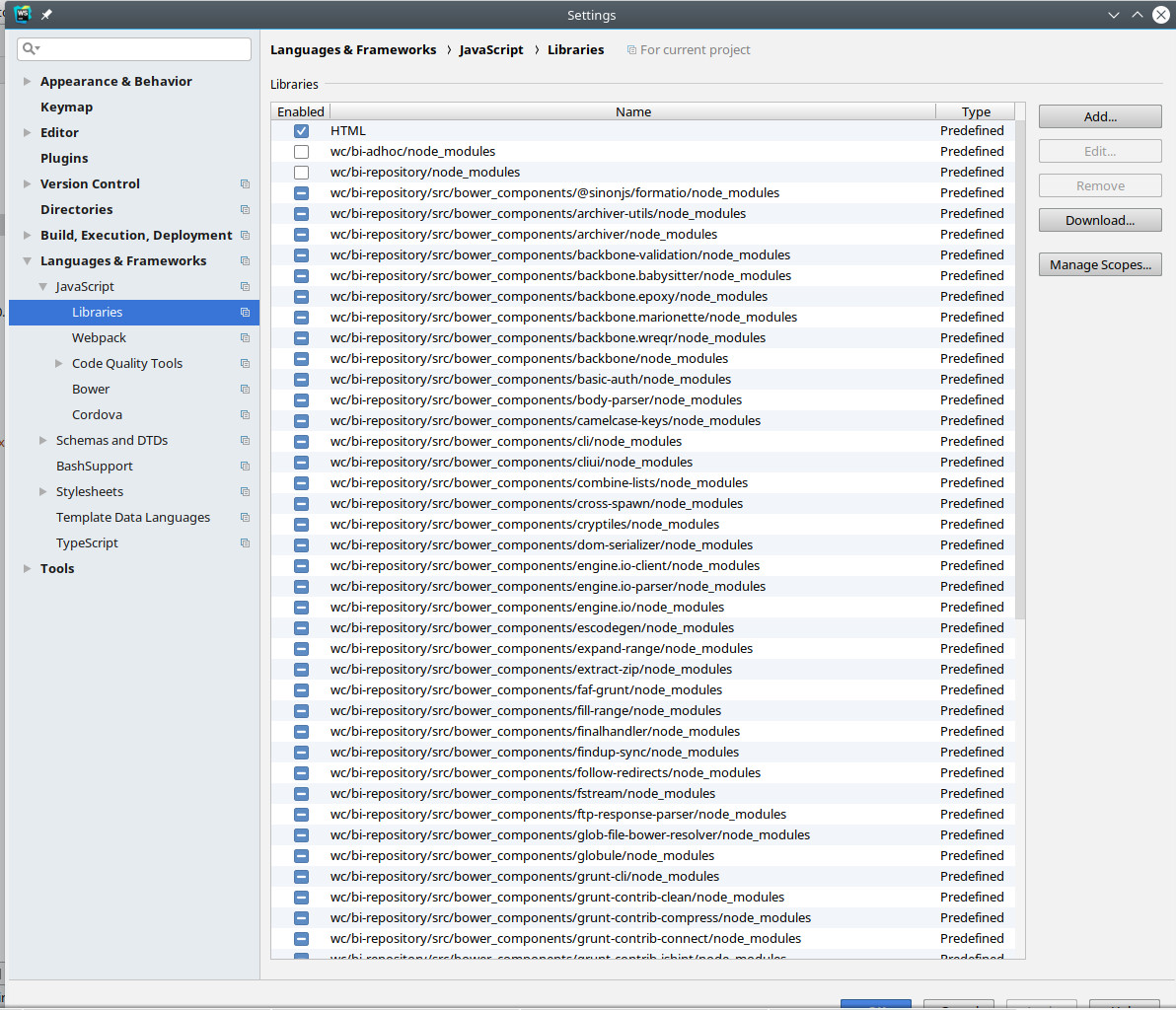
Can I set up Webstorm to not include any "node"modules" automatically into the list from my screenshot ?
You can add node_modules to Ignore files and folders patterns in Preferences | Editor | File Types; but note that they will be ignored completely then (not shown in project tree view, etc.)

Try deleting/disabling all these libraries, and exclude the bower_components folder from indexing using Mark directory as | Excluded in folder right-click menu - does it help?
It's not exactly what I'm expecting, because the "node_modules" folders may appear in different locations in my project, and I can't "block" all these locations by adding them (their parent folders) into "Excluded" list.
Can I set up Webstorm to not include any "node"modules" automatically into the list from my screenshot ?
Thanks
You can add node_modules to Ignore files and folders patterns in Preferences | Editor | File Types; but note that they will be ignored completely then (not shown in project tree view, etc.)
Awesome !
I think this is what I need.
Thank you, Elena