Run output is automatically hidden including error message!

I've just upgraded pycharm version from 2017 to 2018.1.2. But a serious problem is occurring frequently.
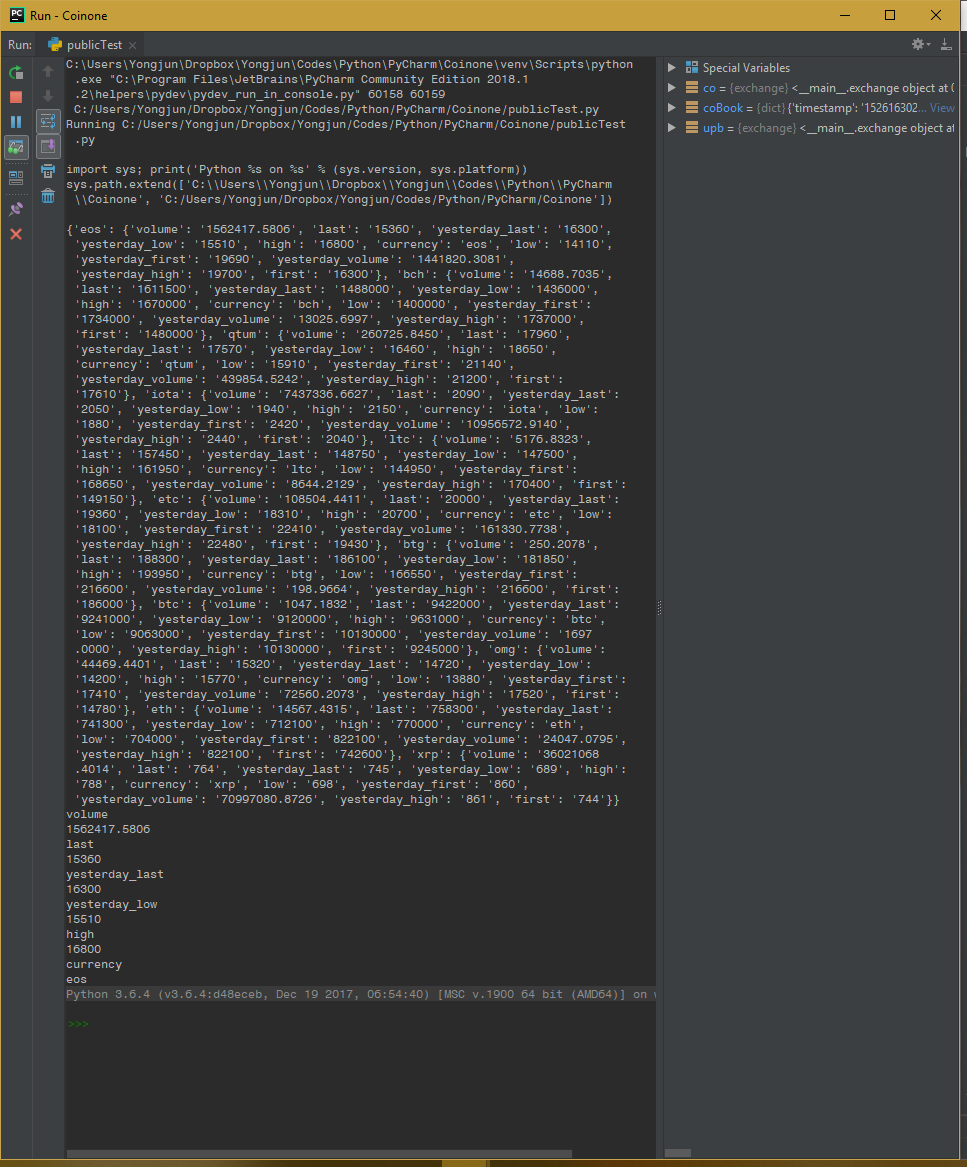
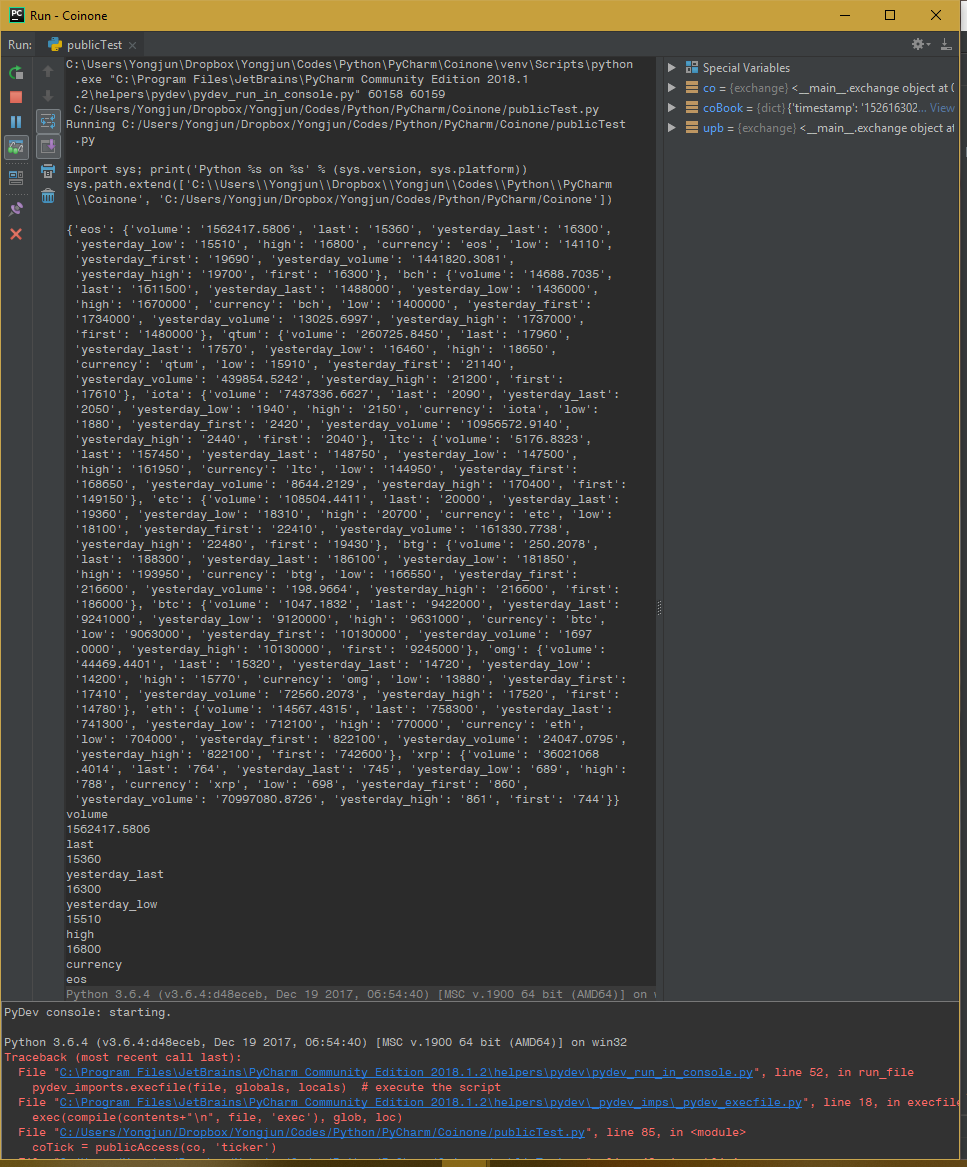
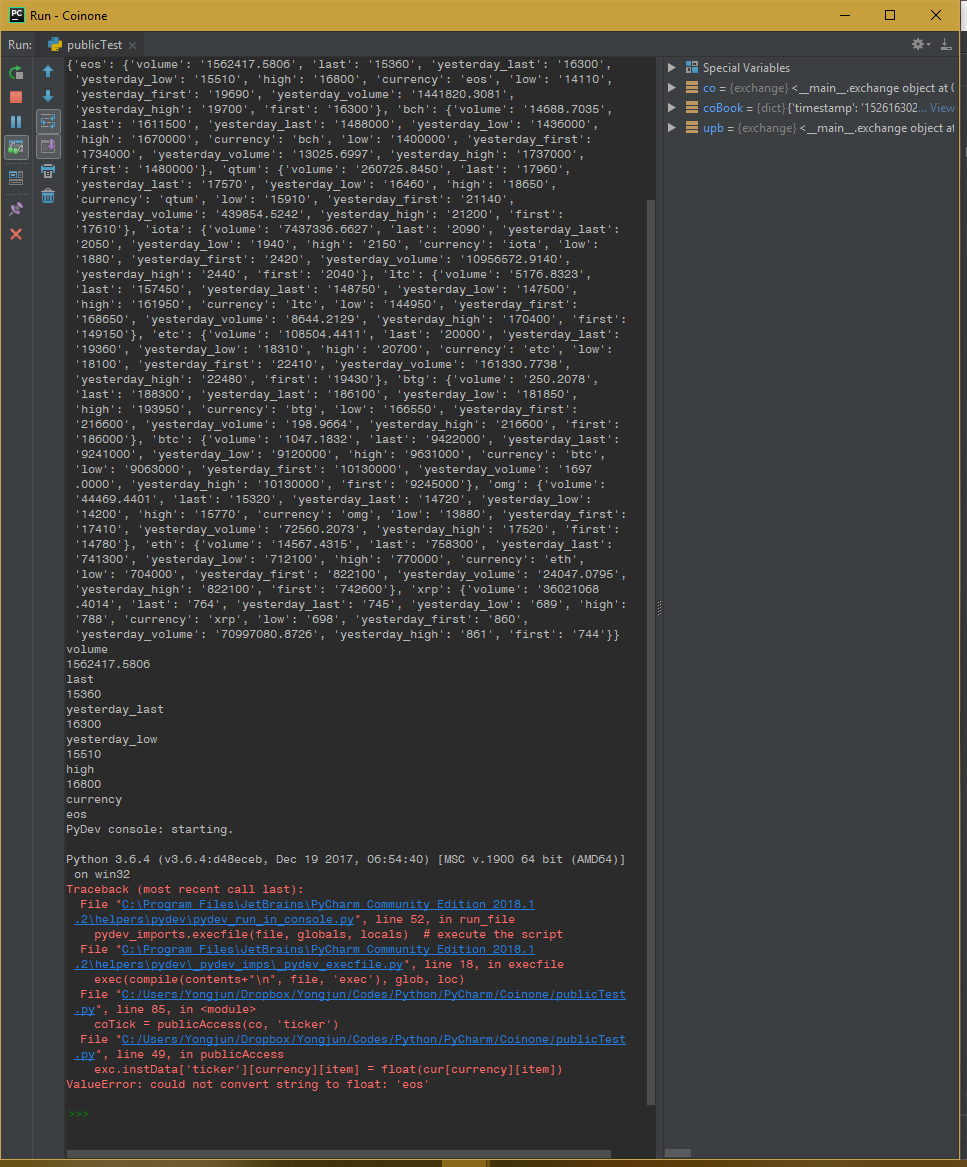
I often run a code in 'run file in console' mode for debugging. After upgrading, whenever I run a code, the messages below 'PyDev console: starting.' are automatically folded. So I can't see the possible important messages shown after the pydev message even including error messages! I have to always unfold the message by clicking it to see whether an error occurs or not.
I wonder if there is an option for preventing the automatic folding. If not, this issue must be solved by making a user option to deactivate it.
I will include some screenshots.
<1. initial output with a folded message at the bottom>
<2. cursor on the message reveals the hidden messages>
<3. after clicking the message>
Thank you!
请先登录再写评论。
I tried this on PyCharm 2018.1.3 (181.4892.52) pre-release version and I found the version does not have such problem at all (messages unfolded in default). Note this, please.
Hi! Yes, this this problem was fixed in PyCharm 2018.1.3 https://youtrack.jetbrains.com/issue/PY-29045