How to show "speech bubble" in plugin?
已回答

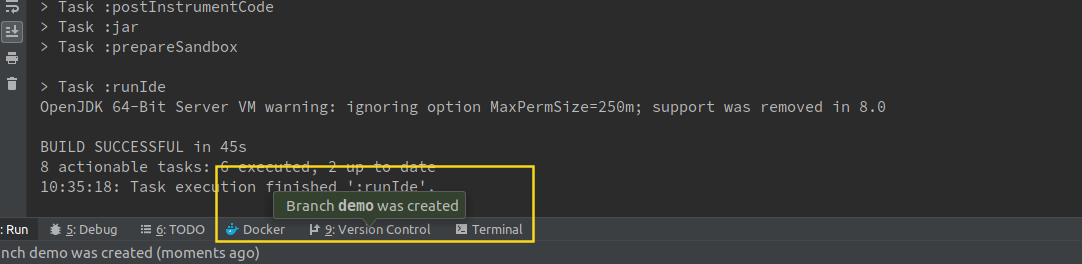
I'm developing a plugin and would like to create a "speech bubble" like in the following screenshot. I've found out how to show notifications but they are different from the notification below.
By the way, is there some kind of "complete" Javadoc/API documentation for the IntelliJ plugins?
请先登录再写评论。
The best "complete" (and up-to-date) documentation would be https://github.com/JetBrains/intellij-community sources.
(ex: you can find existing popup you like and check how it was implemented)
Such popup can be created in multiple ways.
If you want to show it for specific toolwindow - see `com.intellij.openapi.wm.ToolWindowManager#notifyByBalloon` (it is used for balloon on screenshot).
Or you can use `com.intellij.ui.LightweightHint` with `HintHint.setPreferredPosition(Balloon.Position.above)`.
See also `JBPopupFactory` (ex: `JBPopupFactory.createBalloonBuilder`).