How could I made dialog editor syntax highlighter and can be formatted
已回答

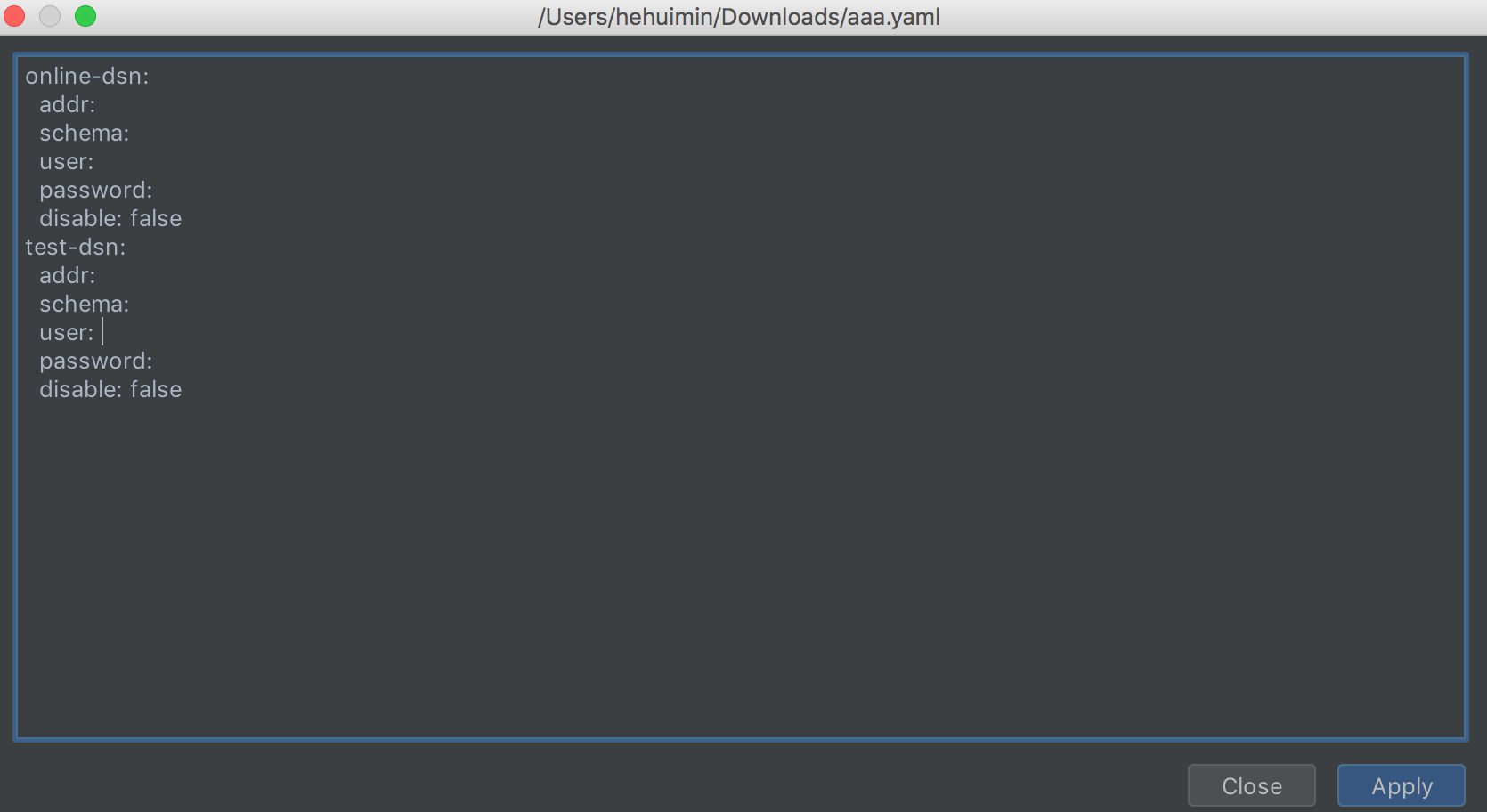
Hi, I'm edit a yam config file in setting, and will open a new dialog to show file content; But I meet two question:
1. The dialog size is not suit for content, and I set size of outer panel and edit panel doesn't work.

2. How to set the dialog syntax highlighter and could be formatted.
Thanks.
请先登录再写评论。
Why don't you just open this file in editor?
Because there have other configuration maybe had been changed, so I think edit this configuration file in a dialog would be friendly for user.
So how could I to complete this? Thank you very much
First of all, you'll need to use an instance com.intellij.openapi.editor.Editor in your dialog, either instantiating it directly - via EditorFactory, or using EditorTextField. In the former case, you can use Editor.setHighlighter method (highlighter can be created using EditorHighlighterFactory), in the latter highlighter will be created automatically based on file type you specify in EditorTextField constructor.
Thanks very much for you help, now I can show a highlighter dialog, but there stile have one question : I can't edit file in the dialog
My code like this :
public void showContentPane(String path, String content) {
String fileExtension = FileUtil.getExtension(path);
EditorFactory editorFactory = EditorFactory.getInstance();
Document document = editorFactory.createDocument(content);
document.setReadOnly(false);
ApplicationManager.getApplication().runWriteAction(() -> {
document.setText(content);
});
Editor editor = editorFactory.createEditor(document, null, FileTypeManager.getInstance().getFileTypeByExtension(fileExtension), true);
JComponent component = editor.getComponent();
component.setEnabled(true);
component.setPreferredSize(new Dimension(640, 480));
component.setAutoscrolls(true);
JComponent contentComponent = editor.getContentComponent();
DialogBuilder dialog = new DialogBuilder(project);
dialog.setTitle(path);
dialog.centerPanel(component).setPreferredFocusComponent(contentComponent);;
dialog.addOkAction();
dialog.show();
}
I did't find where can set the dialog can editable and how to save modified content, could you please help me find how to do this? Thanks.
You're passing 'true' to 'isViewer' parameter of 'createEditor' method. If you pass 'false', it will be possible to change text in editor, and those changes will be reflected in the document you use.