how to set back file display?

I accidentally set my project into the mode that all files in the project are disapeared in the project files menu. and only showed in the upside bar as:
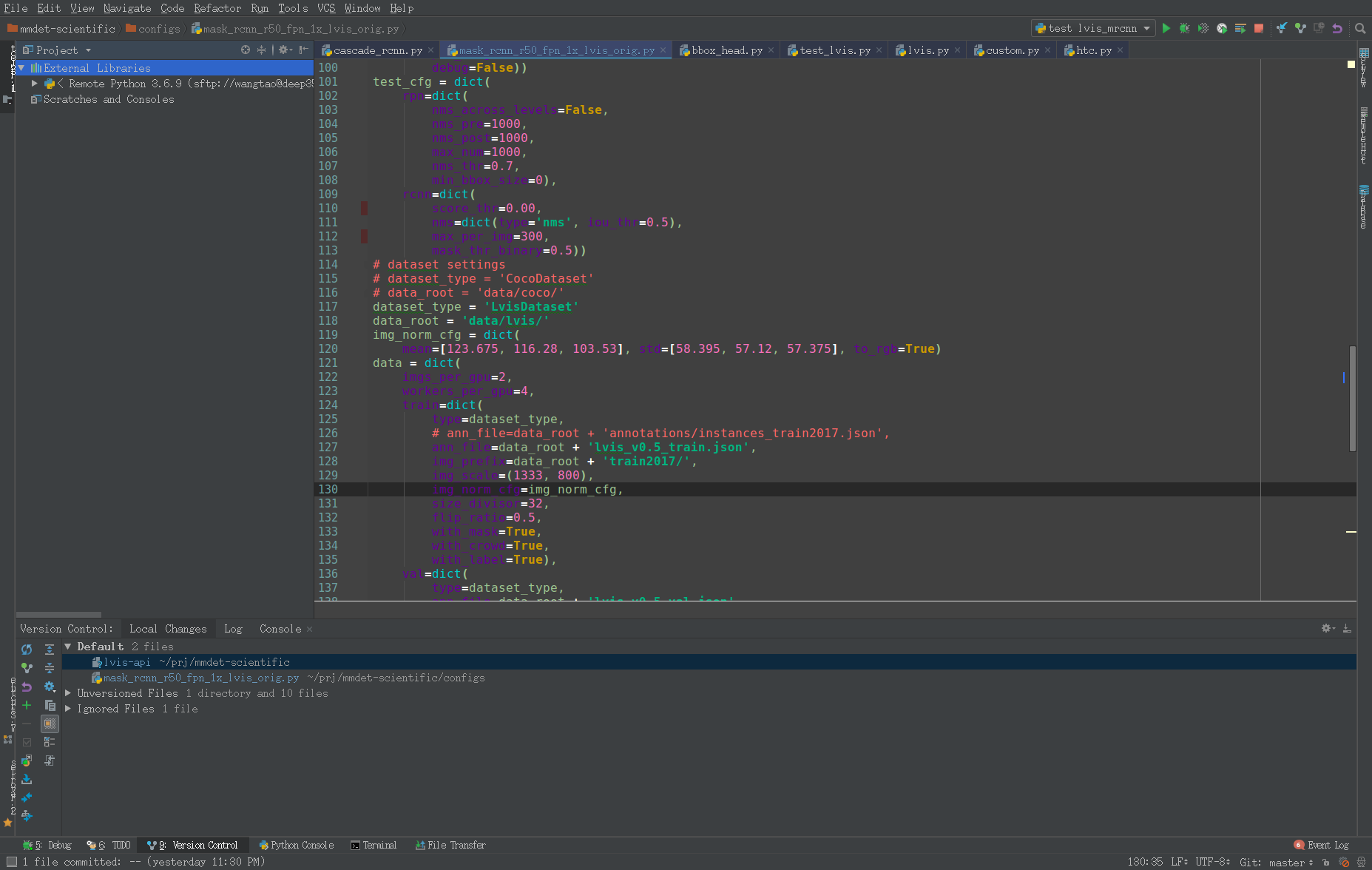
normally a project should have the view:
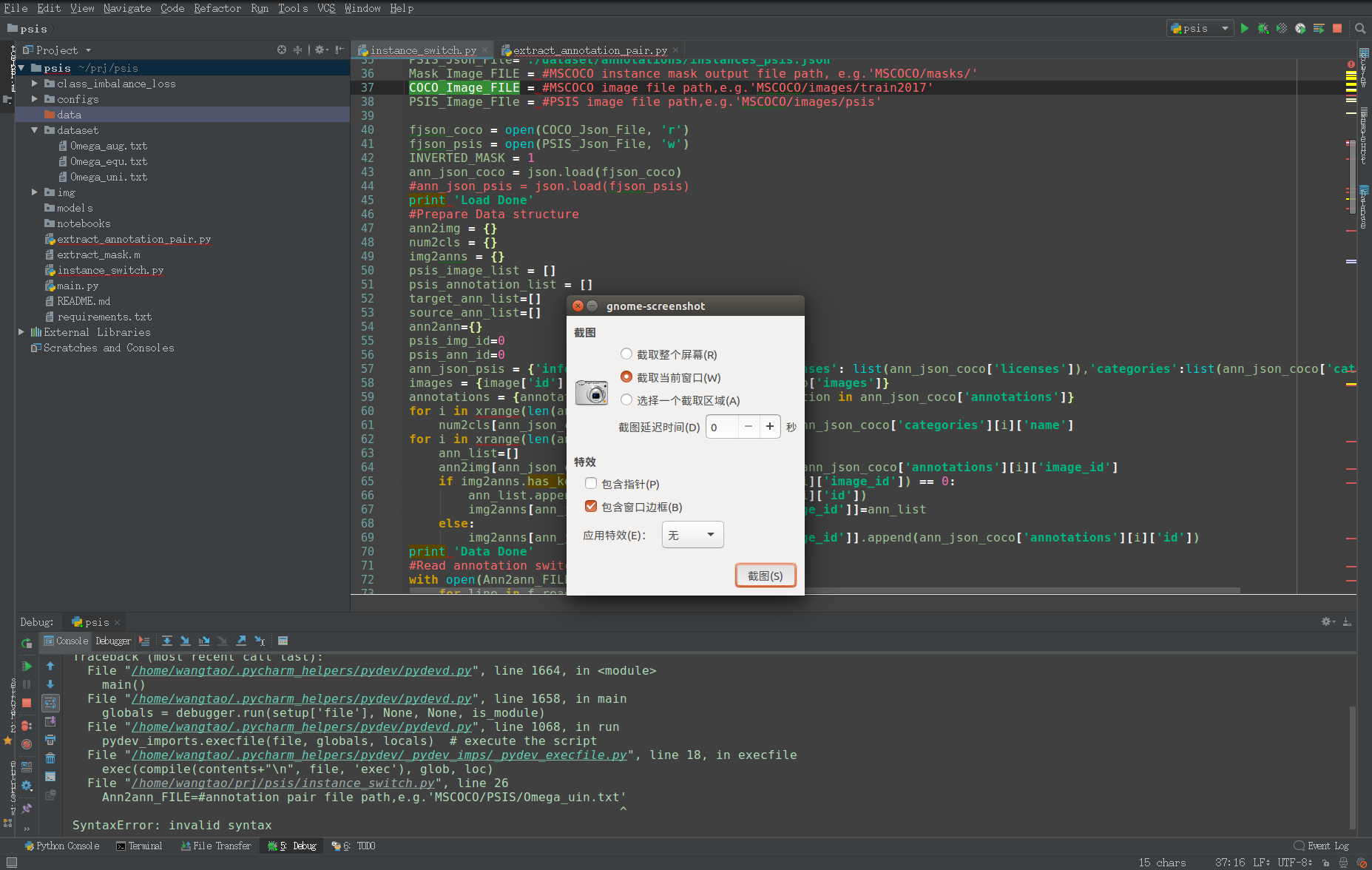
I'm wondering how should I set it back to normal display?
Thanks!
请先登录再写评论。
Hello,
It seems like the whole project was excluded.
To revert the changes back, switch to the "Project files" view. Find the project folder, right-click and "Mark directory as" - > "Cancel exclusion"
Let me know if it helps.