How to remove docs window on opening specific project
已回答

Hi all!
For last couple of days (weeks) I have an issue with one of my PyCharm projects (PyCharm Pro 2019.2, Mint Cinnamon 19.2) : every time I open it from menu or by complete PyCharm launch, it automatically shows Docs floating window. If I alt-tab somewhere while Pycharm is loading, it just displays on top of all windows in whole desktop and not disappear until I switch to PyCharm and close it (press Esc or click anywhere outside floating window). Screenshot of that floating window with Firefox focused on PyCharm launch: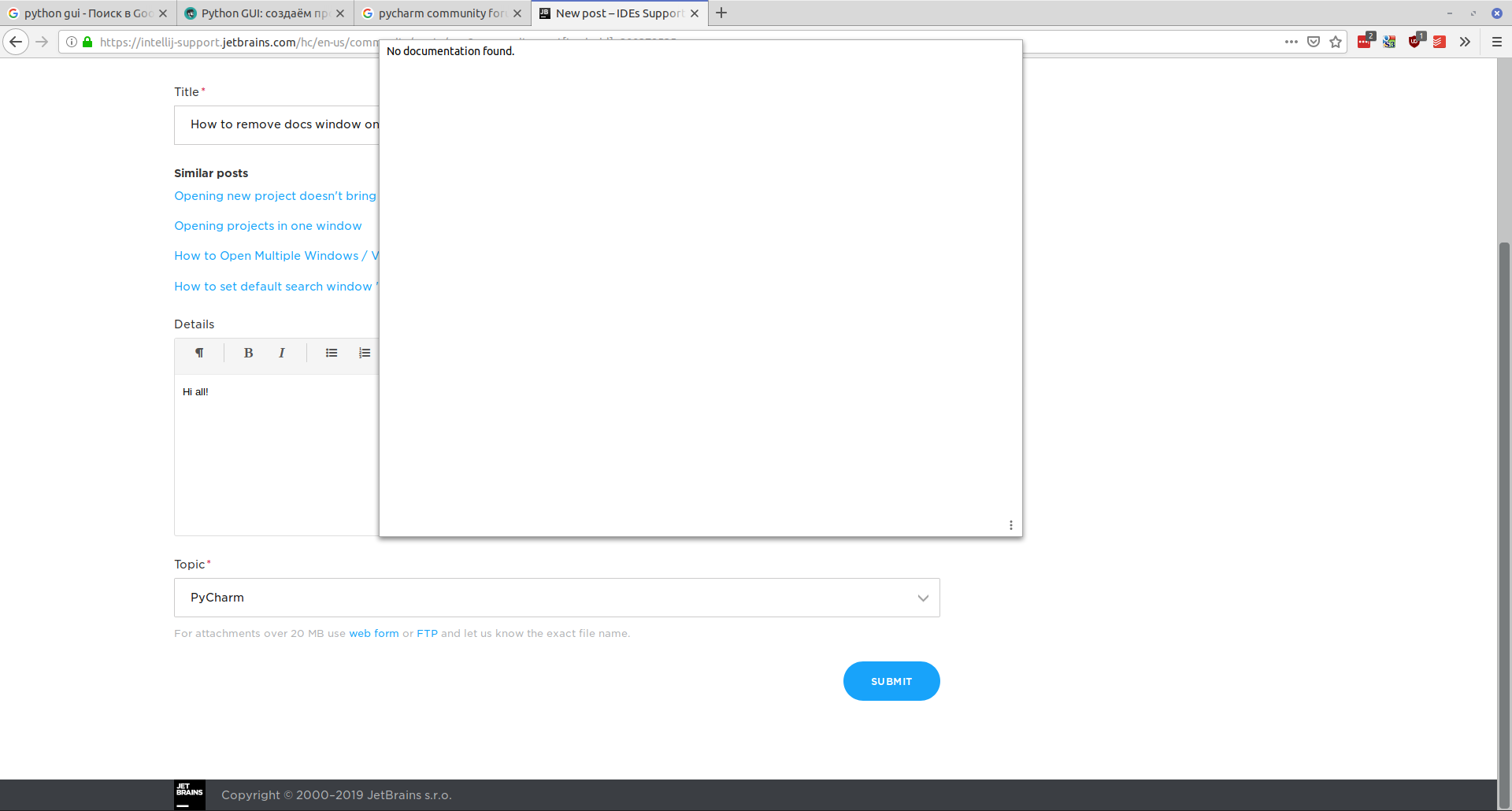 It happens only in one project, all others are opening normally. Is there any way to get rid of this bug without deleting the project and creating a new one?
Thanks in advance, sorry for my english))
请先登录再写评论。
Hi!
Since the issue is specific to this project only, you could try removing its .idea folder which contains project-specific settings.
Has it helped?
Hi Sergey!
Thanks for the helpful answer, everything genial is simple)) I've also had such idea but somewhy didn't try it out - thought it will require complete re-creating the project, setting up interpreter etc...
Thanks again, now it's opening without that bug