Why am I getting a drop-down since the latest update about searching "accessors"?

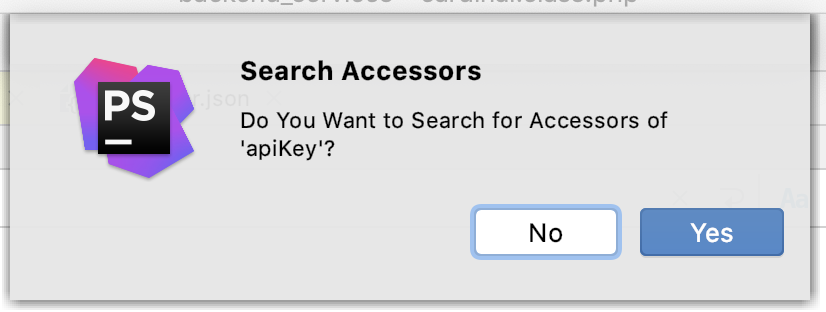
I just Cmd+clicked on `$apiKey` inside of a class to have it show a pop-up of all usages in the class:
private $apiKey;
I've never seen this drop-down before... but whether I click Yes or No, it shows the search result pop-up with the same info (because the variable is only accessed in that class, because, you know, it's a private variable).
None of this is making sense to me. Now I have to click Yes or No every time I just want to see where a variable is used in a class or files?
I'm not seeing where to prevent the drop-down; when I want to search for a variable's usage, I actually want to search for it, and if it takes too long, guess what, I can cancel it or should have some way to limit the scope of the search, right?!
请先登录再写评论。
how to disable this window?
Unfortunately, there's no way to disable it at the moment. The fix was planned for 2021.2, but the IDEA team hasn't delivered.
Please vote for the usability problem: https://youtrack.jetbrains.com/issue/IDEA-177722