Unable to select the entire line in any tool window

I often use "Command + Shit + [Left/Right]Arrow" to select the rest of the line before/after the cursor.
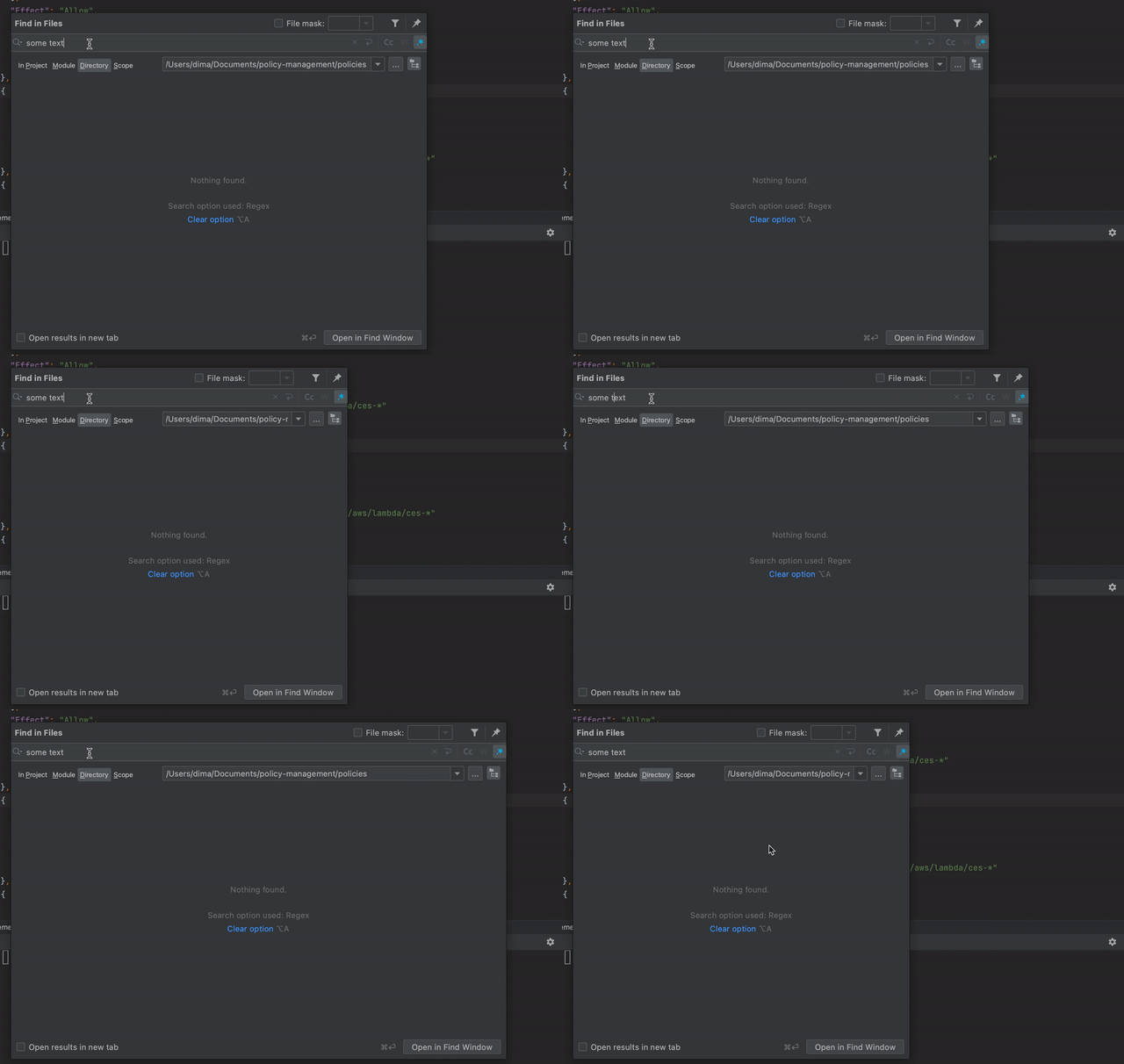
But, after the last update, it's not possible anymore to do in tool windows such as "Find in Files", "Rename" etc. When I press "Command + Shift + Arrow" the window resizes instead of selecting the text.
WebStorm 2021.1.2
Build #WS-211.7442.26, built on May 24, 2021
Runtime version: 11.0.11+9-b1341.57 x86_64
VM: Dynamic Code Evolution 64-Bit Server VM by JetBrains s.r.o.
macOS 11.4
GC: ParNew, ConcurrentMarkSweep
Memory: 2014M
Cores: 4
Registry: eslint.additional.file.extensions=svelte, ide.images.show.chessboard=true
Non-Bundled Plugins: com.github.gtache.lsp (1.6.1), com.github.holgerbrandl.pasteimages/ (1.2.6), org.intellij.plugins.hcl (0.7.10), dev.blachut.svelte.lang (0.19.0), ru.adelf.idea.dotenv (2021.2)
请先登录再写评论。
Hi there,
https://youtrack.jetbrains.com/issue/IDEA-267294 -- fixed for next major version (2021.2)
You can try EAP build to confirm that (if it's already included in that build ofc): https://blog.jetbrains.com/webstorm/2021/06/webstorm-2021-2-eap-3/
Check this comment for the workaround for your current 2021.1 version: https://youtrack.jetbrains.com/issue/IDEA-267294#focus=Comments-27-4937123.0-0