Import command shows error because it is referencing wrong folder [SOLVED]
已回答

PyCharm is highlighting as errors some objects I import from the types package.

If I check why, I find out it is interpretting types means a module on my project actually called types.
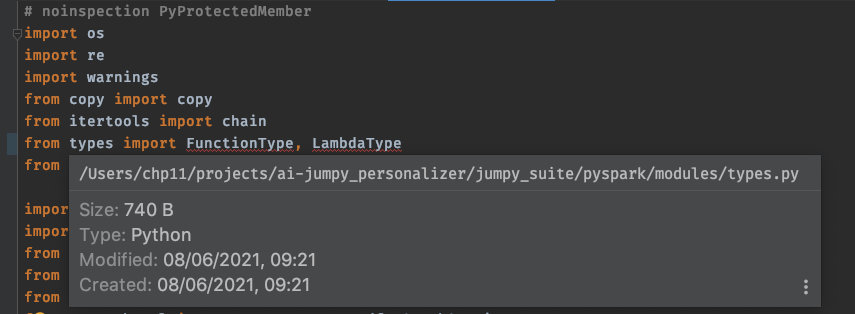
From my understanding, if I were to import from that module I should write instead:
from jumpy_suite/pyspark/modules import types
Instead, what I am trying to import is the types package installed on my interpreter

Please do note than during runtime, no errors arise. This is a matter of PyCharm miss interpreting errors check.
There is something I could do apart from renaming my own internal module?
Thanks in advance
请先登录再写评论。
Hello,
Please maker the directory /Users/chp11/projects/ai-jumpy_personalizer/jumpy_suite/pyspark/modules/ as "namespace package" ( context menu of the directory -> Mark as..)
Should do the trick.
Wow it actually did. Solution was so simple!
Thanks you very much. Now I undertand slighly better my IDE. Love Pycharm!