IntelliJ Ultimate with WSL2/Ubuntu - Multimodule Maven Project Sync failing - other modules are not found
已回答

Hi Everyone,
has someone else seen this behaviour?
- IntelliJ 2021.1.3 Ultimate
- WSL2 Ubuntu 20.4 LTS
- Java 16 (OpenJDK inside WSL)
- Maven 3.6 (inside WSL)
- Very simple Spring Boot project with Lombok. No other build plugins.
- multimodule maven project (checked out in WSL folder)
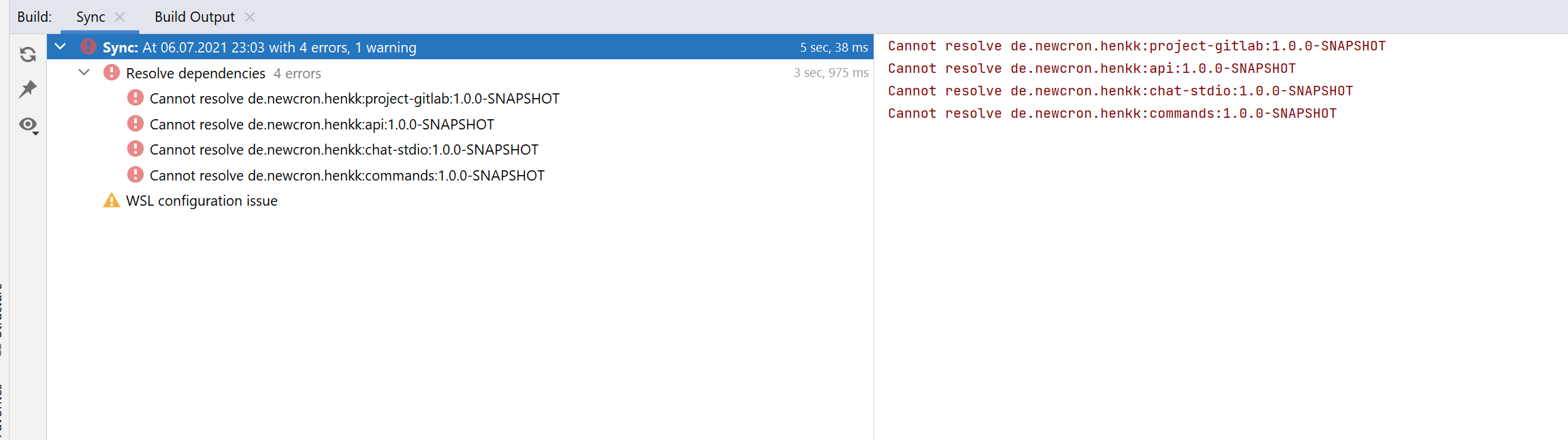
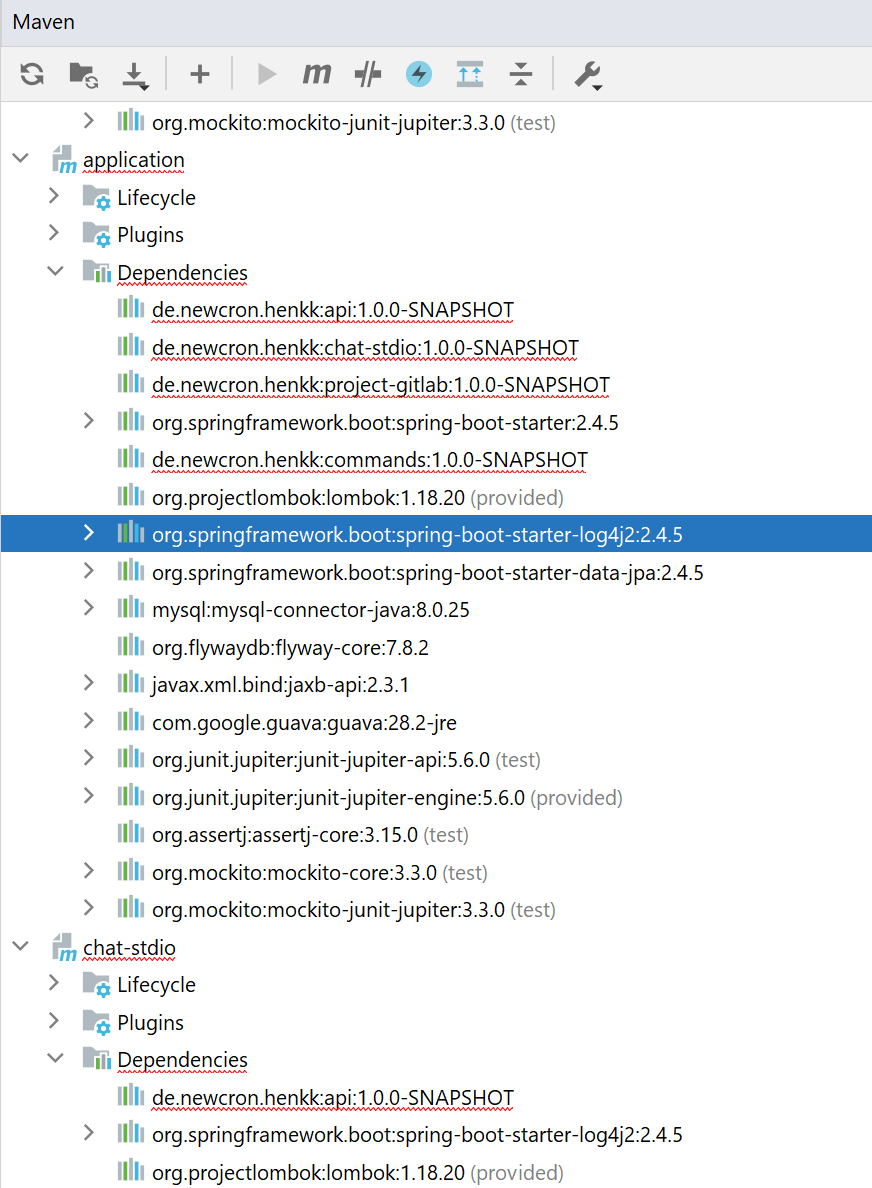
When I am trying to import the Project, I get several errors from the maven sync (screenshots below). IntelliJ fails to resolve all module dependencies (all the dependencies that can't be resolved are within the project root). In addition I get the error "WSL configuration issue: Ubuntu does not have configured maven". This will cause in either of two errors when I try to run or debug the application. I was not able to find any cause for which of these two errors happens:
- application fails to start with the error being "could not find main class"
- application starts but with an incomplete classpath and will crash with NoClassDefFoundErrors. (the elements missing on the classpath seem to be the transitive dependencies coming from the other modules)
I have tried these things to fix the error
- project builds correctly using maven from the commandline
- I did run mvn package and mvn install from within the IDE - they work fine and run inside WSL.
- When run on Ubuntu (no WSL), IntelliJ is able to correctly identify the other modules
- verified that JDK, mvn and execution environment are within WSL
- deleted *.iml and .idea folder and reimported the project a couple of times
- invalidated caches
- Triggered Build / Rebuild many times
Is there anyone who has had a similar issue?
请先登录再写评论。
See this YouTrack item for updates:
https://youtrack.jetbrains.com/issue/IDEA-267333