PyCharm DB Schema Syntax

Hello all
Any way I can have PyCharm interpret database and table from a f string? The reason why is I want to use the PyCharm SQL tools on the query... Below is an example of sql using f strings and sql2 being hardcoded with the database.table
    db_database_name = '`mydatabase`'
    db_table_name = '`mytable`'
    data = {'last_name': 'smith', 'first_name': 'sally', 'age': 31}

    sql = f'SELECT * FROM {db_database_name}.{db_table_name} ' \
          'WHERE `first_name`=%(first_name)s AND `last_name`=%(last_name)s'

    sql2 = 'SELECT * FROM `mydatabase`.`mytable` ' \
           'WHERE `first_name`=%(first_name)s AND `last_name`=%(last_name)s'

    with db_conn.cursor() as cur:
        cur = db_conn.cursor(pymysql.cursors.DictCursor)
        query = cur.mogrify(sql, data)
        log.info(f'sql: {query}')
        cur.execute(sql, data)
        table_set = cur.fetchall()
    db_conn.commit()

    log.info(f'table_set: {table_set}')
PyCharm example:
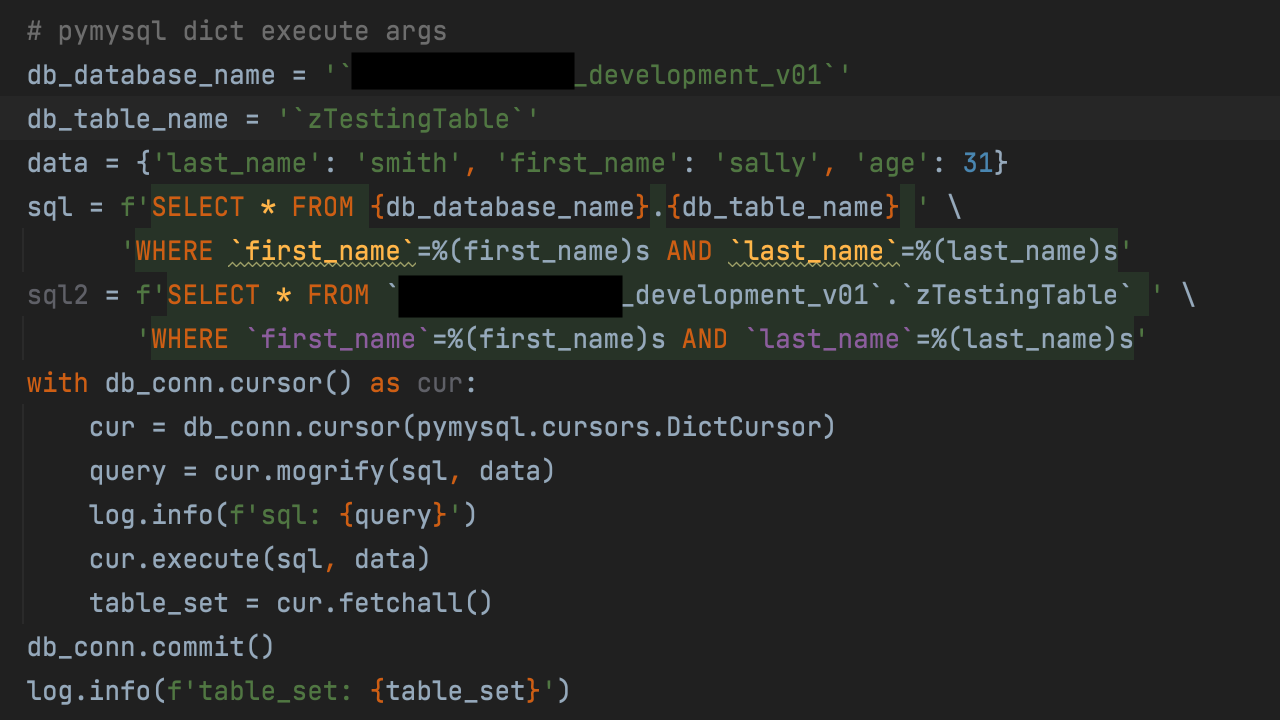
Suggestion:
When you hover over the "Unable to resolve column 'columnname' (see image below)
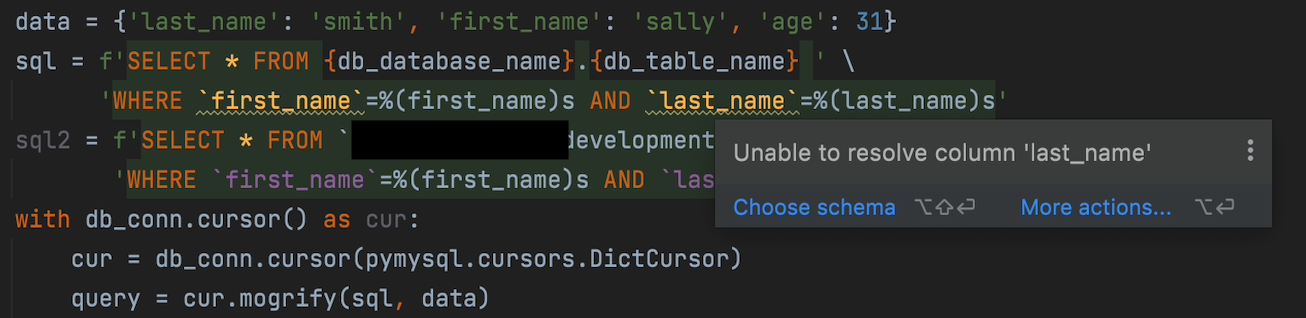
Allow us to Choose a schema (with a database.table) and attach it to that piece of SQL, currently Choose Schema does nothing.
请先登录再写评论。