New install of Install of IntelliJ on a new machine, menus are all blank
已回答

Hi, I've just installed IntelliJ community edition on a new Windows 10 machine. The install completed with no reported errors, but all the menus in the editor are blank - both the menus on the title bar and the right click pop up menus.
I can edit the code in the window, but cannot save it, or open any new files. Clicking on the "File" menu highlights the word "File" but no menu drops down. Same for all the other menus.
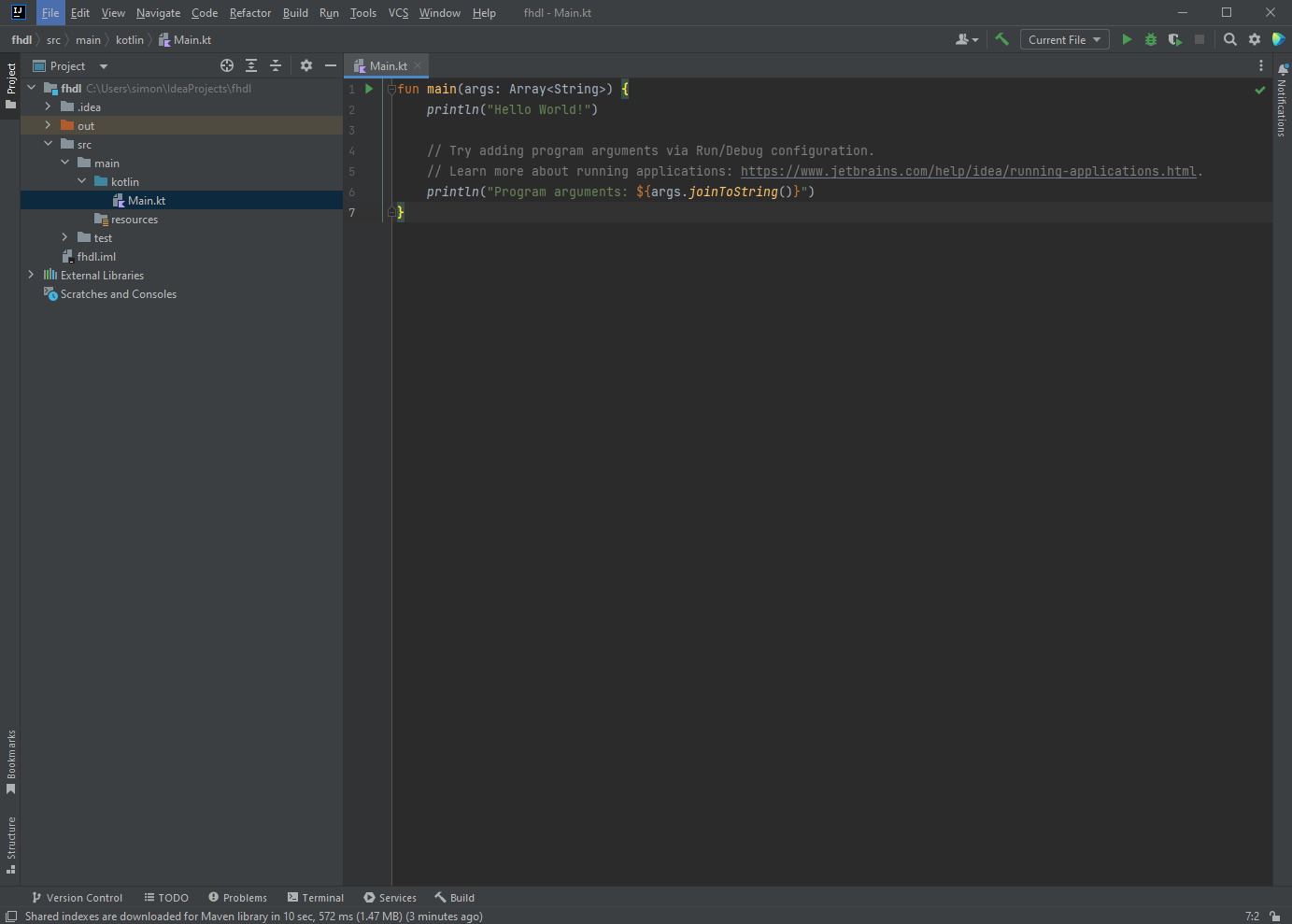
Any suggestions on whats gone wrong?
请先登录再写评论。
If you have any custom plugins installed, please disable them and restart the IDE. File | Settings | Plugins | ⚙️ | Disable all downloaded plugins
Does it help to restart the OS?
If you have Antivirus software, see if it helps to disable it temporarily.
If the problem remains, please attach the resulting archive of the Collect Logs and Diagnostic Data operation (Shift-Shift -> type "diagnostic"). You can upload it privately to https://uploads.jetbrains.com, and provide the upload id.