Remote Docker Interpreter not working

exactly as listed in https://youtrack.jetbrains.com/issue/PY-50509 when configuring a remote docker interpreter, the dialog gets stuck at "Getting remote interpreter version"
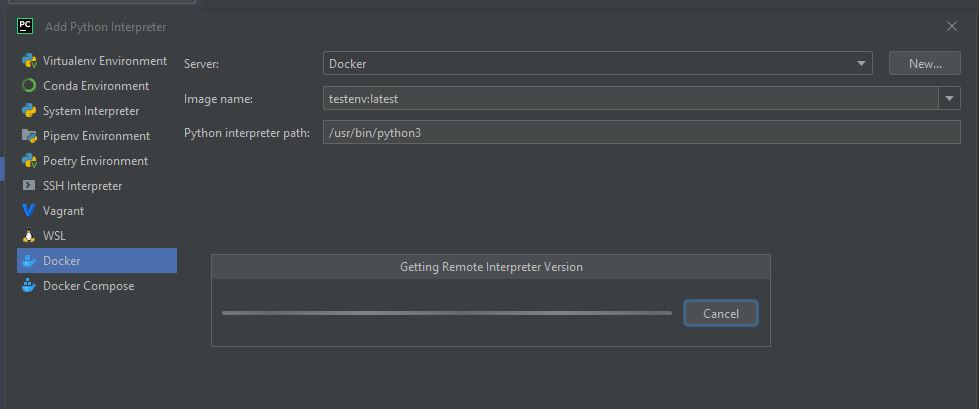
I already tried the "disable python.use.targets.api" workaround but it did not work.
My Setup (client):
- Pycharm 2022.2.2 (i tried stable and early access)
- Windoes 10
Server:
- Ubuntu 22.04
- Docker version 20.10.17, build 100c701
- Connected over ssh
i compiled a custom development image for me to test which is local tagged "testenv". pycharm can see the image and i can select it. When i select the image and add the correct interpreter path it gets stuck, however the server shows that the version command was executed. If i replicate the version command manually i see a the correct python version, so this should work but pycharm wont accept it.
Does anyone have a solution to this problem, it seems that im not the only one having issues with remote docker
Remote interpreter settings:

Version command executed by pycharm and manually:


请先登录再写评论。