Spell checking doesn't stop even when disabeled
已回答

I went to other posts to see if any had ways to remove all spell checking because i am not commenting in english, the preferences pathways are different now. I went to Editor -> Natural Languages and unticked all but I still have thoses typos, the text remains covered in green whirly lines, I even removed the american dictionary but the application still manages to get the rules from somewhere else to spellcheck, again.
Please give me a solution, any solution to get rid of these.
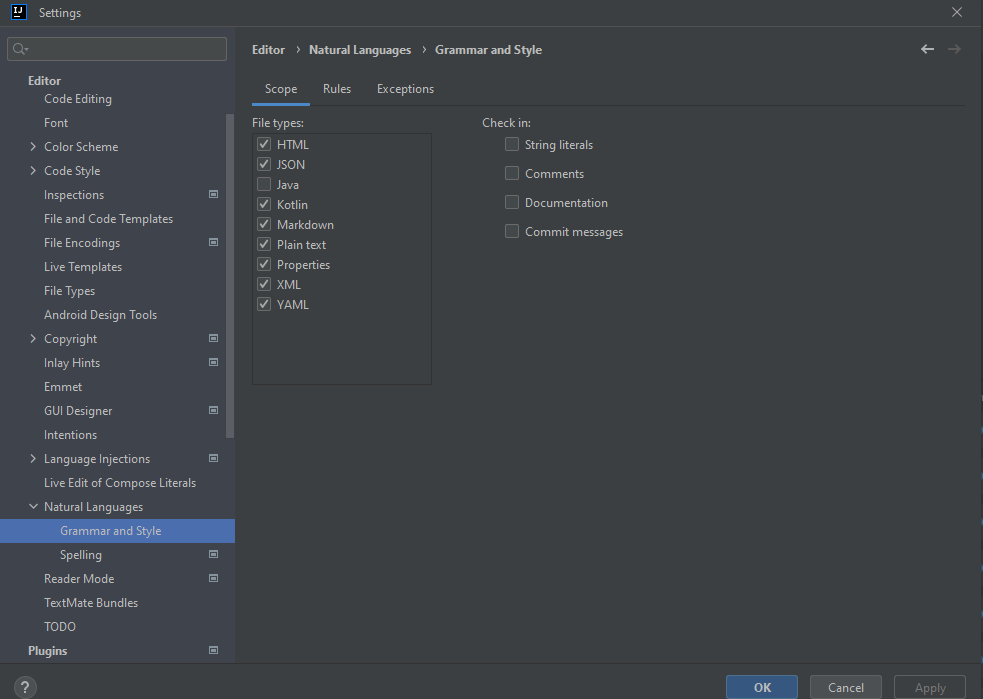
PS: When i click on the Application-level dictionary it cannot find the files because i removed the American dictionary...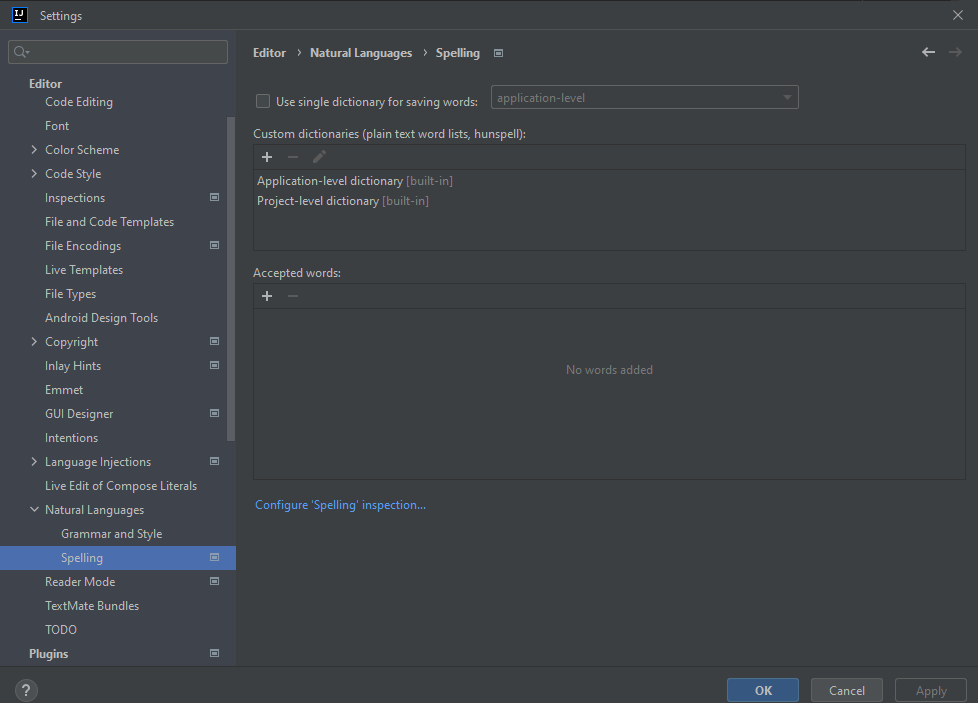
请先登录再写评论。
We recommend you open the
File|Settingswindow, theEditor|Inspectionstab and turn off all Proofreading paragraph settings or only the Typo option in there:Thank you very much ! It works just fine !