How to configure color scheme for a particular symbol

Question
How to configure colors or fonts for a particular symbol type or to determine which settings are applied to it?
Answer
- Put the caret on a symbol.
- Hit Shift-Shift.
- Type "jump" to locate the Jump to Colors and Fonts option.
You will see the list of code styles applied to this symbol:
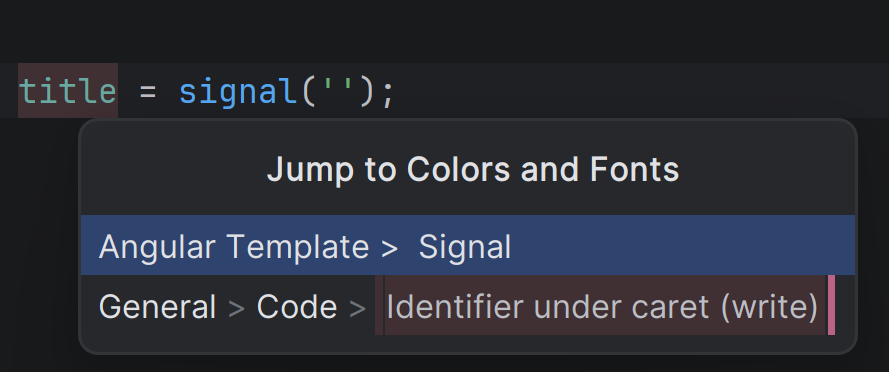
- Click the one you'd like to edit; the code style settings window will open.
Please sign in to leave a comment.