Copy file to excluded directory

Since updating to PhpStorm 2022.3.2 I have two issues:
- I can no longer copy a file to an excluded directory. I get the message: Directory is not located inside the project. This only happens when I copy a single file. When copying multiple files it works as before.
- When I copy and paste a file with a PHP class, I automatically get the Copy Class dialog which opens the pasted file. This also only happens when pasting a single file only. Is there a way to disable the Copy Class dialog and simply do a plain paste?
I found some issues with a similar problem (e.g. https://youtrack.jetbrains.com/issue/WI-70061) where they state the problem has been resolved, but I haven't been able to find a way to disable Copy Class.
Please sign in to leave a comment.
Hey,
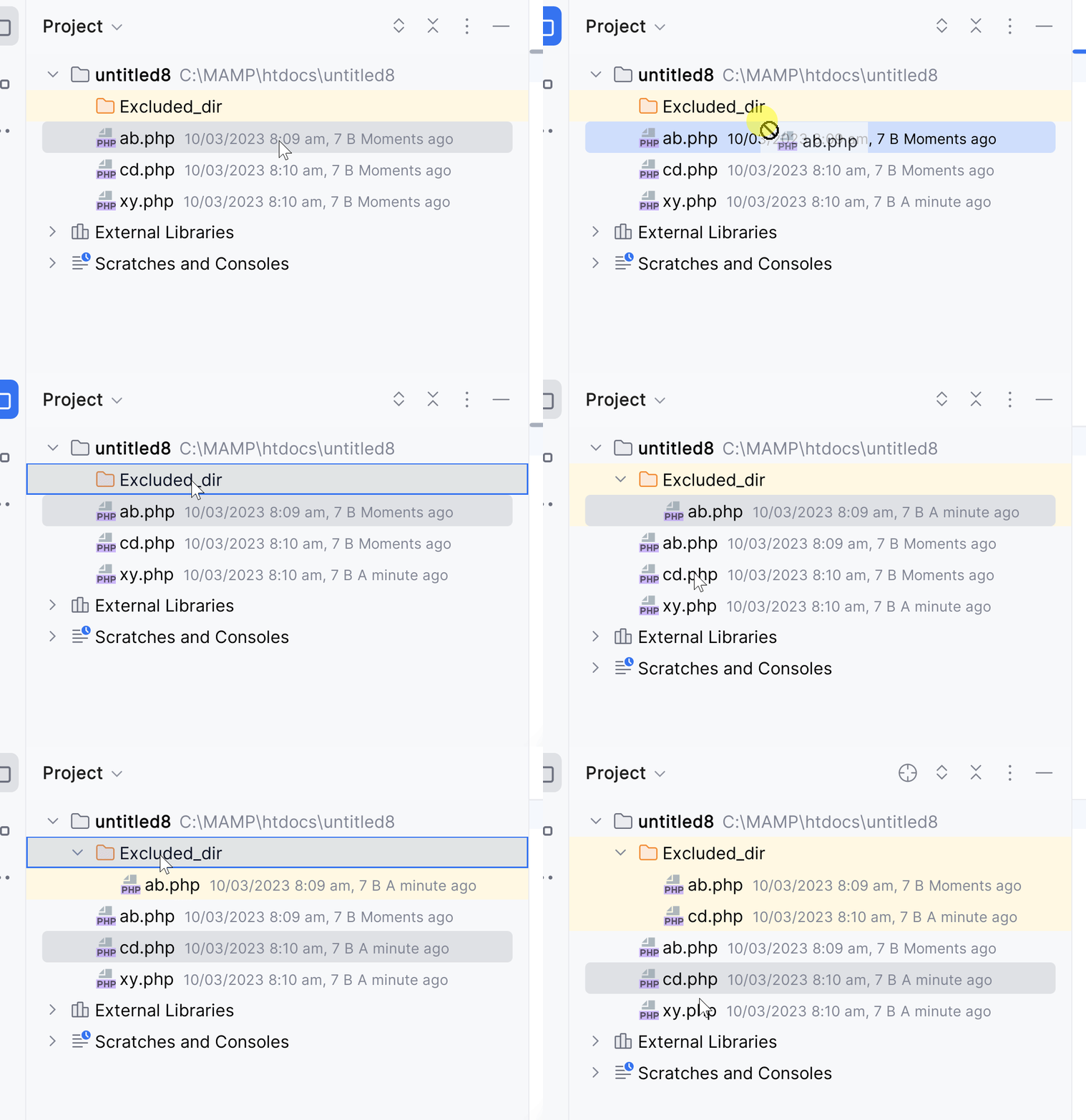
1. I was not able to reproduce the issue on 2022.3.2:
Could you please show a screenshot with the warning itself? Do you copy file within the same project?
2. Sadly, there is no way to disable "Copy class" yet as WI-70061 is still in open state.
Thank you for your reply. How come you copy a file when you drag? When I do that I get the Move dialog.
Here's a screenshot of the issue:
When I revert to 2022.2 I don't have this issue.
Sorry, my bad, I have tried to copy a simple PHP file before and managed to reproduce the issue with the PHP Class file now.
Here is the ticket I submitted:
https://youtrack.jetbrains.com/issue/WI-71769/Cannot-copy-class-to-an-excluded-directory
As for the copy on drag, you may hold Ctrl key while dragging the file, it will work as a copy modifier.