Why is using WebStorm so hard?!

I have a simple JS I want to load. I try to start it but get "Program path not specified". I tried to read about it (with not many help), and installed node js, but then got "... CreateProcess error=193".
I just have a simple JS I want to run on my browser. How can I?
Please sign in to leave a comment.
To run JavaScript code in browser, you need an HTML page - there is no way to run JavaScript in browser directly. So you have to create HTML, include your .js in it via <script> tag, and then choose either Run or Debug from .html file right-click menu to run your code
That's what I did... I took a working code from w3schools (switching to React JSX didn't work, and vice-versa)..
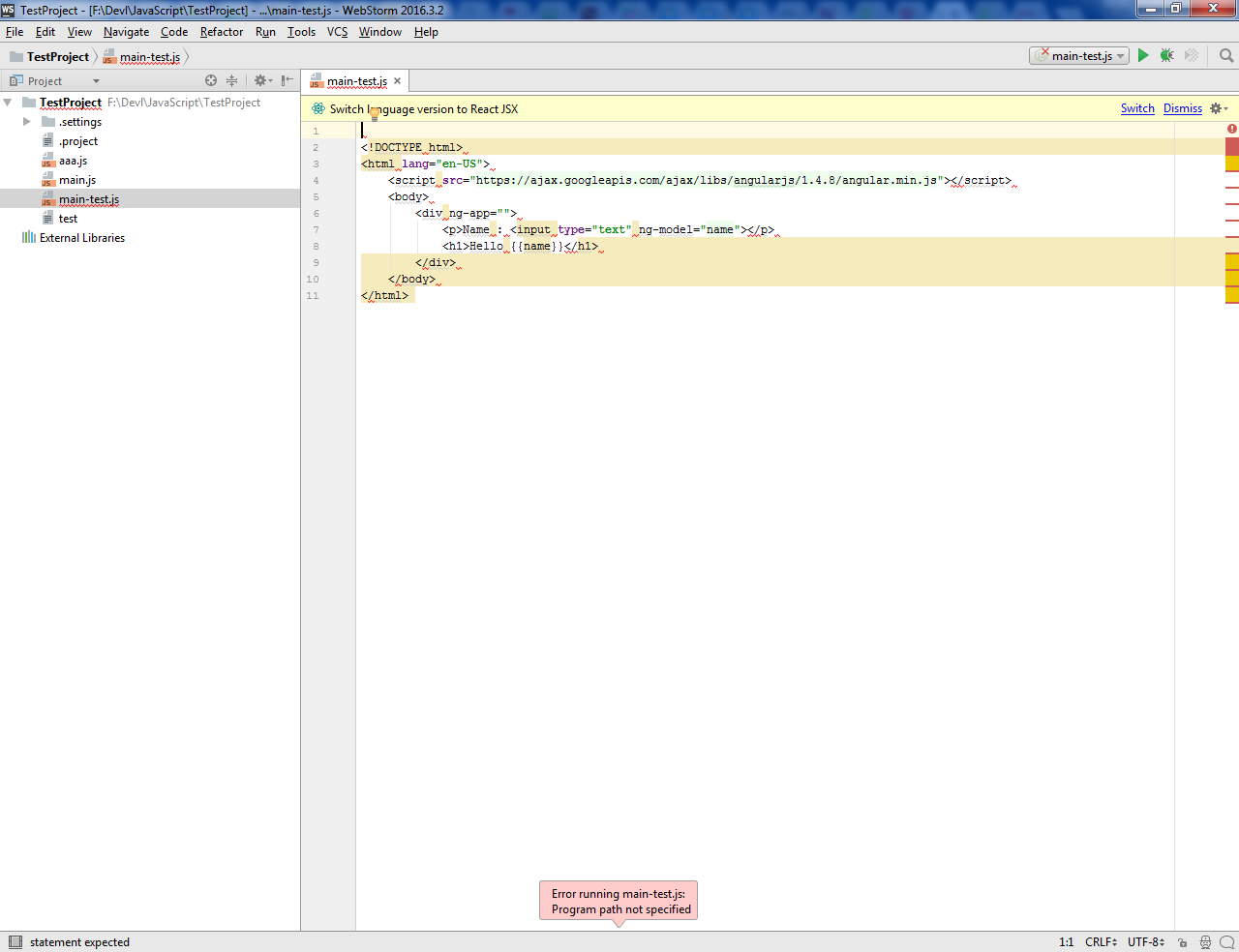
what's the reason for writing HTML code in .js file? It should be .html, not .js...
It is just the code I copied... I tried to rename to .html, and that didn't work. I also looked and saw that the code was Angular JS. So I copied a regular JS, and that also threw exception. But what did work is clicking on the chrome button that opened. So please help by making "run" activate chrome.
> I tried to rename to .html, and that didn't work.
please can you elaborate on this?
>But what did work is clicking on the chrome button that opened. So please help by making "run" activate chrome.
'Run' in .html file right-click menu does exactly the same as Chrome button - it starts Chrome and opens the HTML page on the default webserver.
Please see also https://confluence.jetbrains.com/display/WI/Starting+a+JavaScript+debug+session
I renamed the file (by going into the directory -> rename), and it didn't work. Run through an Exception like you can see.
what exceptions are you talking about? Please provide screenshots
Program path not specified when I clicked on run.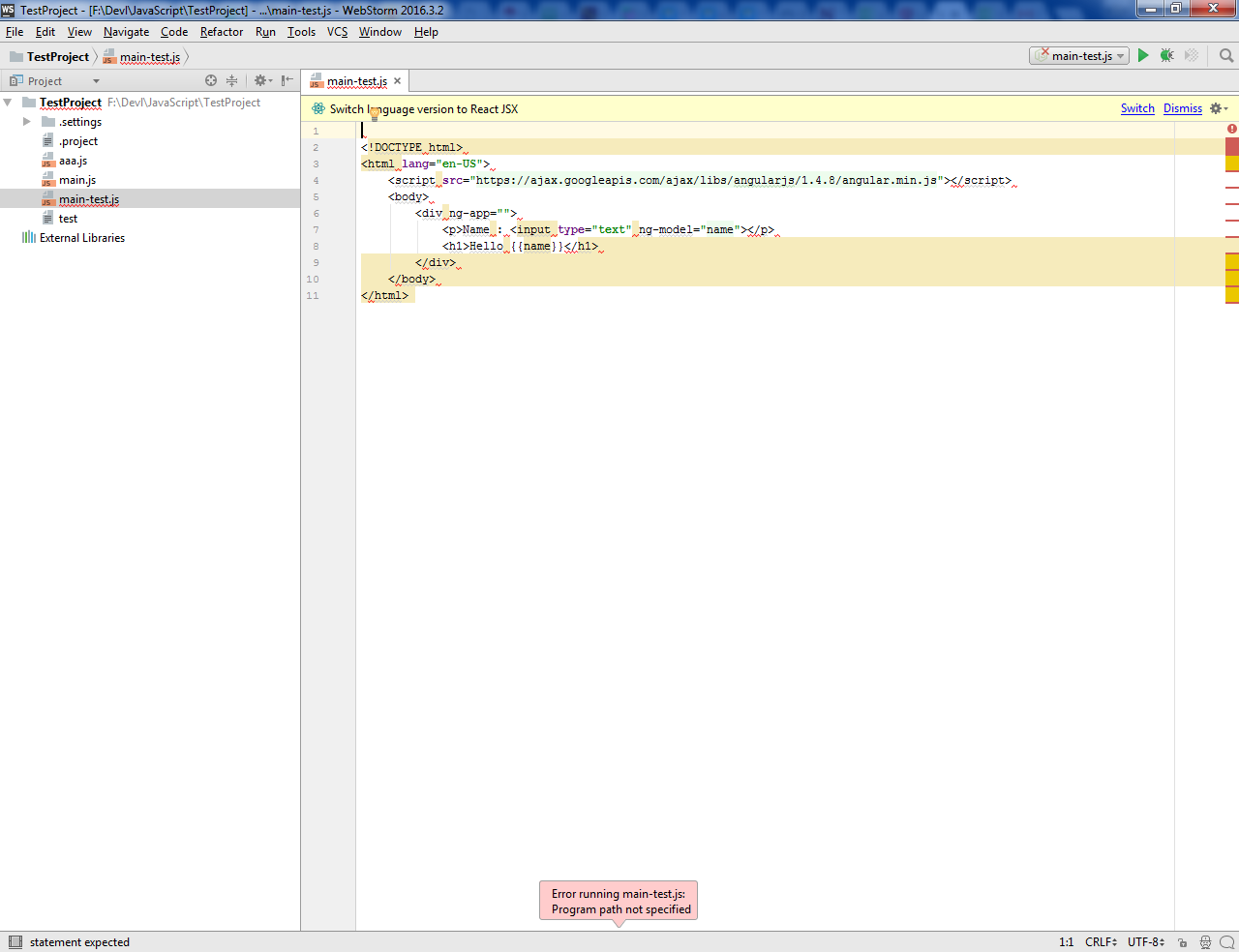
it's still a .js file... We are running in circles. What is unclear in my instructions? Please right-click it, choose Refactor/Rename, and change the extension from 'js' to 'html'
An old screenshot - even html files throws the exception. Alt+F2 works, Run throws errors.
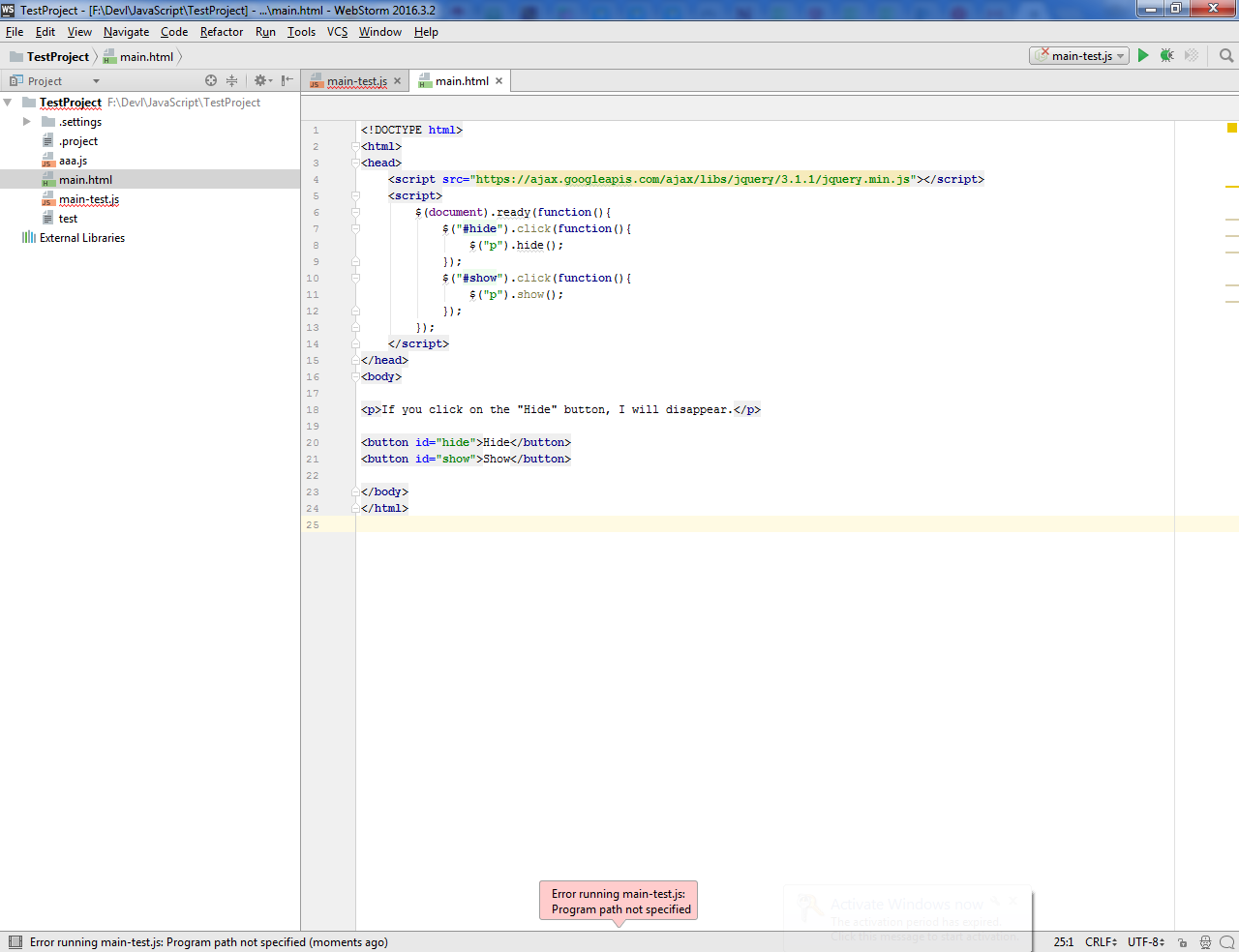
Please select Run from .html file right-click menu - pressing Run main toolbar button runs currently selected run configuration created for `main-test.js` - and this is the invalid Node.js run configuration