Problem in showing NodeJS packages

I've installed IntelliJ 2017.1 on my laptop, primary to see features it provides for HTML5/Cordova development.
So, currently all preparations are done, including installing NodeJS and NPM itself and also its packages like phonegap/cordova/ionic and ..
@Installation wizard I've also installed NodeJS plugin successfully.
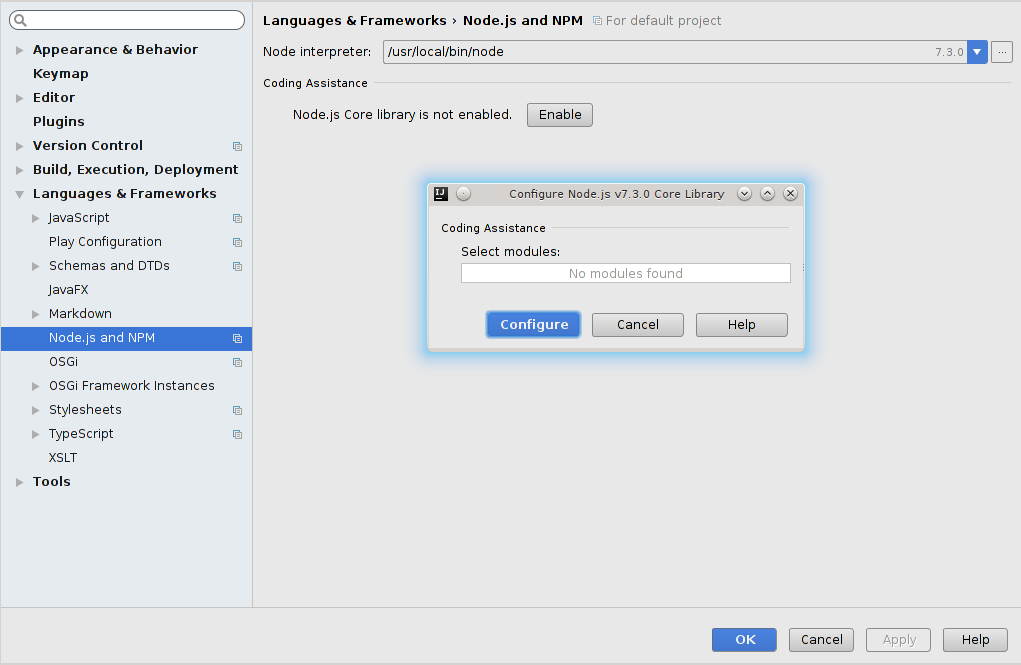
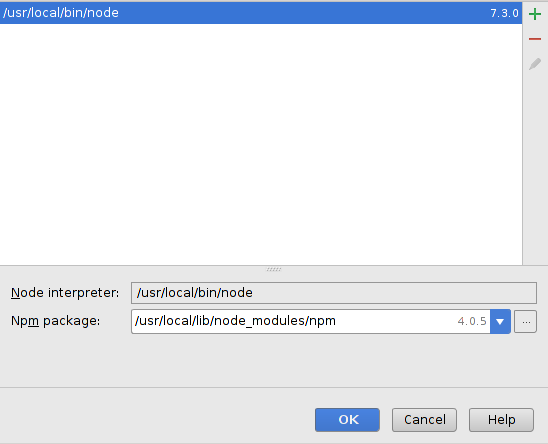
Well, as soon as installation finished, I went to Setting to check and configure the NodeJS parameters. so it is what i currently see in the page:
Could anyone help me with this ?
Please sign in to leave a comment.
You are trying to set up a library in default settings (File | Default Settings).
Please use your project settings instead (Idea | Preferences if you are on OSX or File | Settings for Linux)
Hello Elena, thanks for the reply.
Well, it is my second issue i also couldn't find Cordova project type in Project templates:
Your suggestion worked perfectly, however i still cannot find Phonegap/cordova project types in Static Web category ..
Do you have Phonegap plugin installed? Check Settings | Plugins
Thank you Elena, you're life saver :)