[Solved] Square fonts after install on DeepinOs
Answered

I have installed PhpStorm on DeepinOS with basic installation steps:
- Donwload PhpStorm-2017.1.1.tar.gz from official page
- Untar file and rename folder to phpStorm
- Move phpStorm directory to /opt
- run phpstorm.php under /opt/phpStorm/bin
- Follow installation instructions
After finish, I got the follow:
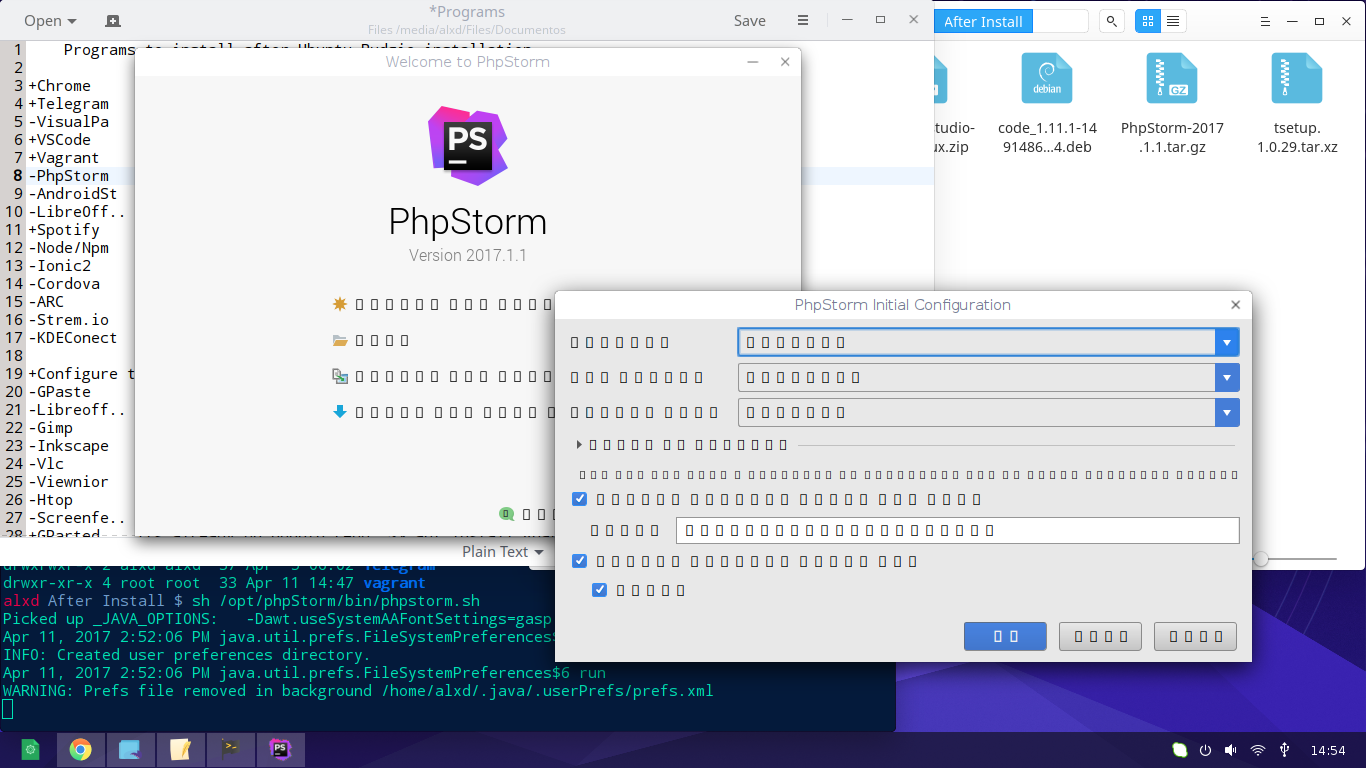
I was searching a lot on internet and I can found something useful to solve my problem. I tried to change font, but...
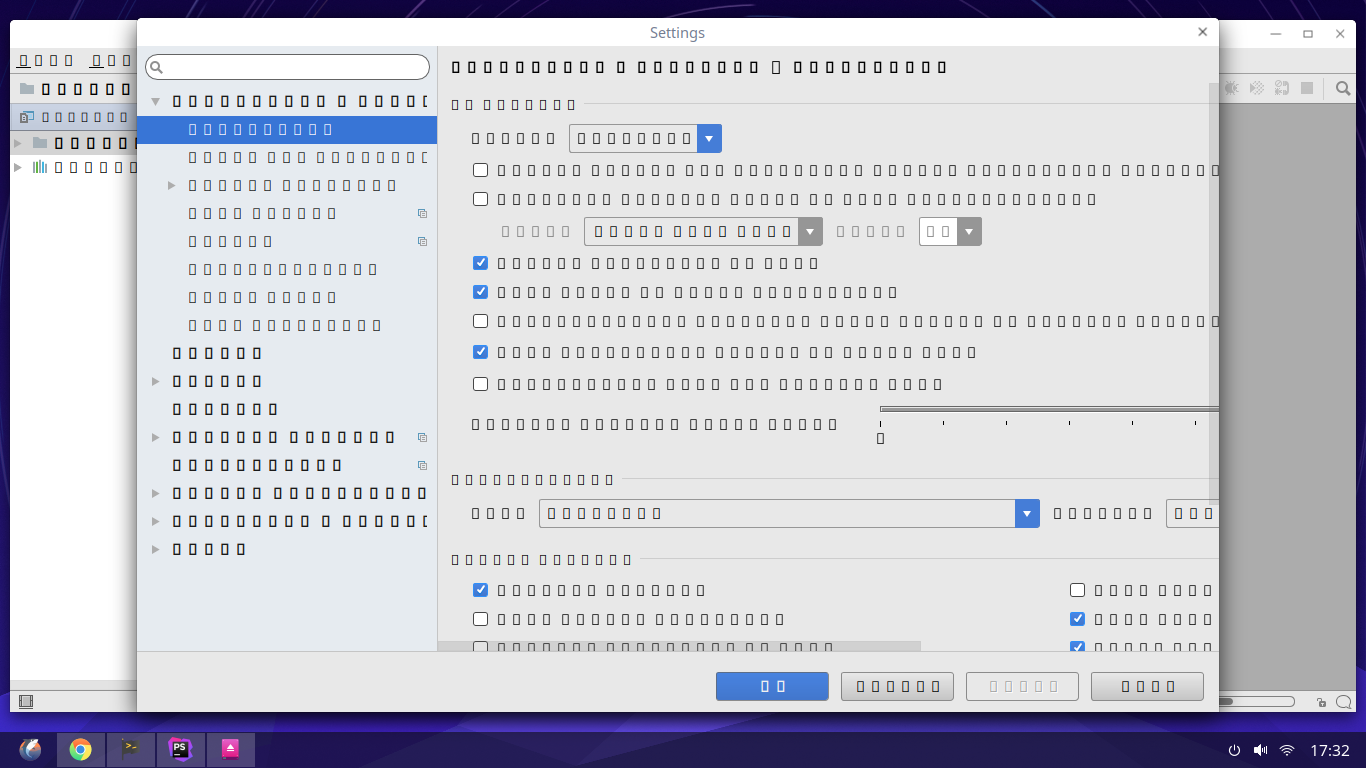
Os info:
- OS: Deepin OS 15.3
- Kernel: x86_64 Linux 4.4.0-3-deepin-amd64
- Shell: bash 4.4.0
- CPU: Intel Core i3-2330M CPU @ 2.2GHz
- GPU: Mesa DRI Intel(R) Sandybridge Mobile
Please sign in to leave a comment.
The same happens when I try to install any software of JetBrains, I tried with PhpStorm, WebStorm and AndroidStudio. The result is the same: I get square font after install.
I mark this as solved. The problem was the default font of the system. It was Dorid Sans Fallback and I changed to Noto Sans CJK TC.