Issues with Webstorm Schemes not available

I am a newbie to webstorm in Mac. I was able to change the theme to dracula on my windows but I am not able to change this on my Mac. There is no any list of schemes available. I have webstorm 2017.1 installed.
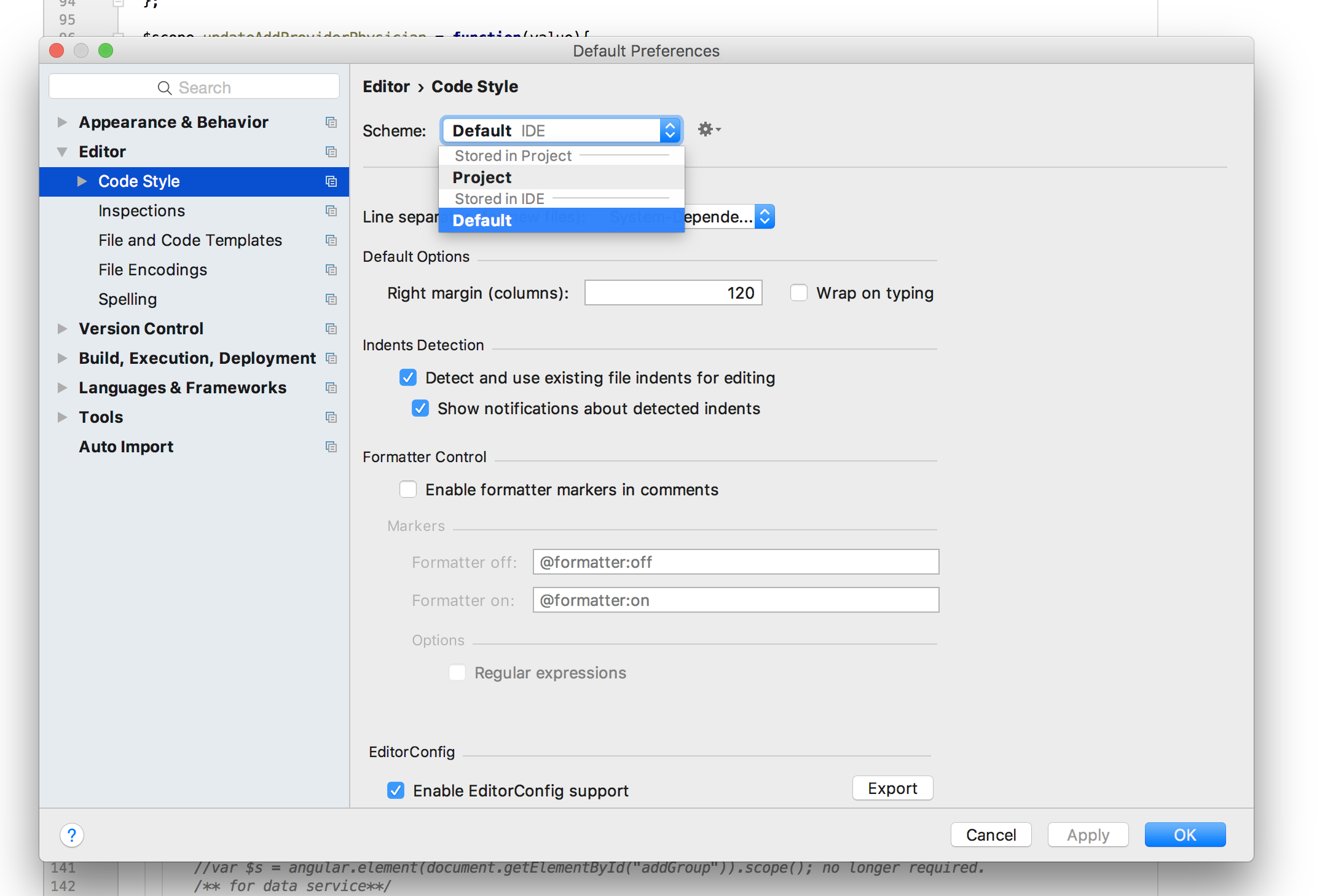
Here is my screenshot.
Please sign in to leave a comment.
editor color schemes can be chosen in Preferences | Editor | Colors & Fonts, Scheme.
And you are trying to edit Code Style scheme (Preferences | Editor | Code Style)
This is all settings that I have. As I said, I am using Webstorm 2017.1 Is the color schemes disabled in this version ? Please see the screenshot.
I got it. It was on main preferences. I was trying on File Menu.
You are editing default settings (File | Default settings). Please open your project preferences (WebStorm | Preferences) instead
Ok, that helped a lot. Thanks.