Adding "Actions" to Line Markers

Hi Everyone,
First I would like to say "thank you" in advance. Responses on this forum have always been extremely helpful.
I have a (hopefully simple) question. I am attempting to write a plugin that performs the following:
1. Detects organizational coding style defects
2. Generates line markers beside lines containing defects
3. Provides a list of "solutions" the user can choose from after clicking on the icon. The solutions then modify the code.
The problem is I cannot figure out how to add actions as options once a line marker is clicked. I can add "targets" which, when selected, will navigate to a specific psi element. However, I would to add clickable actions that execute custom logic and each have a custom icon.
I have attached screenshots of my plugin running to help explain my question
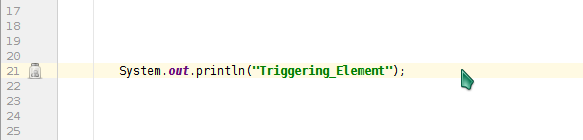
This screenshot shows my plugin displaying a line marker. It was adapted from the tutorial code
This shows what happens when that marker is clicked. The options shown are provided by result.add, like in the line marker tutorial

Actions like this are what I would like to be able to do. This line marker is generated by the IDE by default (not from my plugin code). It provides several actions the user can choose, each with a separate icon

I am familiar with the annotator class for annotating code. However, the solutions must be selectable from a line marker. I've followed the tutorial for line markers, but I am confused about how to add an action as a target.
Please sign in to leave a comment.
The renderer returned by LineMarkerInfo instances you generate should define popup menu actions (com.intellij.openapi.editor.markup.GutterIconRenderer#getPopupMenuActions). You can look at RunLineMarkerProvider, as an example (that's what shows popup in your screenshot).
Thank you so much! This is exactly the information I needed to know.