Using PyCharm to debug Django with hybrid docker environment

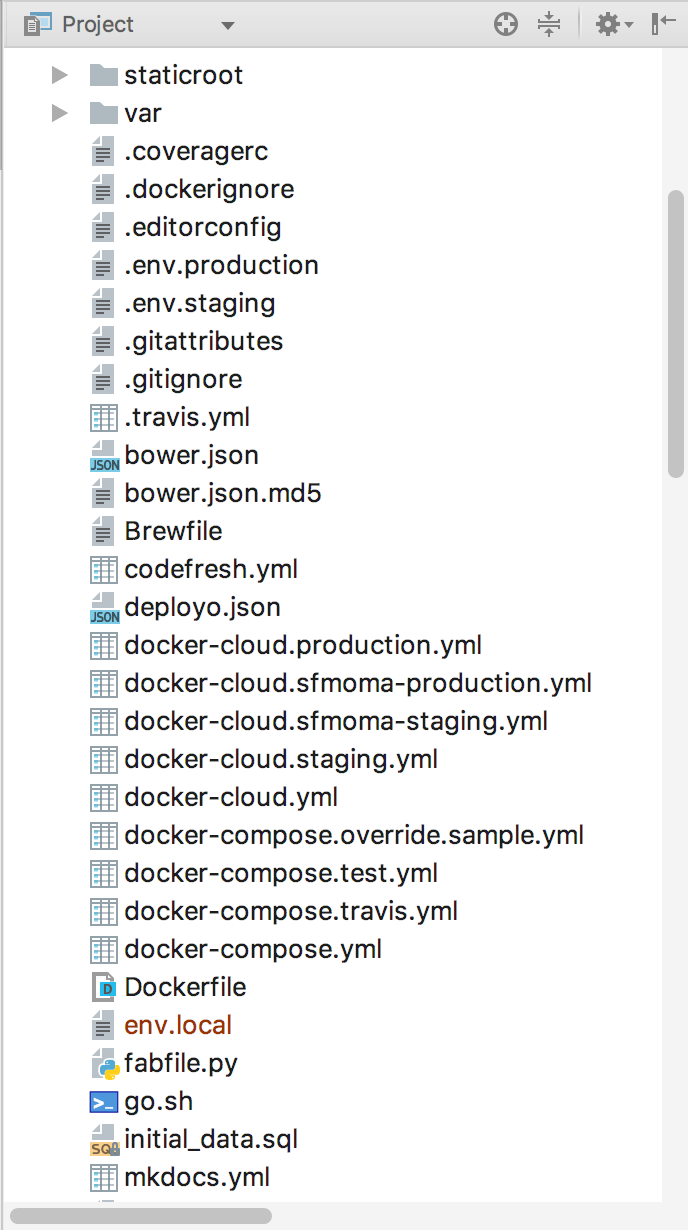
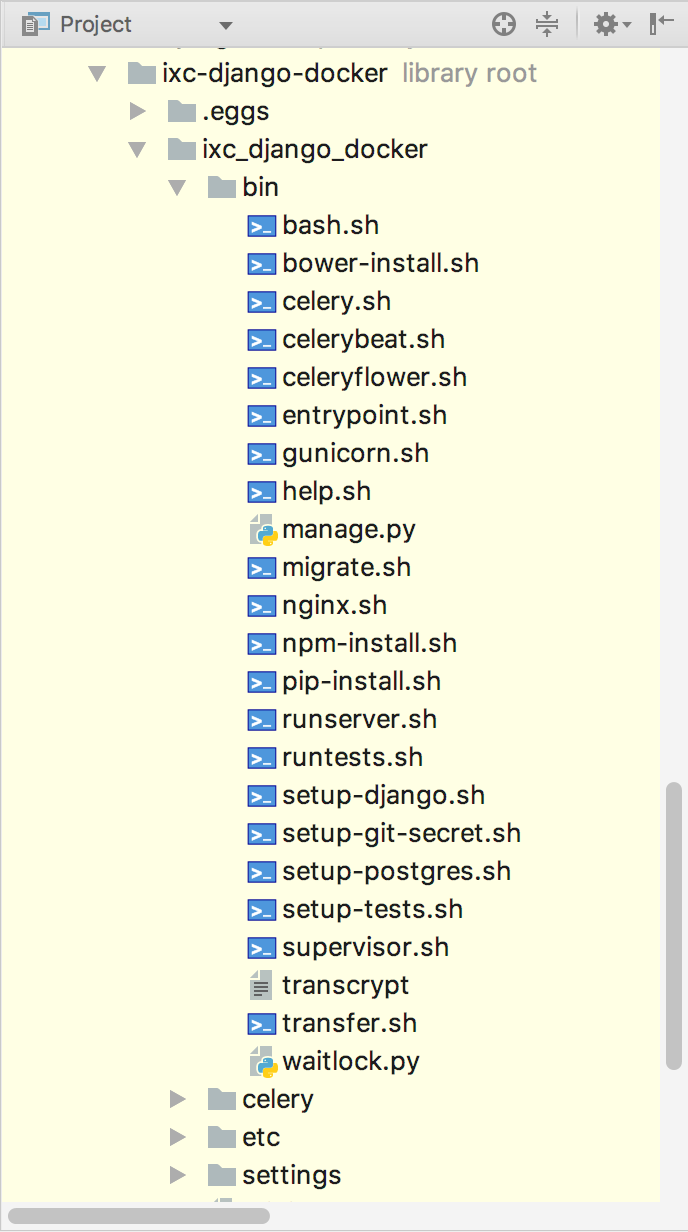
I am working on a project where the staging and production environments are managed using Docker Compose. However, local development is performed by running a special script go.sh (and which executes the entrypoint.sh found/shown in the second screen shot below) which sets up a local environment and returns a bash prompt from which one can then execute manage.py runserver.
Manage.py does not sit within the Django root project directory but rather the script directory which is an external library to the project.
See screenshots.
Basically, how do I execute the go.sh script from within Pycharm so that it sets up the environment and then execute mange.py runserver. OR is there a way for me to execute those and have Pycharm connect to the subsequent server/session so that I can debug?
Please sign in to leave a comment.
Hi Amber Diehl! You have a really complicated environment and it's rather difficult to configure PyCharm to work with it "out of the box". But for debugging you can try to use two features: Remote Debug Server and Attach to Process.
1. Remote Debug Server (https://www.jetbrains.com/help/pycharm/remote-debugging.html#6)
You can start server and and a line `pydevd.settrace(...)` to the place where you want to start your debugging.
2. Attach to Local Process (https://www.jetbrains.com/help/pycharm/attaching-to-local-process.html)
You can start your Python process outside of PyCharm and than enable debugging in it. It doesn't require to change your source code.
Both these solutions will give you opportunity to debug your program independently of the way you started your program.