Where did the skeleton progress bar go? (2017.2)
Answered

I just installed 2017.2 (upgrade from 2017.1.3) and I noticed the skeleton progress bar is missing from the bottom of the application. I know it's running because when I attempt to close the application I get the following warning.
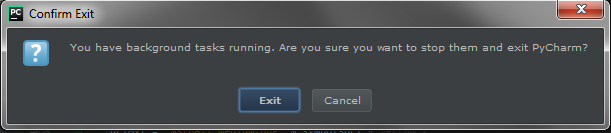
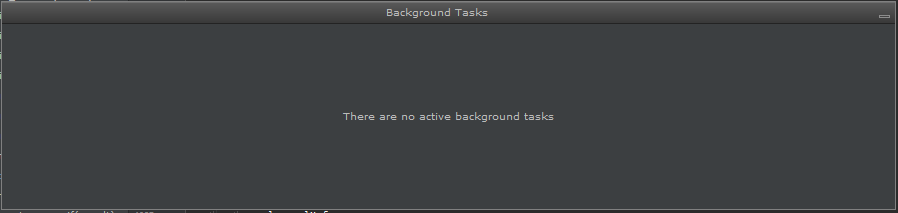
However, if I select windows > Background Tasks > show nothing appears in the background.
Please sign in to leave a comment.
Interestingly, I restarted the application and 'auto show' became available under Background Tasks. I selected it and nearly 20 seconds later the background task window popped up showing skeleton progress.
I restarted the application again and sure enough the pop-up window for background tasks appears when it's doing an indexing and skeleton. So 'auto show' is a decent work around, but it was nice having that tiny progress bar at the bottom of the application prior to this version.
Was this intentionally taken out or is this a bug?
I now believe the plugin 'Code Outline 2' was causing issues with the application.
I disabled the plugin and the progress bar appears at the bottom and clicking the 'show tool buttons' icon at the bottom left stopped hesitating.
Hi Marcel! That's seem to be a known bug in Code Outline 2: https://github.com/sitano/intellij-code-outline/issues/16