Darcula Theme: mostly blue since latest upgrade
Answered

Hi,
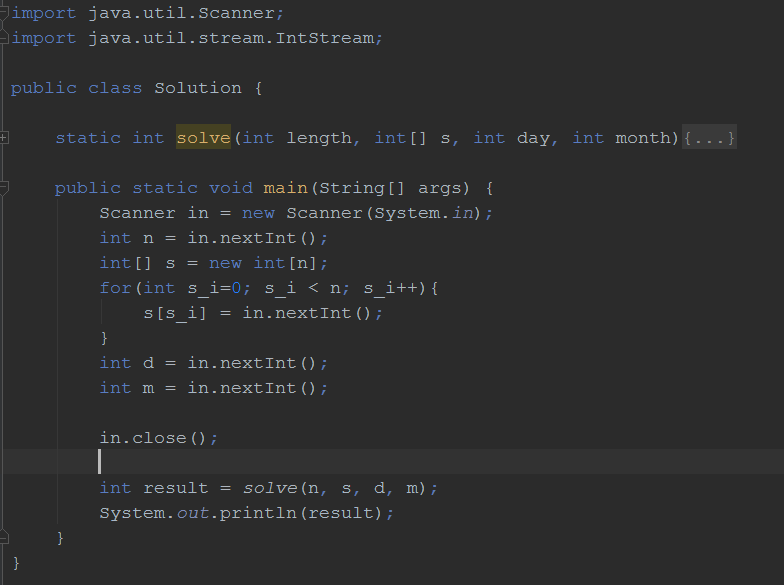
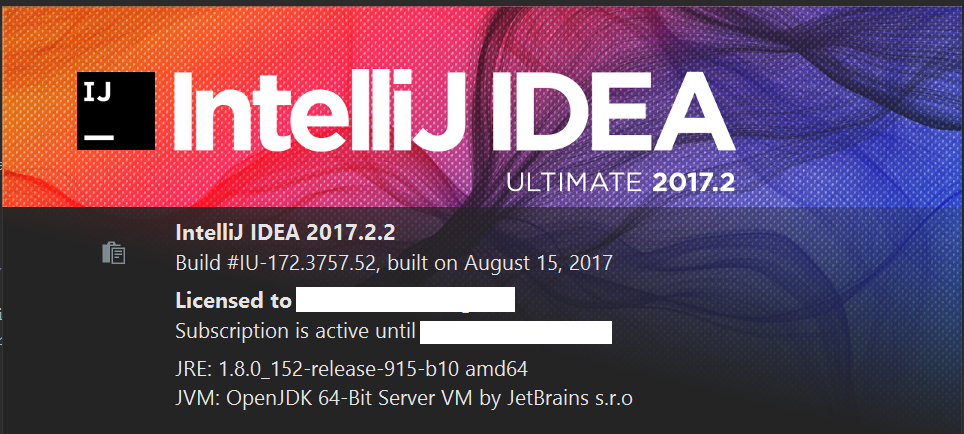
I upgraded to the latest IDEA build 2017.2.2 on Windows 10, but noticed a change in the Darcula Theme: most of the language keywords appear in blue, which was different from how it used to be previously.
How do I restore the 'original' settings?
Images attached to highlight build version and the editor view on some sample code
Please sign in to leave a comment.
You've probably enabled this option:
Thank you very much! I had forgotten I had set this option a while ago, and it hadn't taken effect until I rebooted after taking an minor upgrade :)