How can I control the editor padding?
Answered

I recently upgraded to 2017.2.3 while at the same time moving my configuration files from Ubuntu to Ubuntu Gnome on another machine. I'm not sure which event caused this problem but the text in the editor has excessive padding on the left hand side. When I minimize the tool panels it looks almost as if the editor is attempting to center the text. This happens with all file types in the editor:

This is what it looks like with tools expanded on the left and right hand sides:
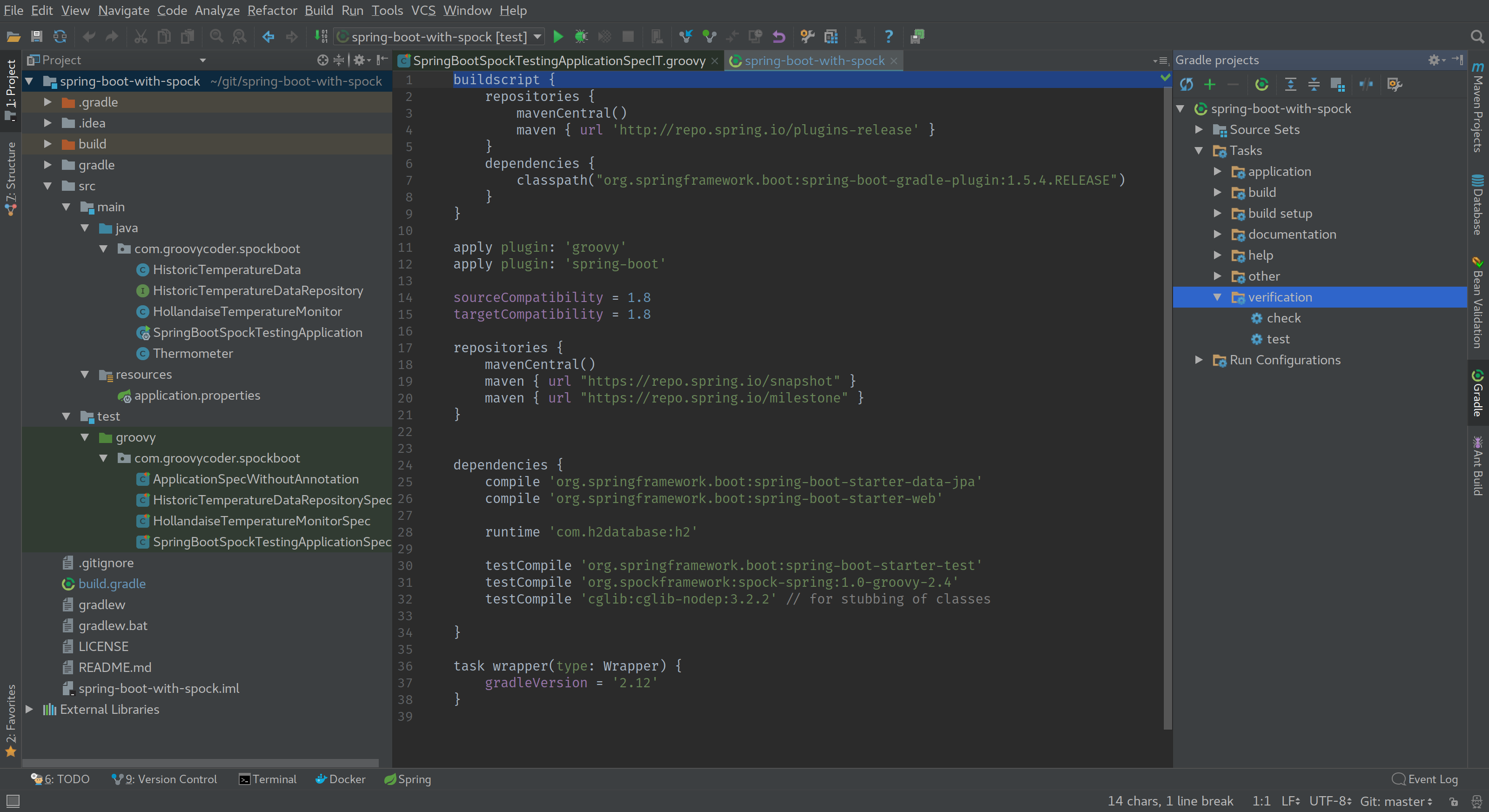
How can I get the editor to stop adding the padding?
Thanks,
Mike
Please sign in to leave a comment.
View | Exit Distraction Free mode.
Check you don't have a VM option overriding this setting in Help | Edit Custom VM Options (-Deditor.distraction.free.mode=true).
Thank you!!! Exiting Distraction Free mode restored my normal view.