Idea-Perforce Integration issues

Hello,
I see an intermittent issue with Idea's Perforce plugin.
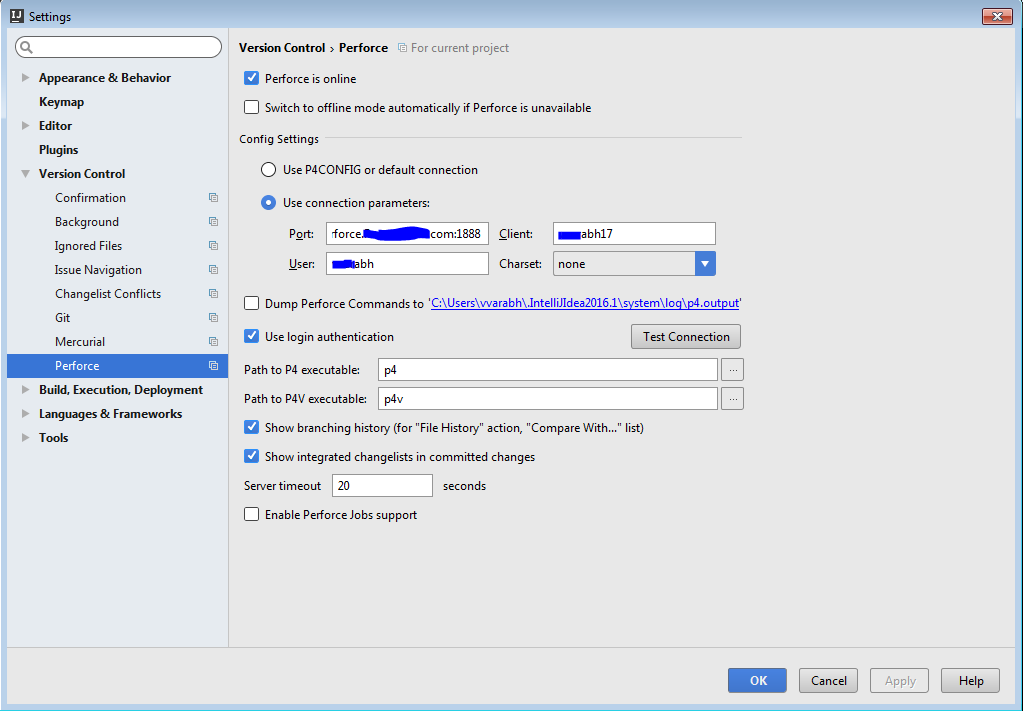
When I click the test connection button in Idea settings->Version Control->Perforce window, I see one of the following three messages appear randomly.
1. Connection successful
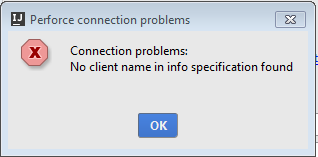
2. No client name in info specification found
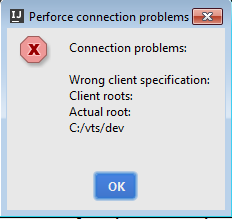
3. Connection problems:
Wrong client specification:
Client roots:
Actual root:
C:/vts/dev
Other issues I see due the above connection problems are
1. Change-lists in idea not syncing/updating properly.
2. Files in Change-list show incorrect changes. (Often shows that the file completely change instead of a specific change)
3. Some files jump to 'Modified without Checkout' when a change is made to them. I have to manually checkout the files and then they go to the active change-list (after repeated attempts).
The integration between Idea and Perforce worked perfectly until about a month ago, and there were no changes made to my connection settings during that period.
Other developers in my team are also experiencing Idea-Perforce connection issues and change-lists not updating/syncing correctly.
Please advise.
Here are a few screenshots:

Please sign in to leave a comment.
This actually looks like the server response sometimes missing some information, a similar issue reported here: https://youtrack.jetbrains.com/issue/IDEA-177297
You could enable Dump Perforce commands to p4.output and check