Can't add any package from the project interpreter
Answered

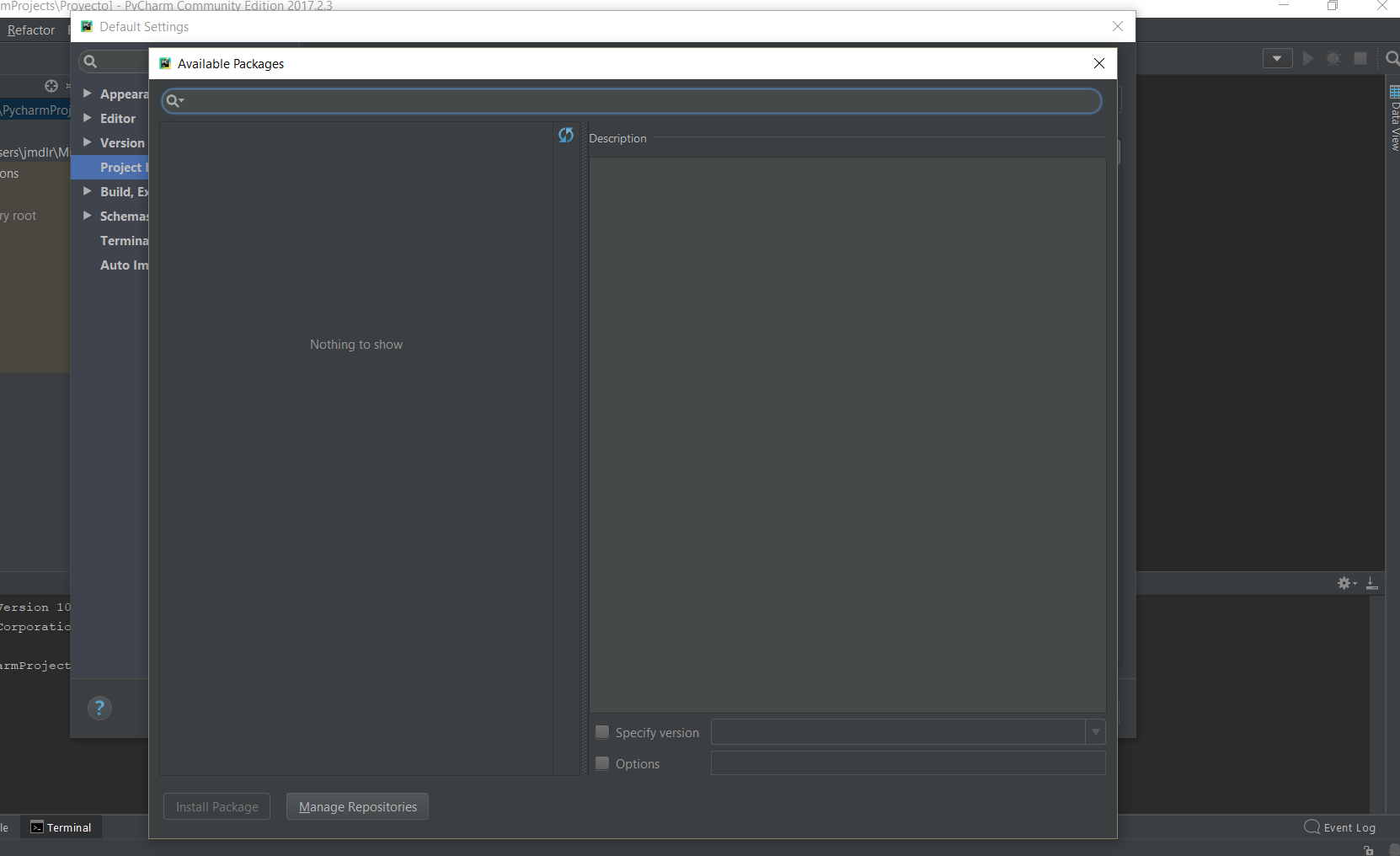
I just re-installed the current version of Pycharm Community Edition (2017.2.3) and can't see any of the available packages for install through the project interpreter. I'm running Windows 10 and Miniconda2 32-bit as my python interpreter wich is also the current version.
Is there any solution? I have another computer with a previous installation (like 2 or 3 weeks ago) and everything is Ok.
Thanks in advace
Please sign in to leave a comment.
Hi Jmdlriostello! Could you please try 2017.3 EAP build?
Hi Pavel. Really appreciate your help. It works now!
EDIT: I'll try previous version (2017.2.2) later. The EAP is kinda unstable and takes longer times to load packages and is quite troublesome with HDPI displays
EDIT2: It seems previous versions i just downloaded have the same bug. Can't get new packages from the project interpreter. It seems I'll stick to the EAP until a new version comes out