How to debug angular4/webpack/karma tests written on typescript from the IDE: breakpoints are never hit

I am using IntelliJ IDEA 2017.2.4 on Windows 10 and get AngularClass/angular-starter project.
I'm trying to debug the project karma unit tests through the IDE. I configure a Karma run/debug configuration and run the unit tests successfully through the IDE, but when I set breakpoints in a test and try to debug it, the breakpoints are never hit and the test passes without to stop on the breakpoints (It runs correctly). I set the breakpoints in the .ts file.
Should I configure something else except Karma run/debug configuration in order to debug the tests?
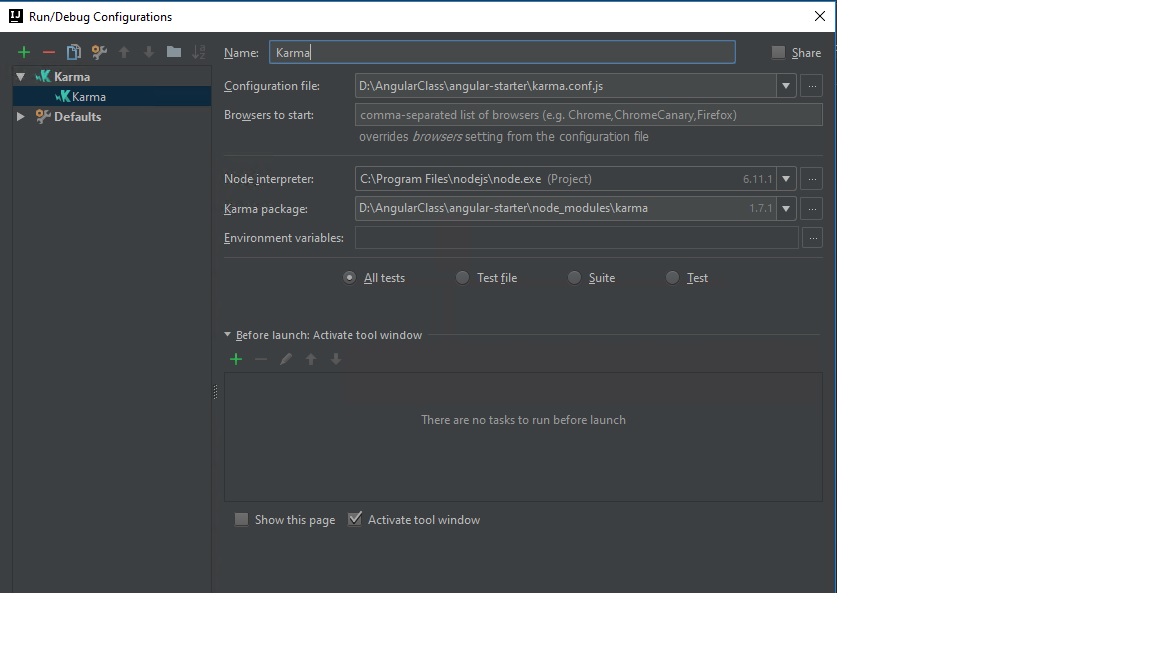
My Karma run/debug configuration
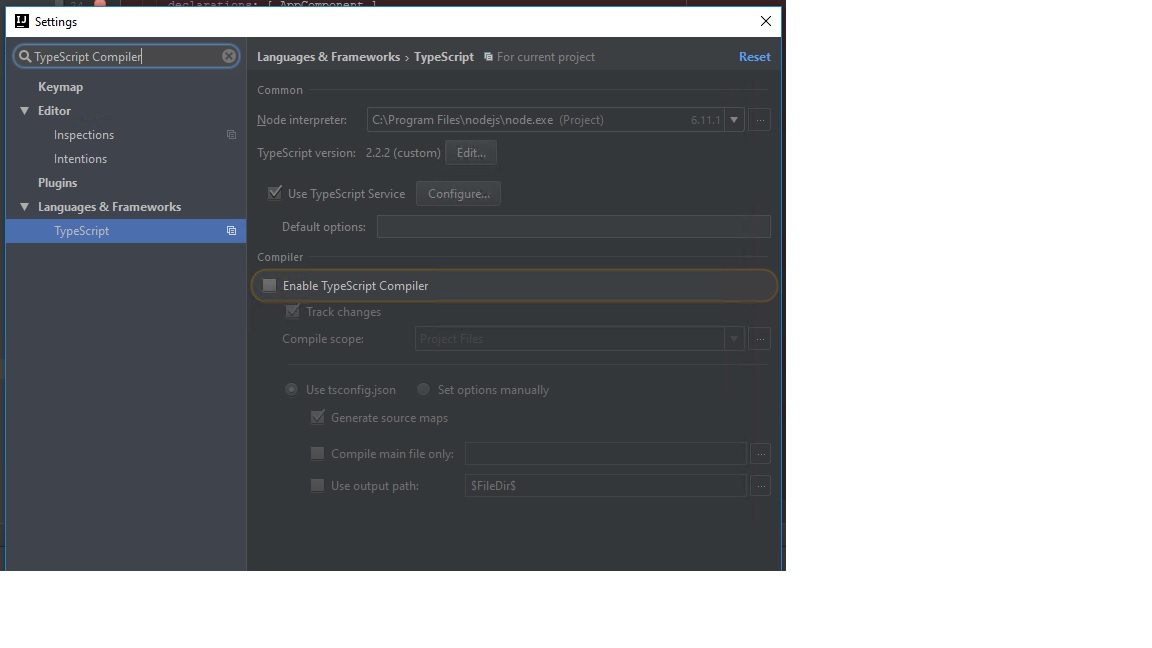
I have disabled the TypeScript Compiler in the IDE
 Thanks for any help.
Please sign in to leave a comment.
2 issues here:
- WebStorm debugger bug - https://youtrack.jetbrains.com/issue/WEB-28008: the debugger detaches immediately on starting when using your project
Normally a workaround would be creating a JavaScript Debug run configuration with
http://localhost:9876/debug.htmlURL,webpack:///./srcset as URL mapping for src folder:- But this doesn't work either because of a configuration issue: code available in runtime from sourcemap as webpack:///./src/app/app.component.spec.ts is not the original TypeScript file, but a transpiled JS code (as you can see in the Chrome Dev Tools):
That's why the lines returned by debugging protocol don't match lines in original files, and breakpoints don't work
I'd suggest logging a bug to https://github.com/AngularClass/angular-starter/issues/ - with current configuration, you won't be able to debug karma tests anywhere (VSCode, Chrome Dev Tools, etc.)
@Elena Pogorelova: Thank you for the help! I will write issue to the angular-starter project.