(Error Loading Project) Git is not added.
Answered

I chose to add [Git].


https://github.com/hyuchang/firebaseMsg
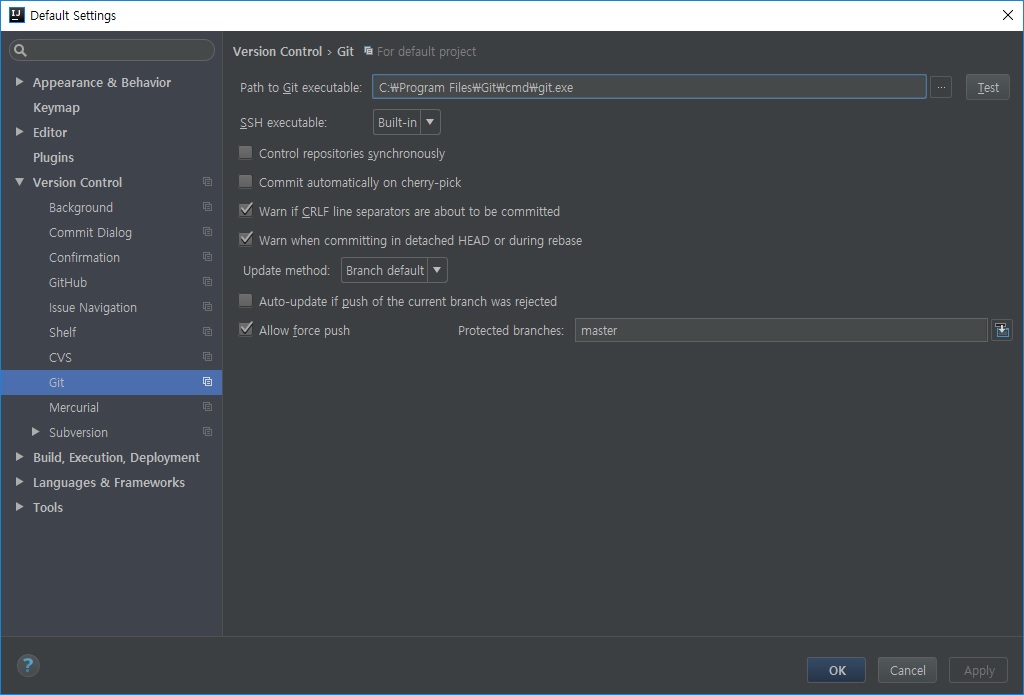
↑ When I press [Test] it says OK.
So I pressed Add.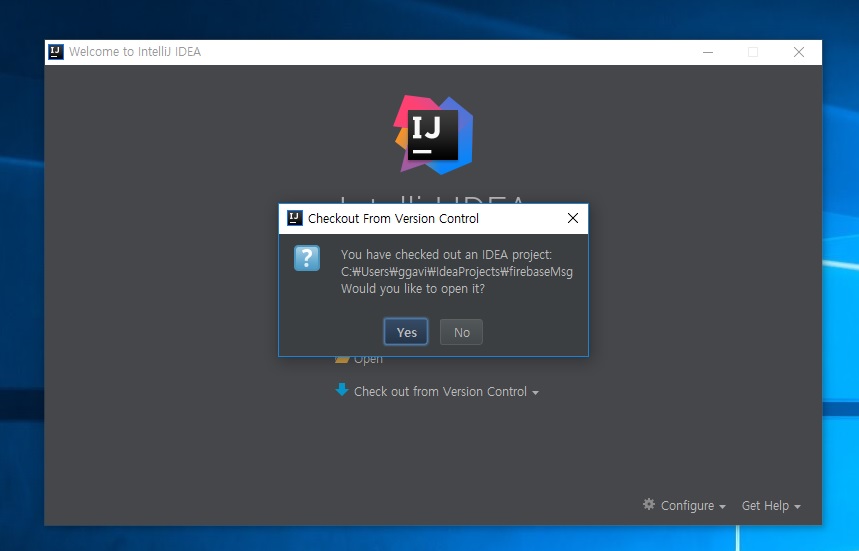
However, there is an error message in the corner and nothing happens.
I tried to click Detail.

I do not know what the problem is.
I checked the following two things.
A) SDK installation path
B) The path of [Git]
Is there any problem in this case?
I just installed Git, do I need any extra settings?
(A) SDK path

(B) Git path
Please sign in to leave a comment.
It looks like the project you've checked out is invalid or incomplete (missing .iml files).
Is it Gradle based?
In this case you can delete .idea directory and open build.gradle file so that IntelliJ IDEA reimports it.
Thank you for your reply.
- I downloaded it to the computer directly from the feather hub.
- And I put the files I downloaded on my computer directly into the folder.
- Imported the folder from IntelliJ.
Repository can contain incomplete or corrupted project files.