Help IntelliJ delete file from my disc
Answered

Hello.
I wrote the project and wanted to upload the files to github. When I wanted to do this with git I chose all the files from my C drive to upload. So I only paid for my project to send. And the rest of the files I wanted to remove, so I would not accidentally send them.During removal I realized that intellij removes them from my disk. So I interrupted, but a large part of the files removed. Only folders, but no content. I removed them by pressing minus as in the window below. Please help how can I recover these files?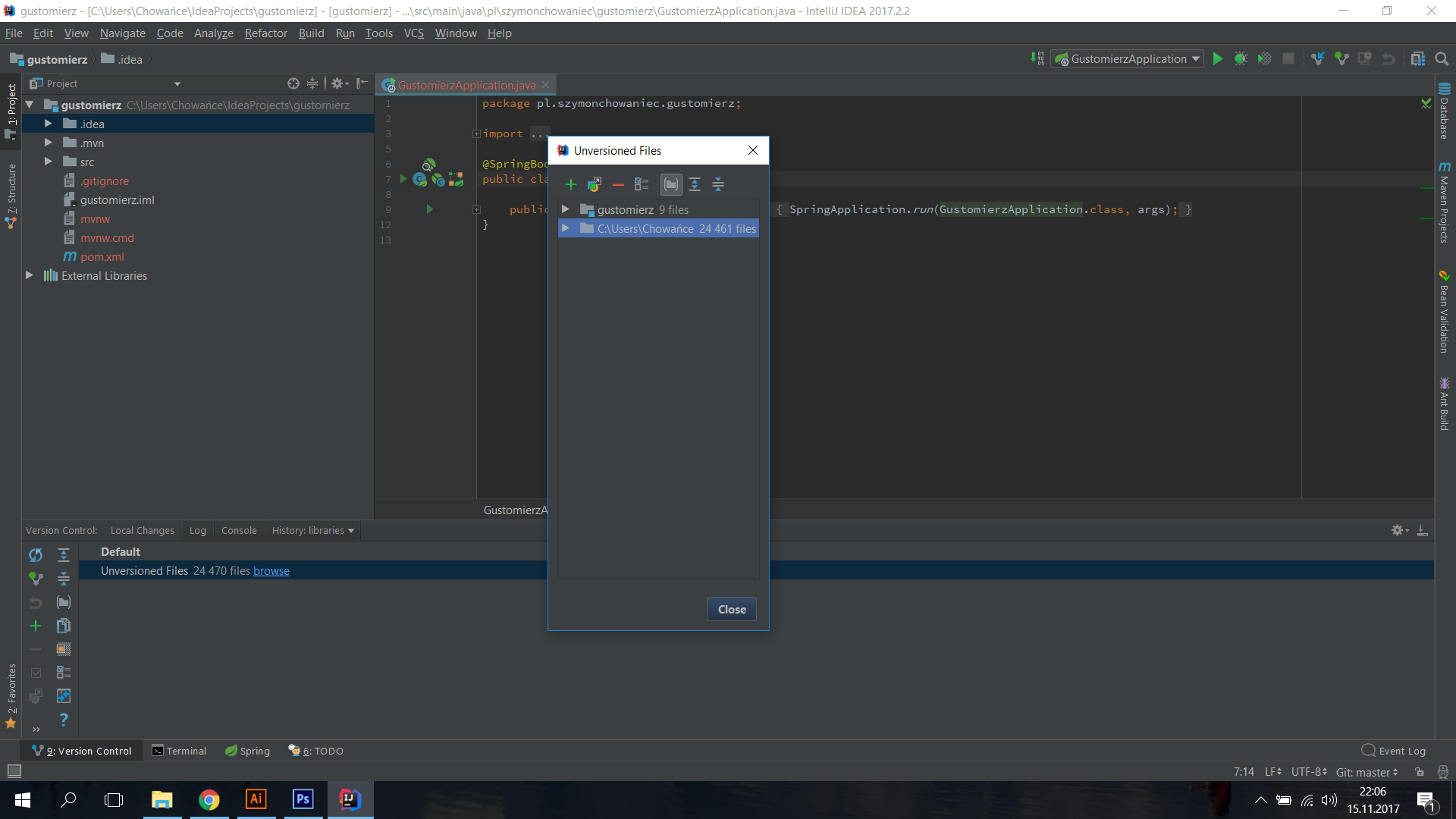
Please sign in to leave a comment.
If it can help here are the logs.
git -c core.quotepath=false -c log.showSignature=false rm --ignore-unmatch --cached -- IdeaProjects/tthymeleaf-
http://wklej.org/id/3296094/
You could recover files using Local History feature. On the project root, invoke the context menu and go to Local History - SHow history.
But the Local History is empty.
There is no commit there.
I am talking about Local History, not Git history
Local History is not related to git, and shows files modification on disk, not commits.
See https://www.jetbrains.com/help/idea/local-history.html
ok, thanks.
in show history i clicked everything resent and with view bar recent changes, and my files come back but all files have 0 kb, there is nothing in these files, what to do?
So you found a change where all files were deleted and reverting that change does not return file contents? Is diff fin the Local History view or the change shown correctly, with contents?
The contents should be there., try checking older revisions, maybe the one where files were created will help.
All that was possible I reverted, the files returned but empty. No other changes I can take back because I have already reverted everything